

10 Best Automatic Time Tracking Software Apps in 2026 (Complete Guide)
_mVFFaHUZhS.webp)
Are you still guessing where your team’s hours go every week? Automatic time tracking software is the smarter way to capture every billable minute without anyone lifting a finger.
Automatic time tracking software helps teams automatically capture work hours, improve accuracy, and boost productivity without manual effort. This guide explores the top tools in 2026, helping you compare features, integrations, and pricing to choose the right solution and work smarter.
Think about this: your team works 40 hours a week, but manual timesheets are off by 25% on average. That means you’re losing money, missing deadlines, and burning out your people all without even knowing it. According to a study by the American Psychological Association, employees who feel overworked are 2.6x more likely to quit. And yet, most companies still rely on old-school punch cards and spreadsheets.
You don’t have to run your business this way. Automatic time tracking apps silently capture every task, meeting, and app your team uses giving you a clear, honest picture of where time really goes. No more guessing. No more manual entry. No more stress.
Why Automatic Time Tracking Software Matters More Than Ever in 2026
The way we work has changed dramatically. Remote teams, hybrid offices, gig workers, and global projects all demand smarter tools. Manual time logging is no longer practical or even honest.
Here’s what the data tells us:
- 85% of remote employees struggle to track their hours accurately without an automatic tool.
- Companies lose up to $50,000 per employee per year due to inaccurate time reporting.
- Productivity improves by 22% when businesses adopt automated time tracking systems.
- 67% of managers say they cannot accurately assess project costs without real-time tracking data.
The reality is brutal: if you’re not tracking time automatically, you’re leaving money on the table and draining your team’s energy on repetitive admin work. An automatic time tracker doesn’t just save time it saves your business.
Who Needs an Automatic Time Tracker?
Before we dive into the top apps, let’s get honest about who these tools serve best. If you fall into any of these categories, an automatic time tracking app is not optional it’s essential.
- Freelancers & Consultants: You bill by the hour. Every untracked minute is lost income. An automatic time tracker captures it all.
- Agencies & Creative Teams: You juggle multiple clients and projects daily. Manual logging is chaos. Automation brings order.
- HR & Payroll Teams: Inaccurate timesheets create compliance risks and payroll errors. Automatic tracking protects your company.
- Remote & Hybrid Workforces: When your team is spread across time zones, you need a reliable, honest system everyone trusts.
- Project Managers: You need real-time visibility into how time maps to budgets and milestones – without bothering your team.
- Software & IT Teams: Developers switch between tasks fast. An automatic time tracker captures context switches without disrupting flow.
- Microsoft 365 Organizations: If your business runs on Teams, SharePoint, and Outlook – you need a time tracking tool that lives inside that ecosystem, not outside it.
10 Best Automatic Time Tracking Software Apps in 2026
⭐ EDITOR’S CHOICE 2026 — Best for Microsoft 365 Teams
1. Timesheet 365 — Best for Microsoft 365 Teams & Enterprise Organizations
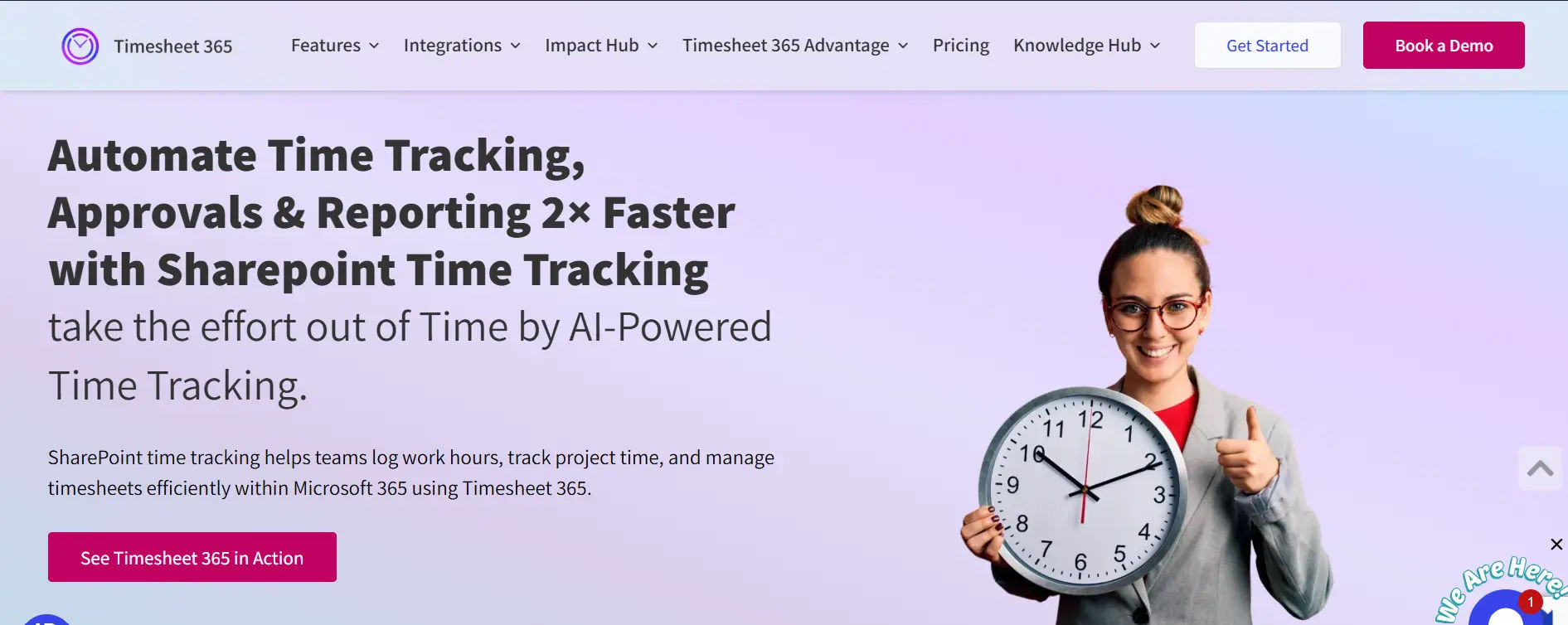
If your organization already runs on Microsoft 365, Timesheet 365 is the clear #1 choice for automatic time tracking in 2026. Unlike standalone trackers that require your team to switch apps and juggle separate logins, it lives natively inside the tools your people already use every day Microsoft Teams, SharePoint, and Outlook. There is no new platform to learn, no parallel ecosystem to manage, and no data flowing outside your secure Microsoft environment.
What makes Timesheet 365 stand out is how deeply it integrates with the Microsoft stack. Time entries logged inside Teams automatically sync with SharePoint. Outlook calendar events can be converted into time logs directly from your inbox. Power BI dashboards pull live timesheet data for executive-level reporting.
Power Automate drives approval reminders, escalation flows, and notifications all hands-free. This is not a surface-level integration; it’s a genuinely connected workflow that removes the friction from time tracking entirely.
Key Features of Timesheet 365
- Deep Microsoft 365 Integration: Works natively inside Teams (personal tab or Teams tab), SharePoint (full page or web part), and Outlook. Zero app-switching required.
- SharePoint-Native Data Storage: All timesheet data stays securely inside your own Microsoft 365 tenant – protected by SharePoint permissions, role-based access controls, and multi-factor authentication.
- Microsoft Teams Time Tracking: Employees log hours directly inside Teams. Managers receive approval notifications in Teams without leaving the app.
- Power BI Reporting: Build custom dashboards showing billable hours, project performance, and team productivity. No separate reporting tool required.
- Outlook Time Tracking: Turn Outlook calendar events and emails into time entries without leaving your inbox.
- Multi-Level Approval Workflows: Managers can approve, reject, or request changes on timesheets. Once approved, entries are locked to protect data integrity and create a clean audit trail.
- Real-Time Reporting & Analytics: Get instant visibility into who is working on what, project budget consumption, team utilization, and compliance-ready audit logs.
- Mobile-Friendly Interface: Employees log and approve hours from any device – desktop, tablet, or mobile – whether in the office or working remotely.
- 14-Day Free Trial: No credit card required. Full features available from day one. Most teams go live within a single business day.
Let AI track time while you focus on work
2. Toggl Track — Best for Freelancers & Small Teams
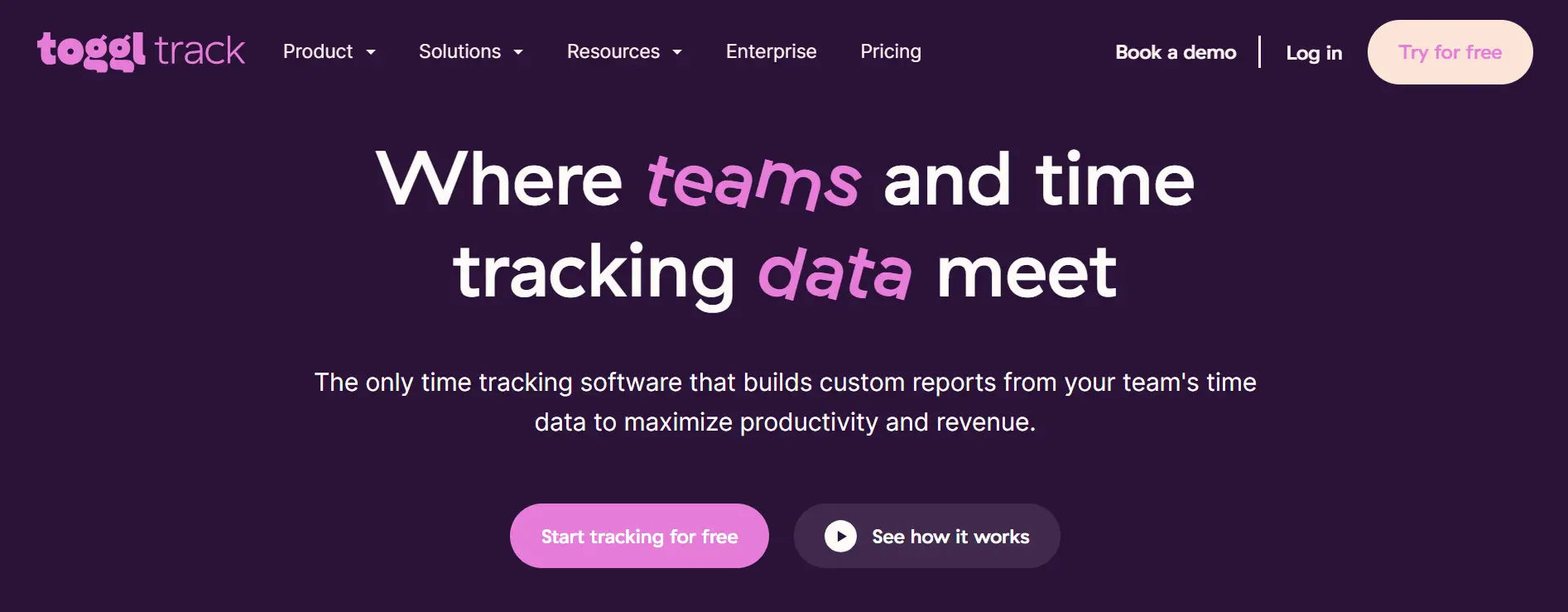
Toggl Track remains one of the most popular automatic time tracking apps in 2026. It’s clean, fast, and works beautifully across all devices. The app auto-detects websites, apps, and documents you work on and logs them silently in the background.
Key Features
- One-click time tracking with idle detection
- Automatic time tracking via browser extension
- Detailed reports and billable hours management
- 100+ integrations including Asana, Jira, and Slack
- Works on Mac, Windows, iOS, and Android
Best For: Freelancers, solopreneurs, and small agencies.
Pricing: Free plan available. Paid plans from $9/user/month.
3. Clockify — Best Free Automatic Time Tracker
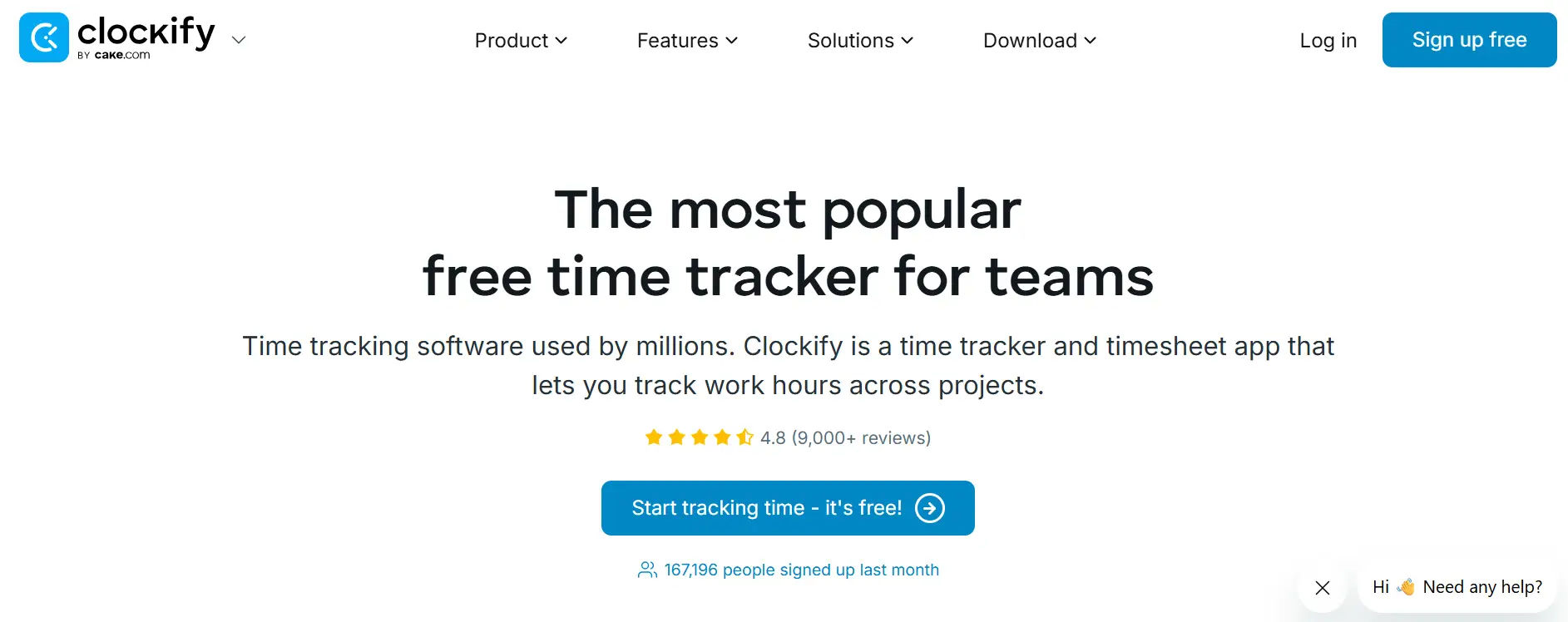
Clockify is the go-to option for teams that want powerful automatic time tracking without the cost. It offers an incredibly generous free plan and scales well for larger organizations.
Key Features
- Fully automatic time tracking with app and website monitoring
- Real-time dashboard showing who works on what
- Kiosk mode for on-site workers
- GPS tracking for field teams
- Available on Mac, Windows, Linux, iOS, and Android
Best For: Startups, nonprofits, and budget-conscious teams.
Pricing: Free forever. Paid plans from $3.99/user/month.
4. Harvest — Best for Invoicing + Time Tracking
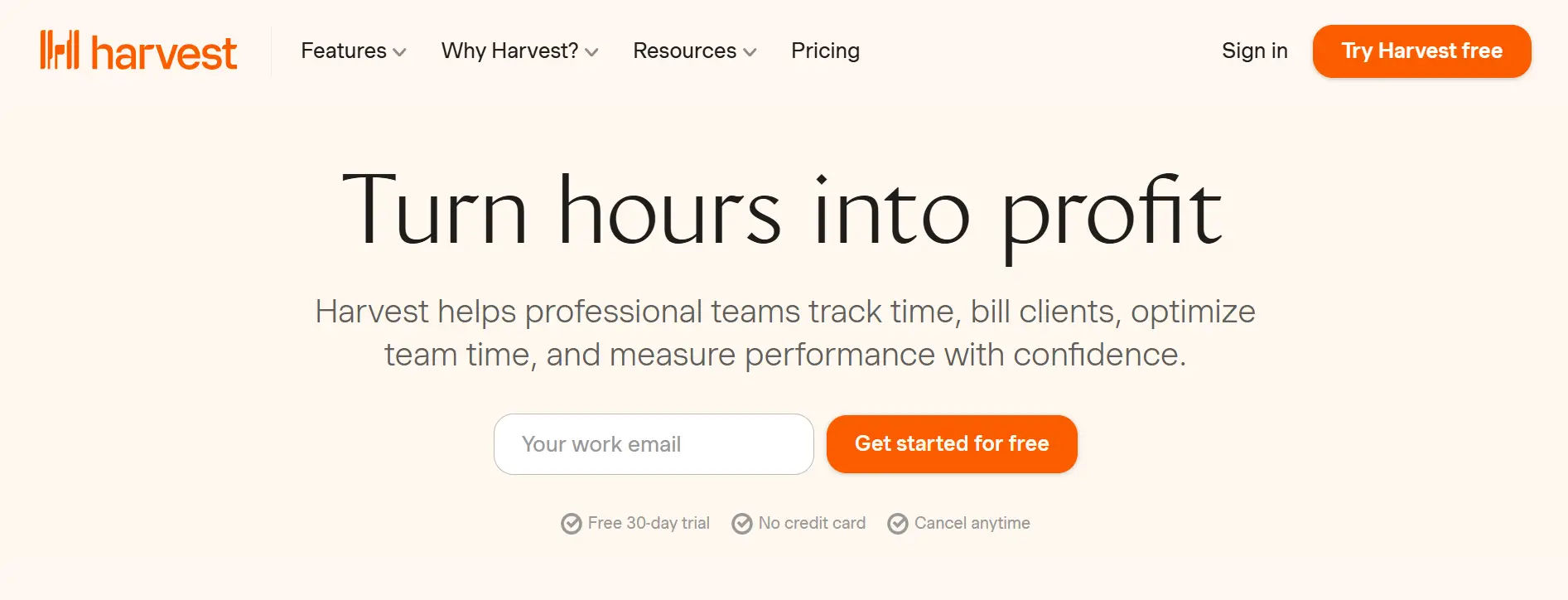
Harvest combines automatic time tracking with built-in invoicing – making it a dream tool for agencies and consultants who want one platform to handle time and billing.
Key Features
- Automatic timer based on calendar events and tasks
- One-click invoice generation from tracked hours
- Budget alerts when projects exceed planned hours
- Integrations with QuickBooks, Stripe, and Asana
- Available on Mac, Windows, iOS, and Android
Best For: Agencies, consultants, and service-based businesses.
Pricing: Free for 1 user. Paid plans from $12/user/month.
5. RescueTime — Best for Personal Productivity
RescueTime is a uniquely powerful automatic time tracker that works silently in the background and delivers weekly productivity scores. It’s ideal for individuals who want to understand and improve how they actually spend their day.
Key Features
- Fully automatic, zero-entry time tracking
- Productivity scoring by category (focus vs. distraction)
- Focus sessions with website blocking
- Smart reports showing productivity trends over time
- Works on Mac, Windows, Android, and ChromeOS
Best For: Knowledge workers, executives, and individuals focused on deep work.
Pricing: Free basic plan. Premium from $12/month.
6. Timely — Best AI-Powered Automatic Time Tracker
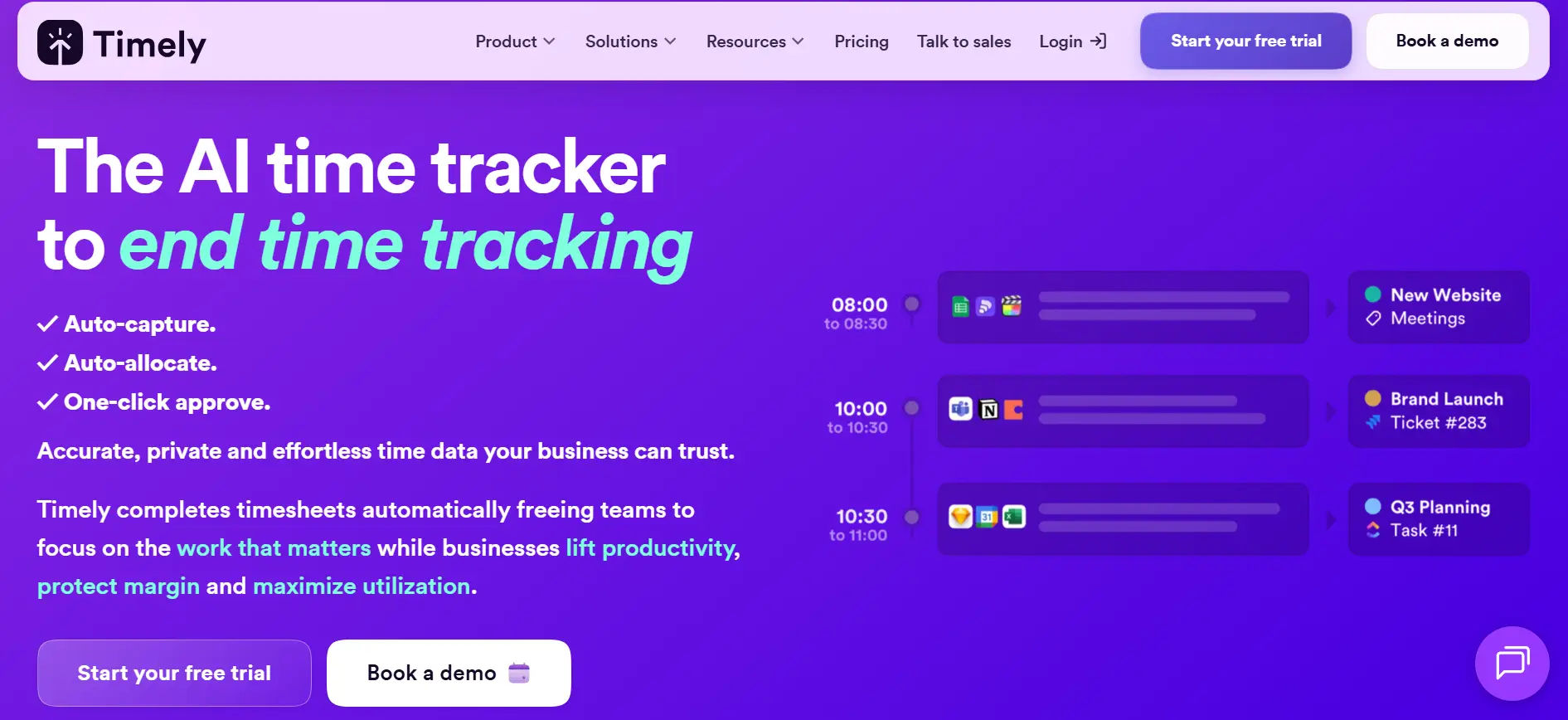
Timely uses artificial intelligence to record everything you do emails, documents, meetings, and web activity and then drafts a timesheet for you to review and approve. It’s the closest thing to a fully hands-off automatic time tracking app on the market.
Key Features
- AI that automatically logs every activity
- Drag-and-drop timesheet confirmation (no typing needed)
- Project budget tracking and forecasting
- Team capacity planning dashboards
- Deep integrations with Notion, GitHub, Salesforce, and more
Best For: Creative agencies, tech companies, and teams that value privacy.
Pricing: From $11/user/month.
7. Hubstaff — Best for Remote Team Monitoring
Hubstaff is a robust automatic time tracking app built specifically for remote and distributed teams. It combines time tracking with GPS location, screenshots, and activity monitoring giving managers full visibility without micromanaging.
Key Features
- Automatic time tracking with activity levels
- Optional screenshots for work verification
- GPS tracking for mobile and field workers
- Payroll integration and automated payments
- Works on Mac, Windows, Linux, iOS, and Android
Best For: Remote companies, field service teams, and construction businesses.
Pricing: From $7/user/month.
8. DeskTime — Best for Employee Productivity Analysis
DeskTime is a powerful automatic time tracker that goes beyond logging hours. It analyzes how productive each hour is by categorizing apps and websites as productive, neutral, or unproductive automatically.
Key Features
- Automatic time tracking with productivity categorization
- ‘Private time’ mode for personal privacy during breaks
- Project tracking with cost calculation
- Absence and leave management built in
- Works on Mac, Windows, Linux, iOS, and Android
Best For: Mid-size companies tracking employee productivity and project costs.
Pricing: Free for 1 user. Paid from $7/user/month.
9. Time Doctor — Best for Large Remote Teams
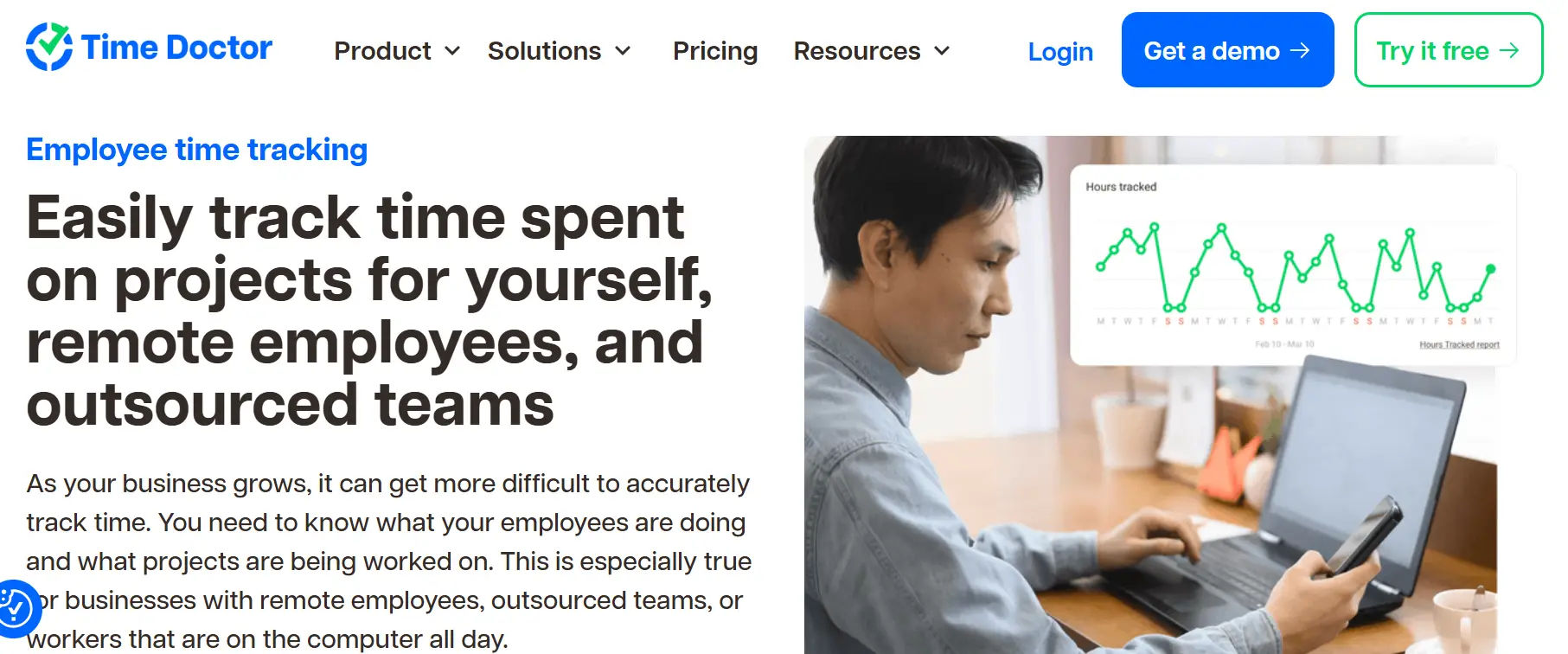
Time Doctor is an enterprise-grade automatic time tracking software trusted by global companies like Keller Williams, Verizon, and Ericsson. It combines deep analytics, payroll tools, and distraction alerts in one platform.
Key Features
- Automatic time tracking with distraction alerts
- Website and application monitoring with reports
- Payroll management with currency support
- White-label reporting for agencies
- Works on Mac, Windows, Linux, iOS, and Android
Best For: Enterprises and large remote teams with complex payroll needs.
Pricing: From $7/user/month.
10. Everhour — Best for Project & Time Tracking Integration
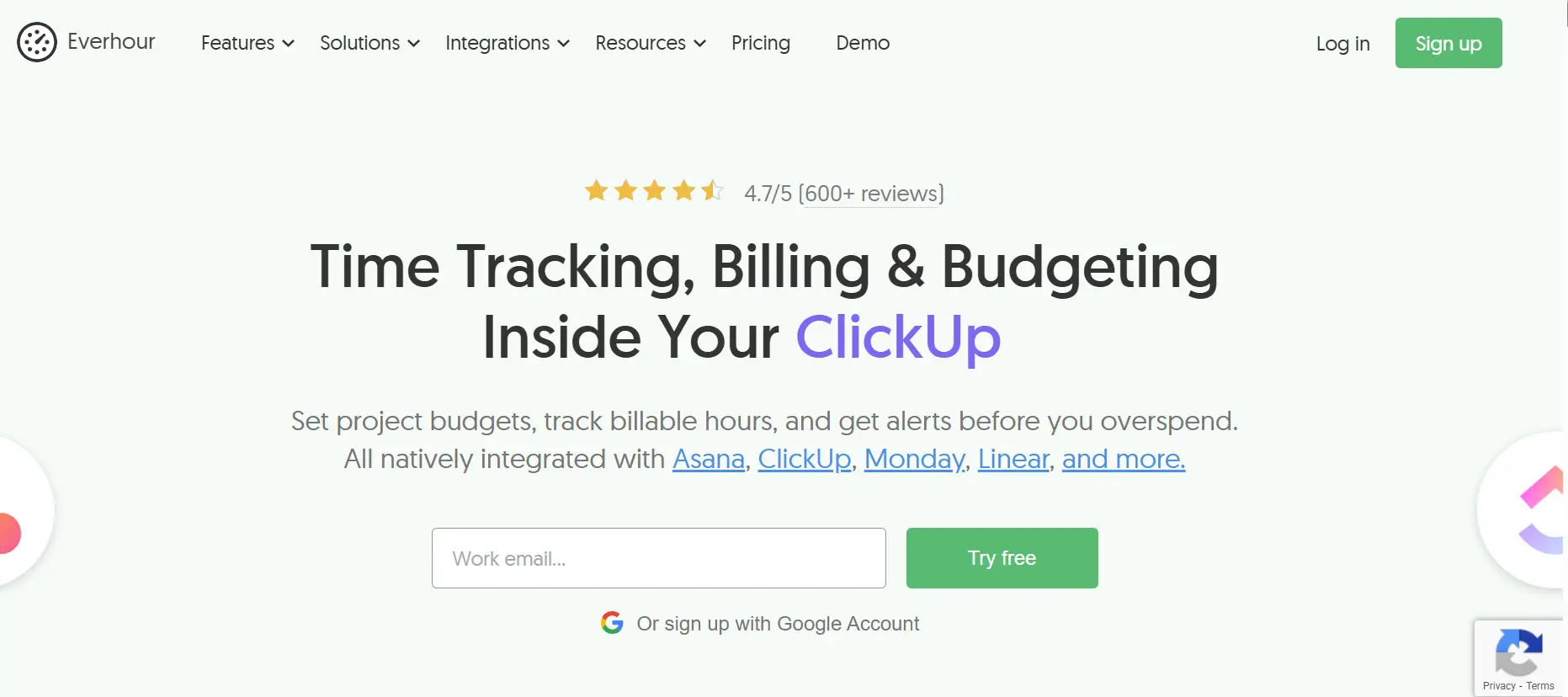
Everhour plugs directly into tools like Asana, Trello, GitHub, and Basecamp, adding automatic time tracking features right inside your existing project management workflow. No tab switching needed.
Key Features
- Native time tracking inside Asana, Trello, Jira, and ClickUp
- Budget and estimate tracking per task
- Team scheduling and workload management
- Client invoicing directly from tracked time
- Chrome extension for seamless use
Best For: Teams already using project management tools who want seamless integration.
Pricing: From $8.50/user/month.
Quick Comparison: Best Automatic Time Tracking Apps at a Glance
| Tool | Best For | Starting Price | M365 Native | Free Trial |
| Timesheet 365 | Microsoft 365 Teams & Enterprise | Custom plans | ✅ Yes | 14 days |
| Toggl Track | Freelancers & small teams | $9/user/mo | ❌ No | 30 days |
| Clockify | Budget-conscious teams | Free/$3.99 | ❌ No | Free plan |
| Harvest | Agencies & invoicing | $12/user/mo | ❌ No | Free tier |
| RescueTime | Personal productivity | $12/mo | ❌ No | 14 days |
| Timely | AI-powered tracking | $11/user/mo | ❌ No | 14 days |
| Hubstaff | Remote team monitoring | $7/user/mo | ❌ No | 14 days |
| DeskTime | Productivity analytics | $7/user/mo | ❌ No | 14 days |
| Time Doctor | Large remote teams | $7/user/mo | ❌ No | 14 days |
| Everhour | PM tool integration | $8.50/user/mo | ❌ No | 14 days |
How to Choose the Right Automatic Time Tracking App for Your Team
With so many great options, choosing can feel overwhelming. Here’s a simple framework to make the right call:
Step 1: Define Your Primary Goal
- Running on Microsoft 365 (Teams, SharePoint, Outlook)? → Start with Timesheet 365 — it’s built for your stack
- Just billing clients → Go with Harvest or Toggl Track
- Monitor remote productivity → Choose Hubstaff or Time Doctor
- Understand personal habits → Pick RescueTime
- Automate with AI → Choose Timely
Step 2: Check Where Your Data Lives
This is the question most buying guides skip entirely. If your organization has data residency requirements, compliance mandates (DCAA, SOX, HIPAA), or Microsoft-first IT policies, you need a tool that keeps data inside your own Microsoft 365 tenant. Timesheet 365 is the only tool on this list that stores all timesheet data within your own SharePoint environment never on external servers.
Step 3: Consider Team Size & Microsoft Adoption
Solo freelancers can get by time tracking in Toggl Track’s free plan. Small teams without a Microsoft dependency work well with Clockify. Organizations standardized on Teams, SharePoint, and Outlook should choose Timesheet 365, which deploys in hours and lives inside the workspace your team already uses every day.
Step 4: Look at Integration Depth
If your team lives in Microsoft Teams all day, choose Timesheet 365 for its native Teams tab and SharePoint integration. If your team uses Asana or Trello exclusively, Everhour’s native plug-in experience is a strong option. For Slack and Google Workspace teams, most tools in this list offer basic connections.
Step 5: Evaluate Privacy & Security Policies
Your team’s trust matters and so does your IT team’s peace of mind. Tools like Timesheet 365 store data inside your own Microsoft Azure tenant with SharePoint’s enterprise-grade permissions, multi-factor authentication, and compliance controls. Third-party tools like Hubstaff and DeskTime involve optional screenshot monitoring make sure your team is informed and comfortable before enabling those features.
Key Benefits of Using Automatic Time Tracking Software
Still not convinced? Here’s what real businesses experience when they switch to an automatic time tracking system:
- No More Manual Entry: Employees hate filling out timesheets. Automation removes that friction entirely.
- Accurate Billing: Stop undercharging clients. Every minute is captured and attributed correctly.
- Better Project Planning: Real data helps you plan future projects with confidence.
- Compliance Made Easy: Automatic logs serve as legal documentation for labor compliance and audits.
- Reduced Burnout: Employees who see their work patterns can set better boundaries and avoid overwork.
- Honest Conversations: Managers and teams can discuss workload using real data not gut feelings.
- Data Stays Secure (with Timesheet 365): All timesheet entries remain inside your Microsoft 365 tenant no third-party servers, no additional data sharing agreements needed.
- ROI from Day One: Most teams recover the cost of their automatic time tracking app in the first 30 days of use.
Common Mistakes People Make When Choosing a Time Tracker
- Choosing by price alone: The cheapest option isn’t always the best long-term decision. Tools that lack essential features, automation, or integrations can create extra manual work, reduce efficiency, and lead to higher hidden costs over time.
- Ignoring where your data lives: For regulated industries and enterprise IT teams, third-party data storage can introduce compliance, security, and governance risks, while also increasing procurement complexity and approval timelines.
- Overlooking Microsoft 365 fit: If your organization relies on Teams, Outlook, and SharePoint, choosing a non-native tool can result in constant app-switching, fragmented workflows, lower adoption, and dependency on external systems.
- Ignoring employee privacy: Overly intrusive monitoring or surveillance tools can damage trust, lower morale, and negatively impact company culture. It’s important to balance visibility with transparency, ethics, and respect for employee boundaries.
- Skipping onboarding: Even user-friendly or automated time tracking tools require proper onboarding, training sessions, and clear usage guidelines to ensure consistent adoption and accurate data across teams.
- Not reviewing reports: Time tracking data only delivers value when it is consistently reviewed, analyzed, and used to drive smarter decisions around productivity, resource allocation, and project planning.
- One-size-fits-all thinking: Different roles and departments have different tracking needs developers, consultants, and sales teams all work differently. Choose a flexible, customizable tool that adapts to diverse workflows and business requirements.
Conclusion
software helps you boost productivity, improve billing accuracy, and gain real insights. If you’re using Microsoft 365, Timesheet 365 stands out with seamless integration and quick setup. The real decision isn’t choosing a tool it’s choosing to stop losing time and start working smarter.
Join Our Creative Community
Frequently Asked Questions
What is automatic time tracking software?
It automatically records work across apps and meetings in the background. Timesheet 365 generates accurate timesheets with review before submission.
What makes Timesheet 365 different?
It’s built natively inside Microsoft 365, working in Teams, SharePoint, and Outlook. All data stays secure within your Azure environment.
What is the best automatic time tracker for Windows?
Timesheet 365 is ideal for Windows users in Microsoft 365. It runs inside Teams and SharePoint – no extra app needed.
What is the best automatic time tracker for Mac?
Timesheet 365 works seamlessly on Mac via Teams and Outlook. It delivers the same experience without separate installations.
Does Timesheet 365 need a payroll system?
No, it focuses on time tracking and reporting. You can export or connect data to any payroll or billing tool.


_JiluXJRGNl.svg)























