
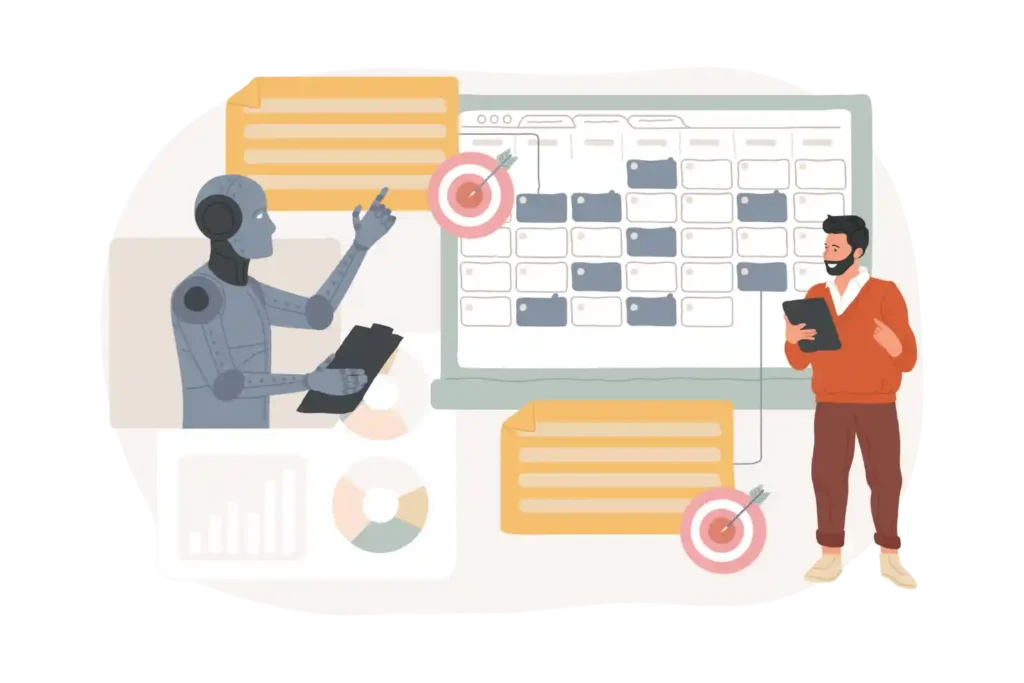
AI SharePoint Task Management: Simplify Tasks and Maximize Success

The essential requirement for completing work in both business and government operations demands effective task management according to established time frames. The teams need to manage various projects which require them to monitor project schedules while they work together with different departments through their use of separate systems that hinder their work efficiency.
The AI SharePoint Task Management system provides organizations with a dual benefit because it streamlines task operations while it enables teams to achieve their work tasks through improved performance and efficiency.
AI SharePoint Task Management is an all-in-one solution that helps teams work smarter and faster. By combining AI insights, SharePoint and Task Management 365, teams can automate tasks, track progress in real time, stay aligned across projects whether in-office or remote.
Boost productivity, reduce errors, make better decisions with real-time dashboards and predictive analytics. Book a demo today to see how AI SharePoint Task Management can transform your workflows and empower your team.
This blog shows how SharePoint task management, Microsoft task management, AI task management and Task Management 365 work together to improve productivity and streamline team work while delivering measurable outcomes.
Why Good Task Management Matters Today
- The most critical factor which determines team productivity is their ability to manage tasks efficiently. McKinsey reports that companies establish structured systems for task management achieve 25% better team productivity. Many organizations yet continue to use spreadsheets and email threads combined with tools which create confusion for their decision-making process.
- The challenge requires organizations to maintain task oversight while ensuring correct task distribution, deadline achievement and team members can see their work progress. Employees spend wasteful time on SharePoint task management because they need to find updates, track their work and resolve different pieces of information.
- Poor task management slows productivity, lowers employee satisfaction, and hurts customer service. Gartner reports that 40% of employees point to weak task management systems as a main reason deadline are missed. AI technology in Microsoft task management systems enables organizations to automate their repetitive tasks while they focus on essential work and maintain complete task oversight.
What is AI SharePoint Task Management?
AI SharePoint Task Management is the combination of artificial intelligence with Microsoft SharePoint’s collaboration platform to manage tasks, workflows and projects seamlessly. It enables teams to:
- It handles all standard duties, including managing assignments, sending reminders and generating progress reports.
- Users can monitor progress through real-time dashboards and visual analytics tools.
- Organizations can use AI and predictive analytics to identify and prioritize the most important tasks.
- The application integrates easily with Microsoft 365 apps, including Teams, Outlook and Power BI.
Benefits of AI SharePoint Task Management
1.Simplifies Complex Workflows: The traditional task management tools create more confusion. The SharePoint 365 AI system handles task assignments, approvals and notifications, which enables teams to concentrate on achieving their goals.
- Example: The system assigns tasks to team members who match the requirements according to their current task activities and their abilities.
- The process improves performance because it decreases operational delays, it decreases mistakes and enhances the speed which projects reach their finish points.
2.Enhances Team Collaboration: The AI SharePoint task management system enables teams to share updates while monitoring project progress and document exchange through a single platform. The system maintains project coordination through its connection with Microsoft task management and Teams.
- Example: The system creates better accountability through enhanced alignment which results in a decrease in missed deadlines.
- Organizations that implement effective collaboration tools achieve 20-25% better success rates in their projects.
3.Provides Data-Driven Insights: The AI system performs automated processes while it conducts analysis work. With Task Management 365, you can see dashboards, reports that track productivity, team tasks and upcoming risks. The leaders acquire practical information which enables them to enhance staffing efficiency, project time predictions and resource distribution.
- Example: The AI system detects tasks which face potential delays and it recommends new task assignments or changes to existing task importance.
- The process enables informed choices which lead to superior planning results and increased return on investment from team activities.
4.Improves Productivity and Efficiency: The process enables teams to concentrate on valuable tasks because it removes all repetitive manual work. The AI-based task management system streamlines the process of monitoring, documenting and conducting post-project evaluations.
- Example: The system automatically sends reminders while it tracks progress, which helps people avoid making mistakes and missing their deadlines.
- Deloitte found that organizations using AI task management tools report a 30% boost in team productivity.
5.Supports Remote and Hybrid Teams: Modern workplaces demand employee mobility between workspaces and work locations. AI SharePoint task management works across devices, enabling staff to update tasks, review progress and communicate seamlessly from anywhere.
- Value: Remote teams remain connected, ensuring tasks are completed on time regardless of location.
How AI SharePoint Task Management Works
Step 1: Task Creation and Assignment
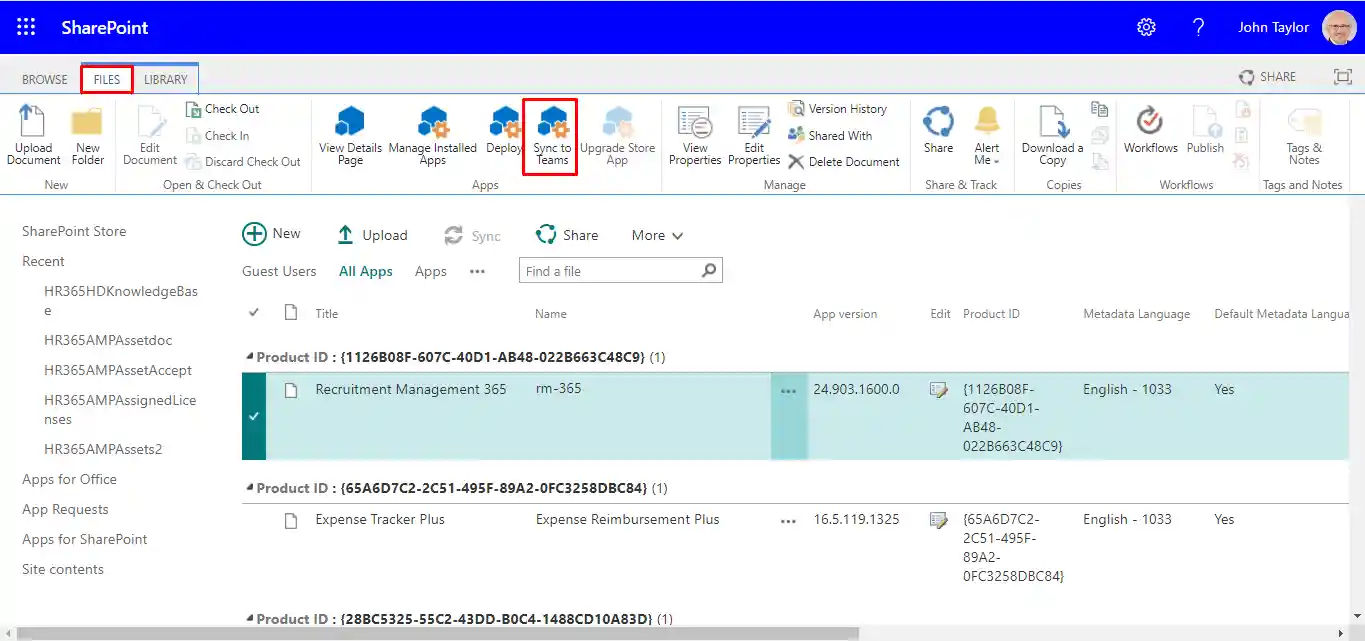
- Teams can create tasks directly in SharePoint Online which enables them to assign work responsibilities and establish project deadlines. The AI system recommends task distribution based on current workload information and existing project priorities.
Step 2: Automated Tracking and Notifications
The AI system tracks task progress while it delivers reminders and identifies tasks that have reached their overdue status. The system guarantees that all tasks remain visible to everyone while establishing responsibility for their completion.
Step 3: Real-Time Collaboration
The system allows teams to conduct discussions about project updates while they can upload documents and provide feedback through Task Management 365 and Microsoft Teams integration.
Step 4: Insights and Reporting
SharePoint Online dashboards show project progress and team effectiveness while they display operational delays. The AI system processes data to generate predictive insights about future tasks and required resource distribution.
AI SharePoint Task Management vs Traditional Systems
| Feature | Traditional Task Management | AI SharePoint Task Management |
| Task Assignment | Manual | AI-assisted, automated |
| Progress Tracking | Manual updates | Real-time dashboards |
| Collaboration | Email, chat | Integrated with Teams & SharePoint |
| Insights | Limited | Predictive, data-driven |
| Mobile Access | Limited | Fully mobile-friendly |
| Efficiency | Moderate | High up to 30% productivity boost. |
Use Cases
Government Agencies: The organization uses SharePoint 365 dashboards to automate citizen service requests and track approval processes.
Corporate Teams: The team uses their system to monitor projects that involve multiple departments while they identify essential tasks and assess staff productivity.
Project Management Offices: The organization uses artificial intelligence to predict project delays, manage task re-assignment and workflow optimization.
Connecting with the Right Customers
Government Agencies: The system streamlines citizen request tracking which increases operational efficiency while minimizing processing mistakes.
Corporate Teams: The system improves project management by enabling teams to identify important work and better their progress reports.
Remote Teams: The system enables teams to work together effectively while maintaining visibility and accountability throughout their work activities.
Why Organizations Choose Task Management 365
Effortless Integration: The system establishes seamless connections with SharePoint Online and Microsoft 365 applications to enable uninterrupted teamwork.
Smart Automation: The AI-driven features of the system decrease human tasks while they maintain operational accuracy and direct team members to essential tasks.
Real-Time Insights: The system delivers current information through its dashboards, analytics to enhance planning processes and accelerate decision-making.
Work Anywhere: The mobile-friendly design enables hybrid and remote teams to maintain productivity throughout their workday.
Secure and Compliant: The system operates according to Microsoft 365 Government standards which provide both security and regulatory compliance.
Conclusion
AI SharePoint Task Management functions as an all-in-one solution which enables users to manage their work activities efficiently. The combination of AI insights with SharePoint collaboration tools and Task Management 365 enables your team to automate their daily tasks while achieving real-time progress monitoring, faster project completion. Start your journey to more efficient workflows, improved team performance and quicker results.
Book a demo today to discover how AI SharePoint Task Management will transform your organization!
Join Our Creative Community
Frequently Asked Questions
What is AI SharePoint Task Management?
It is a system that combines AI and SharePoint to automate, track, manage tasks efficiently, improving collaboration and productivity.
How does AI improve task management in SharePoint?
AI assigns tasks intelligently, predicts delays, sends reminders and provides actionable insights to optimize team performance.
Can AI SharePoint Task Management work with Microsoft Teams?
Yes! Tasks, updates, workflows integrate seamlessly with Teams, SharePoint Online and Task Management 365 for unified collaboration.
What are the benefits of using Task Management 365?
Increased productivity, faster task completion, better team alignment, predictive insights and mobile accessibility.
Is AI SharePoint Task Management secure?
Yes. It uses Microsoft 365 Government security features, compliance tools, access controls for safe and reliable task management.


_JiluXJRGNl.svg)























