


You requested a demo, received a quote that was higher than expected, and now you’re looking for a better LMS that fits your needs and budget.
That’s a familiar story. Absorb LMS is well-built and well-marketed, but its pricing structure and enterprise-first design mean it’s a poor fit for a large slice of the market. According to G2 reviews, the most common complaints center on cost, limited flexibility, and the friction of managing yet another standalone platform especially for organizations already running on Microsoft 365.
- Absorb LMS is a strong platform, but many organizations explore alternatives due to pricing, complexity, and integration requirements.
- The right LMS depends on your business needs LMS 365 for Microsoft 365 users, Docebo for AI-powered learning, and TalentLMS for affordability and ease of use.
- Choosing an LMS should be based on your team’s workflow, budget, reporting needs, and long-term growth plans, not just feature lists.
- Testing shortlisted platforms through demos or trials is the best way to find the right fit for your learners and administrators.
The good news: there’s no shortage of strong alternatives. The challenge is cutting through the noise to find the one that actually fits your team’s size, workflow, and budget not just the one with the most aggressive marketing.
This guide reviews 12 of the best Absorb LMS alternatives for 2026. Every platform follows the same structure Best For, Overview, Key Features, Pros, Cons, and why it beats Absorb in specific scenarios so you can compare them side by side without jumping between tabs.
Why Companies Look for Absorb LMS Alternatives
Absorb LMS holds a 4.6/5 rating on G2 (based on 500+ reviews) and a 4.5/5 on Capterra respectable scores. But ratings don’t tell the whole story. Users consistently flag the same pain points regardless of company size:
- Pricing — Absorb doesn’t publish pricing publicly, and based on user-reported data on platforms like G2 and Reddit’s r/elearning, annual contracts start significantly higher than most SMB budgets and climb steeply with user count. Many SMBs report sticker shock after the first demo.
- Customization limits — Out-of-the-box branding and UI customization can feel restrictive without developer support. Several G2 reviewers note that white-labeling requires workarounds on lower tiers.
- Complexity for small teams — The platform is built for enterprise use. Teams under 200 people often find themselves paying for features they’ll never need.
- Reporting gaps — A recurring theme in Capterra reviews: the built-in analytics are functional but inflexible. Custom reports often require data exports and manual work in Excel or BI tools.
- Integration friction — Connecting Absorb to existing HR or productivity tools particularly Microsoft 365 sometimes requires third-party middleware or custom API work.
If any of these sound familiar, the alternatives below are worth a close look.
Absorb LMS at a Glance
Feature | Absorb LMS |
Best For | Mid to large enterprises |
Deployment | Cloud-based |
Pricing | Custom (not publicly listed) |
Key Strength | Clean UI, strong admin controls |
Weakness | Cost, limited flexibility for smaller teams |
Support | Email, phone, dedicated CSM (higher tiers) |
Absorb LMS is a polished, enterprise-grade platform. It handles compliance training, ecommerce, and multi-department rollouts well. But for teams that need tighter Microsoft 365 integration, open-source flexibility, or more transparent pricing, a different platform will serve them better.
What to Look for in an Absorb LMS Alternative
Before jumping to a specific tool, get clear on what you actually need. Here are the key factors to evaluate:
- User capacity — How many learners do you have now, and where will you be in two years?
- Content compatibility — Does it support SCORM, xAPI, AICC, or your existing course formats?
- Integration — Does it connect to your HRIS, CRM, or productivity suite (especially Microsoft 365 or Google Workspace)?
- Reporting & analytics — Can you track completion, performance, and compliance without exporting to a spreadsheet?
- Ease of use — Will admins and learners adopt it quickly, or will you need a long onboarding process?
- Pricing model — Per user? Flat rate? Open source? Make sure it scales with your team.
- Support quality — Is there responsive help when things go wrong?
Keep these in mind as you review the 12 alternatives below.
12 Best Absorb LMS Alternatives for 2026
1. LMS 365
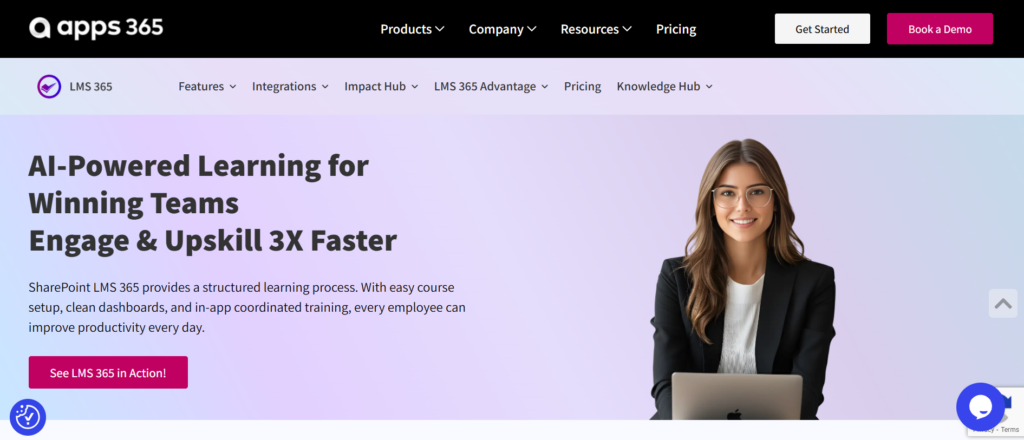
Best For: Organizations already using Microsoft 365 and Teams
Overview
LMS 365 is built natively inside Microsoft 365, which makes it a natural fit for companies already living in Teams, SharePoint, and the broader Microsoft ecosystem. Unlike standalone LMS platforms, LMS 365 doesn’t ask learners to switch tools training happens directly inside Teams. Admins manage courses through a familiar SharePoint-based interface, and everything syncs with Azure Active Directory for user management. It’s a smart pick for IT-driven organizations that want training embedded in their existing workflow rather than bolted on as a separate system
Key Features
- Azure Active Directory sync for user management
- Mobile learning via the Teams mobile app
- Blended learning (online + classroom)
Pros
- Zero new logins learners access training inside Teams
- Familiar interface reduces adoption friction
- Strong compliance tracking
- Power BI integration for advanced reporting
- Good fit for regulated industries
Cons
- Requires a Microsoft 365 subscription
- Less suitable for non-Microsoft environments
- UI can feel less polished than standalone LMS platforms
- Customization is limited outside the Microsoft framework
Why Choose It Over Absorb LMS
If your organization runs on Microsoft 365, LMS 365 eliminates the context-switching problem entirely. Learners never leave Teams, which dramatically improves completion rates. Absorb LMS requires a separate login and environment LMS 365 doesn’t. For Microsoft-first companies, that’s a decisive advantage.
💼 Ready to Transform Workplace Learning with LMS 365?
Docebo
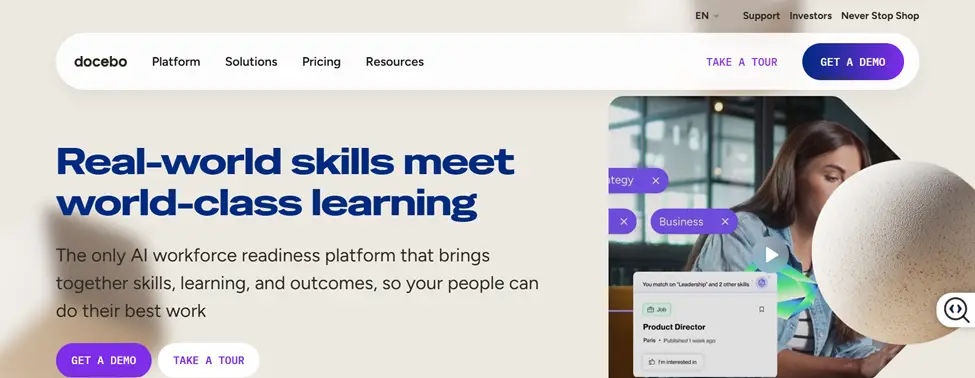
Best For: Mid-size to large enterprises focused on AI-powered learning
Overview
Docebo is one of the most recognized names in the enterprise LMS space, and for good reason. Its AI-powered features particularly around content discovery and personalized learning paths set it apart from more traditional platforms. Learners receive course recommendations based on their role, past behavior, and skill gaps, which keeps engagement high without requiring manual admin intervention. Docebo also supports extended enterprise use cases, meaning you can train not just employees but also partners, customers, and resellers on a single platform.
Key Features
- AI-driven content recommendations
- Extended enterprise (multi-audience) support
- SCORM, xAPI, and CMI5 compatibility
- Social and informal learning tools
- Learning impact measurement
- Marketplace integrations (Salesforce, BambooHR, Zoom, and more)
- White-labeling and custom branding
Pros
- Strong AI personalization engine
- Scales well across large, distributed organizations
- Excellent integration library
- Good mobile experience
- Active product development and updates
Cons
- Premium pricing — not ideal for small teams
- Some advanced features require higher-tier plans
- Reporting, while strong, has a learning curve
- Customer support response times vary
Why Choose It Over Absorb LMS
Docebo’s AI layer is meaningfully better than Absorb’s when it comes to personalizing learning at scale. If your priority is keeping learners engaged and surfacing the right content automatically, Docebo delivers. It’s also more flexible for multi-audience training scenarios where Absorb can feel restrictive.
3. TalentLMS
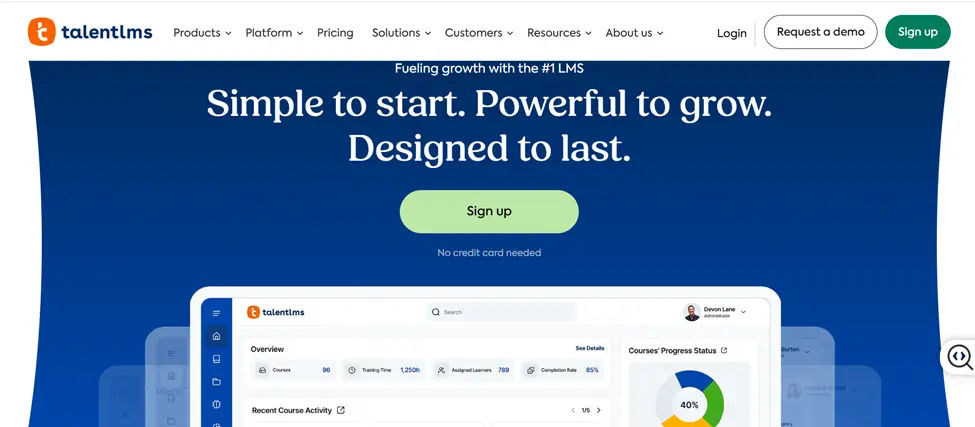
Best For: SMBs and growing teams that need simplicity and fast setup
Overview
TalentLMS has built a reputation as one of the easiest LMS platforms to get up and running. With a clean interface, transparent pricing tiers, and a quick onboarding process, it’s a popular choice for small to mid-sized businesses that don’t have a dedicated L&D team. Despite its simplicity, it covers the essentials well — course creation, assessments, certifications, and reporting are all solid. It also includes a built-in course marketplace, so teams can access ready-made content without building everything from scratch.
Key Features
- Intuitive drag-and-drop course builder
- SCORM and xAPI support
- Built-in video conferencing (Zoom, Teams, GoToMeeting integrations)
- Gamification (badges, points, leaderboards)
- Custom reports and analytics
- White-labeling (paid plans)
- Mobile app for iOS and Android
Pros
- Very easy to set up and use
- Transparent, affordable pricing
- Good gamification features
- Strong community and knowledge base
- No long-term contracts required
Cons
- Advanced customization is limited
- Reporting is decent but not enterprise-grade
- Can feel basic for large, complex organizations
- Some integrations require Zapier workarounds
Why Choose It Over Absorb LMS
TalentLMS wins on simplicity and cost. If you’re a growing business that needs a capable LMS without enterprise pricing or complexity, TalentLMS is a much easier entry point than Absorb. Setup is faster, pricing is predictable, and the learning curve is minimal.
4. D2L Brightspace
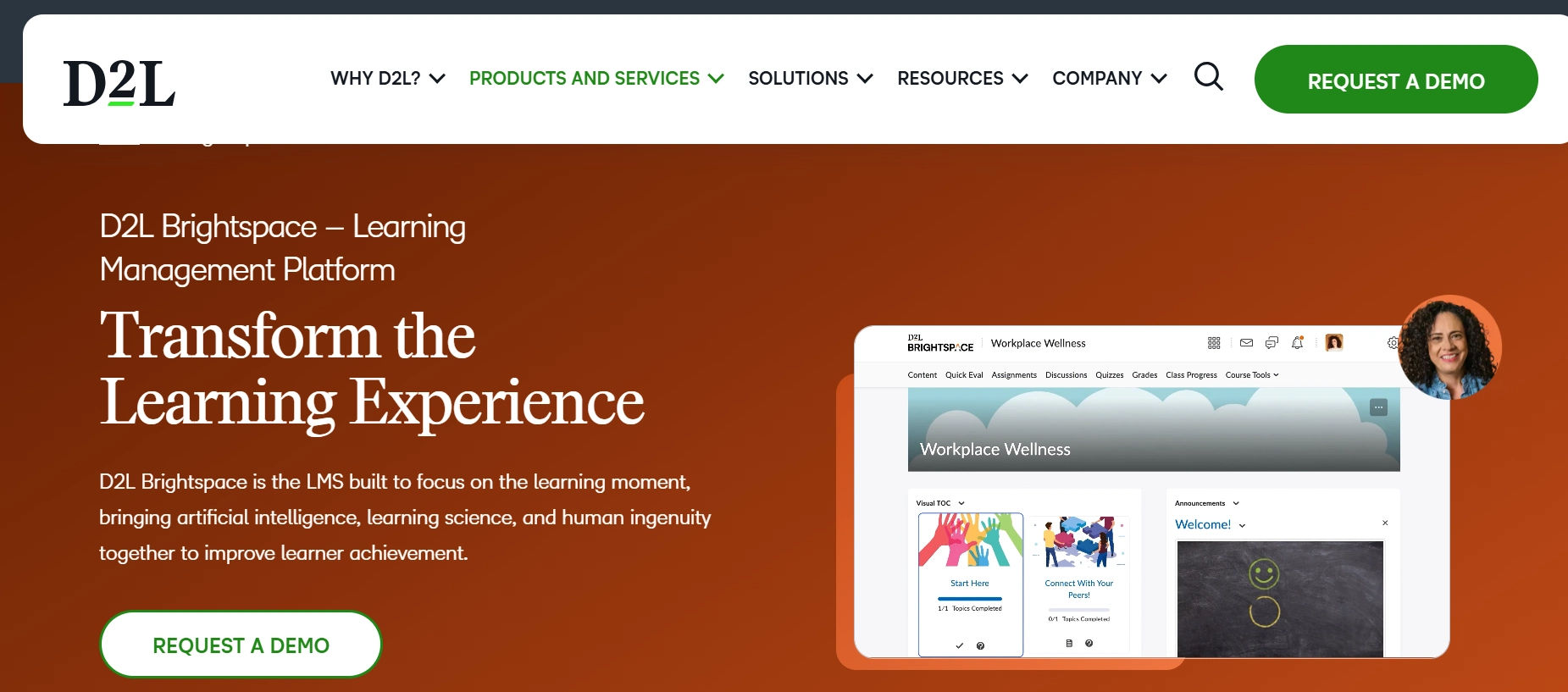
Best For: Education institutions and corporate training programs with complex learning needs
Overview
D2L Brightspace has deep roots in the education sector but has expanded significantly into corporate learning. Its strength lies in its learning design flexibility — instructors and L&D teams can build highly structured, personalized courses with adaptive learning paths, detailed rubrics, and rich assessment tools. Brightspace also has strong accessibility features, making it a good fit for organizations with compliance requirements around inclusive design. It’s a more sophisticated platform that rewards teams willing to invest in setup and configuration.
Key Features
- Adaptive learning and intelligent agents
- Competency-based learning frameworks
- Robust assessment and grading tools
- Accessibility compliance (WCAG 2.1 AA)
- SCORM, xAPI, and CMI5 support
- Analytics and predictive learning insights
- Integration with HR and productivity tools
Pros
- Highly flexible course design
- Strong accessibility and compliance support
- Excellent analytics and learner insights
- Scales from SMB to large enterprise
- Responsive customer support
Cons
- Steeper learning curve for new admins
- Interface can feel dated in some areas
- Pricing is not transparent — requires a demo
- Some features are add-ons at extra cost
Why Choose It Over Absorb LMS
D2L Brightspace offers more sophisticated learning design tools and deeper analytics than Absorb LMS. For organizations in regulated industries or those building complex, competency-based training programs, Brightspace gives you more control and measurable learning outcomes.
5. LearnUpon
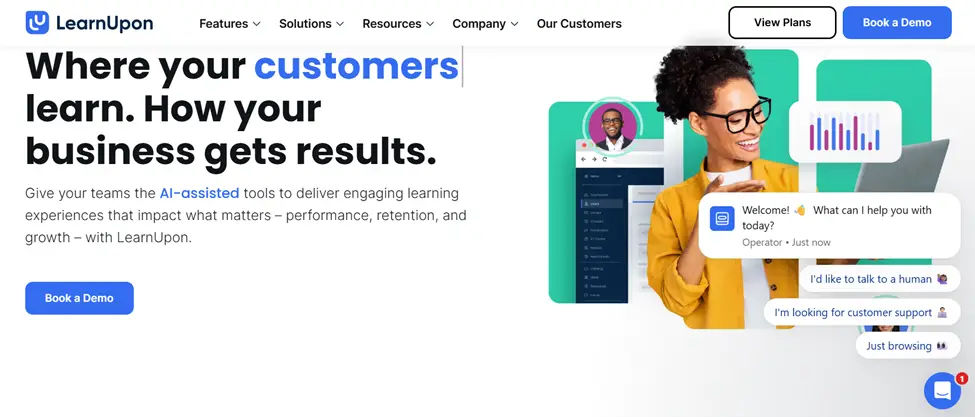
Best For: Companies delivering training to multiple audiences — employees, partners, and customers
Overview
LearnUpon is designed around the concept of learning portals, making it easy to create separate, branded training environments for different audiences within one platform. A single LearnUpon account can support employee onboarding, partner certification, and customer education simultaneously — each with its own branding, content, and reporting. It’s particularly well-regarded for its customer support, consistently earning high marks from users for responsiveness and helpfulness. The platform is intuitive without sacrificing depth.
Key Features
- Multi-portal architecture for multi-audience training
- SCORM, xAPI, and AICC support
- Salesforce and HubSpot integrations
- Surveys and assessments
- Instructor-led training (ILT) management
- Gamification and certifications
- Detailed reporting and analytics
Pros
- Excellent multi-audience management
- Outstanding customer support
- Clean, modern interface
- Strong integrations with CRM tools
- Reliable and stable platform
Cons
- Pricing scales up with user count
- Course authoring tools are basic — you’ll likely need a separate tool
- Advanced customization requires higher plans
- Limited AI or automation features
Why Choose It Over Absorb LMS
LearnUpon is the better choice when you need to train multiple distinct audiences without managing separate platforms. Its portal system is more elegant than Absorb’s approach, and its customer support is a consistent differentiator. If your training extends beyond internal employees, LearnUpon is worth serious consideration.
7. Moodle Workplace
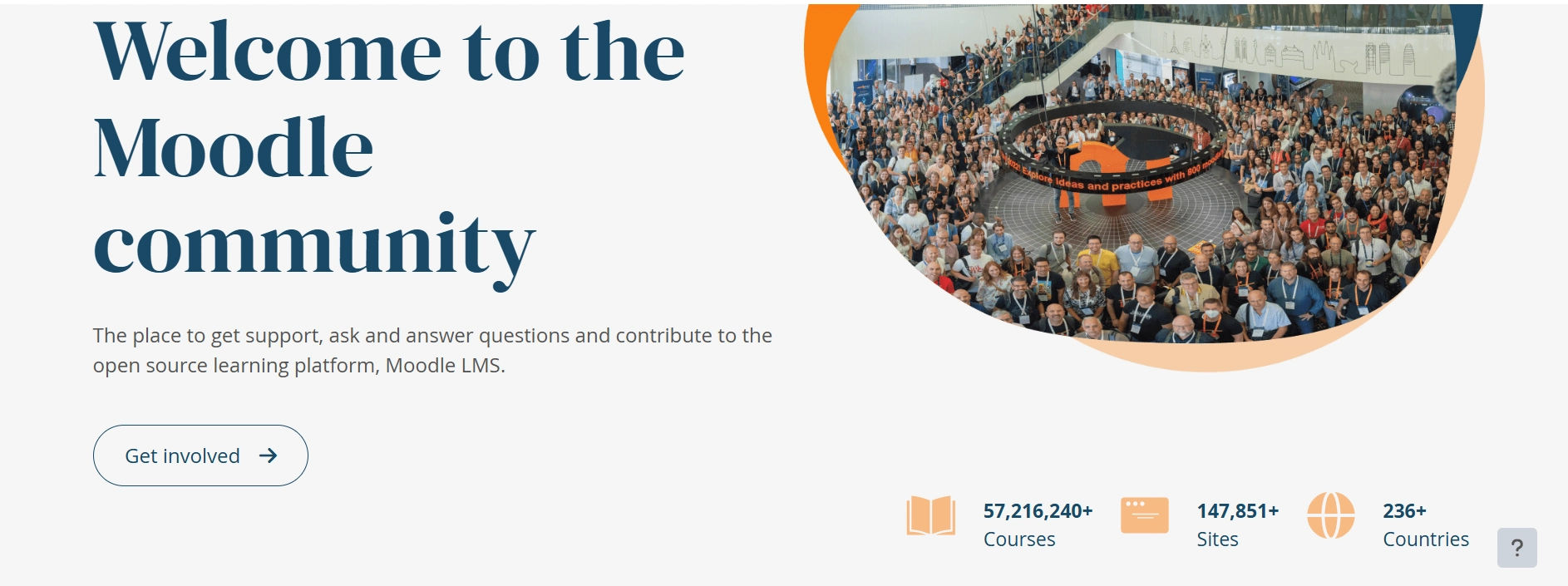
Best For: Organizations that want open-source flexibility with enterprise features
Overview
Moodle Workplace is the enterprise-grade version of Moodle, the world’s most widely used open-source LMS. It takes the proven Moodle core and adds features built specifically for workplace training multi-tenancy, automated workflows, dynamic rules, and advanced reporting. Because it’s open source, organizations have complete control over hosting, customization, and data. It’s a strong fit for technology-comfortable teams or organizations with specific compliance requirements around data sovereignty.
Key Features
- Multi-tenancy for managing multiple departments or entities
- Automated workflows and dynamic rules
- SCORM, xAPI, and CMI5 compatibility
- Custom certificates and badges
- HR sync and directory integrations
- Extensive plugin ecosystem
- Full data ownership and custom hosting options
Pros
- Open source no per-user licensing fees
- Highly customizable
- Large global community and plugin library
- Complete data control
- Strong compliance and certification management
Cons
- Requires technical resources to set up and maintain
- UI is less polished than commercial platforms
- Support depends on your hosting partner
- Customization takes time and expertise
Why Choose It Over Absorb LMS
Moodle Workplace is the right choice when budget, data control, and customization matter more than out-of-the-box convenience. There are no per-user fees eating into your budget as you scale, and your team has complete control over the platform. Absorb LMS can’t offer that level of ownership.
8. SAP SuccessFactors Learning
Best For: Large enterprises already using SAP for HR and ERP
Overview
SAP SuccessFactors Learning is an enterprise learning platform built to integrate deeply with SAP’s broader HR ecosystem. For organizations already running SuccessFactors for HR, payroll, or performance management, the Learning module adds training capabilities that connect directly to employee profiles, performance data, and compliance records. It handles complex regulatory training requirements well and supports global deployments with multilingual content. It’s a heavyweight platform designed for heavyweight organizations.
Key Features
- Deep SAP SuccessFactors ecosystem integration
- Compliance and regulatory training management
- Global, multilingual learning support
- Skills and competency framework alignment
- Blended and virtual learning support
- Detailed audit trails and reporting
- Mobile learning capabilities
Pros
- Seamless integration within SAP environments
- Strong compliance and regulatory tracking
- Excellent for global organizations
- Unified HR + learning data
- Enterprise-grade security and data controls
Cons
- Best value only for existing SAP customers
- Implementation is complex and expensive
- Not designed for small or mid-sized teams
- Interface is functional but not particularly modern
Why Choose It Over Absorb LMS
If your organization runs on SAP, SuccessFactors Learning is the logical choice — it connects learning data directly to HR records, performance reviews, and compliance workflows in ways that Absorb LMS simply cannot. For non-SAP shops, the value proposition is weaker.
9. Litmos
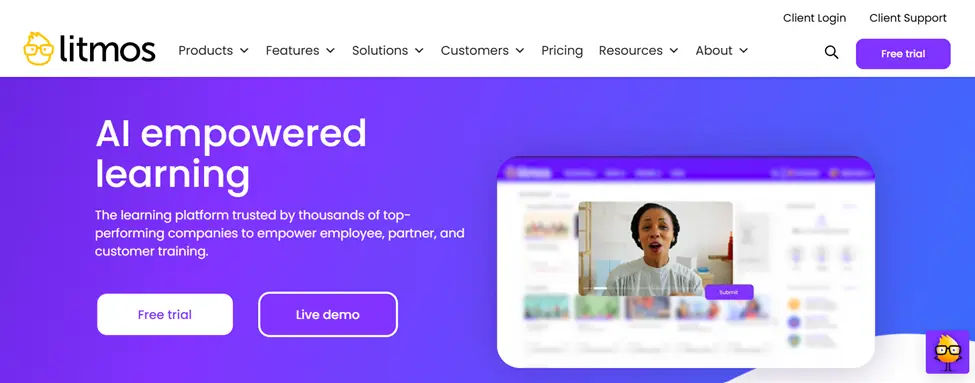
Best For: Sales teams, customer training, and compliance-driven industries
Overview
Litmos, now part of the SAP family, is a cloud-based LMS known for its speed of deployment and strong content library. It’s a popular choice for sales enablement and customer training because it’s quick to configure, easy for learners to navigate, and comes with access to thousands of pre-built courses. The Litmos Content library covers topics from compliance and safety to leadership and software skills, which means teams can launch meaningful training programs without starting from scratch.
Key Features
- Pre-built content library (Litmos Content)
- SCORM and xAPI support
- Salesforce integration
- Gamification and leaderboards
- Automated learning paths
- Mobile-first design
- Compliance reporting and audit trails
Pros
- Fast to deploy and easy to use
- Rich pre-built content library included
- Strong Salesforce integration for sales teams
- Clean mobile experience
- Good compliance tracking
Cons
- Pricing increases significantly at higher user counts
- Course authoring tools are limited
- Reporting, while functional, lacks depth
- Customer support can be inconsistent
Why Choose It Over Absorb LMS
Litmos is faster to deploy and its bundled content library means you can launch real training programs immediately. If you’re in sales enablement or need a quick-start LMS without months of content development, Litmos has a meaningful advantage over Absorb.
10. iSpring Learn
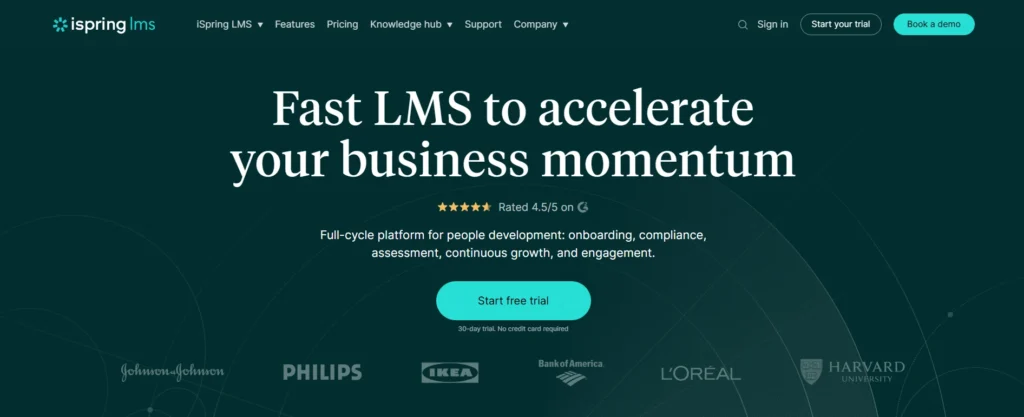
Best For: Teams building eLearning content from PowerPoint without a dedicated instructional designer
Overview
Most L&D teams have a dirty secret: the majority of their course content lives in PowerPoint. iSpring Learn is built around that reality. Its authoring tool, iSpring Suite, converts PowerPoint slides into fully interactive eLearning courses — complete with branching scenarios, quizzes, and voiceover — without requiring any coding or specialized design skills. The LMS side handles delivery, learner tracking, and reporting cleanly. What makes iSpring stand out is how tightly the authoring and delivery tools work together. According to G2 reviewers, teams that previously spent weeks formatting courses in other tools report cutting content production time significantly after switching. It’s rated 4.6/5 on G2 across 600+ reviews, with ease of use as the most frequently praised attribute. For HR managers or trainers who wear multiple hats and need to produce training quickly without a big budget, iSpring is one of the most practical options on this list.
Key Features
- Deep PowerPoint-to-eLearning conversion via iSpring Suite authoring tool
- Branching scenarios and dialogue simulations
- SCORM and xAPI publishing for cross-platform compatibility
- Learning paths and course sequencing
- Quiz and assessment builder with 14 question types
- Live training (ILT) scheduling and attendance tracking
- Detailed learner progress and completion reports
- Mobile app for iOS and Android with offline access
Pros
- Fastest PowerPoint-to-course workflow on the market
- No technical skills required — trainers can build courses themselves
- Affordable, transparent pricing (starts ~$2.82/user/month billed annually)
- Clean LMS interface that non-technical admins can manage confidently
- Responsive customer support with live chat
- iSpring Suite and iSpring Learn sold together for end-to-end coverage
Cons
- Advanced analytics fall short of enterprise-grade platforms like Docebo or Cornerstone
- Best value when paired with iSpring Suite — adding the authoring tool increases cost
- Not ideal for large organizations needing complex role hierarchies or multi-tenant setups
- Fewer third-party integrations compared to market leaders
Why Choose It Over Absorb LMS
iSpring Learn wins on two fronts that matter to mid-market teams: authoring simplicity and pricing transparency. Absorb LMS requires separate authoring tools and custom pricing — iSpring bundles both for a published per-user rate. If your training team is small and your content currently lives in PowerPoint, iSpring saves you time, money, and the frustration of managing two separate platforms.
11. HowNow
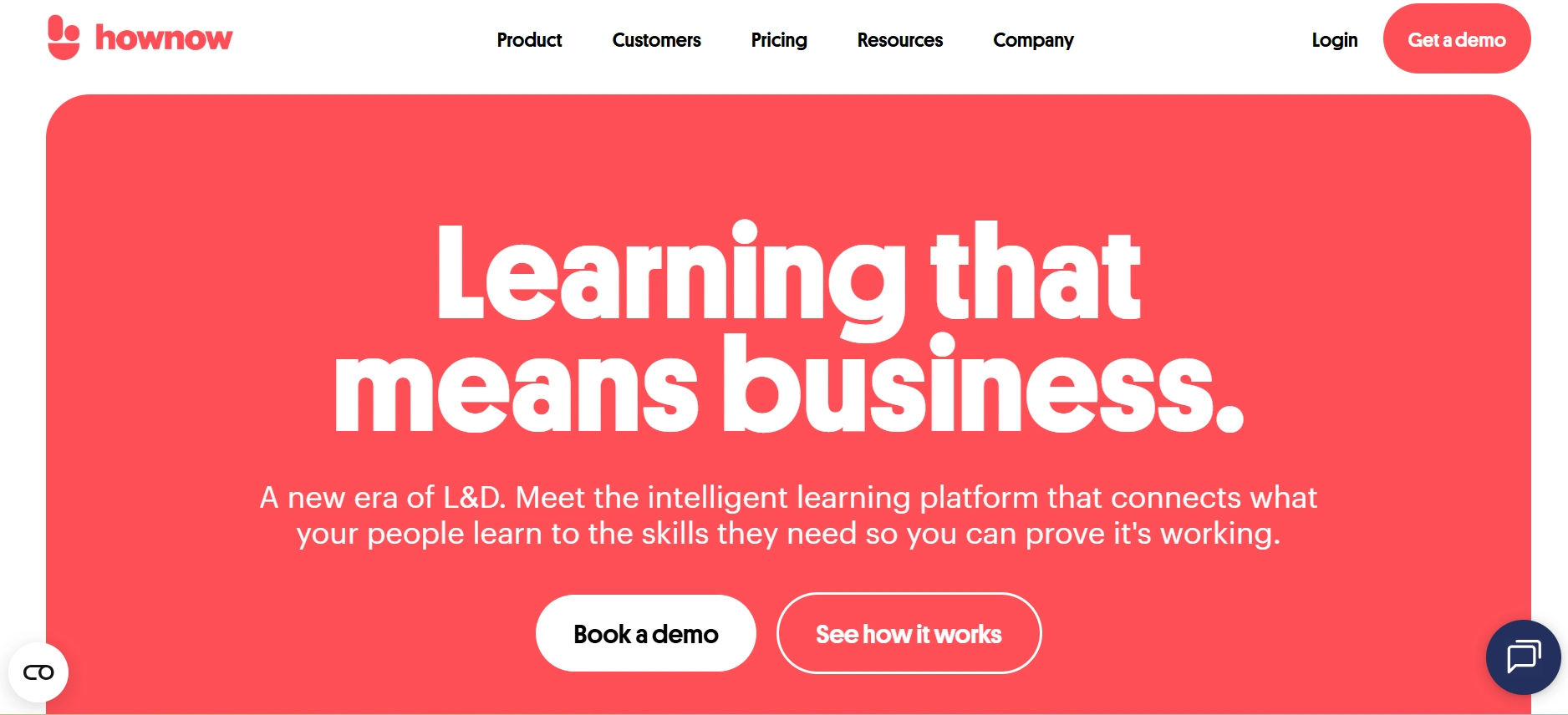
Best For: Teams that want to build a continuous learning culture, not just tick compliance boxes
Overview
Most LMS platforms are built around a single assumption: learning happens in scheduled blocks, away from work. HowNow challenges that assumption. Rather than asking employees to log into a separate platform and complete assigned courses, HowNow delivers learning inside the tools people already use — Slack, Microsoft Teams, Chrome — at the exact moment it’s relevant. An engineer debugging a process can surface a relevant how-to guide without leaving their workflow. A new sales rep can access onboarding resources directly in Teams without switching tabs. This isn’t just a UX convenience; it’s a fundamentally different model of workplace learning, and the engagement data backs it up. HowNow reports that in-the-flow-of-work content sees 3–5x higher engagement than traditional LMS-assigned courses. The platform also includes a knowledge management layer, turning it into an organizational learning hub rather than just a course delivery engine. For L&D teams frustrated by low completion rates and disengaged learners, that’s a meaningful shift.
Key Features
- In-the-flow-of-work learning via Slack, Microsoft Teams, and Chrome extensions
- Knowledge management and internal resource library
- Skills framework with gap identification and tracking
- AI-powered content recommendations based on role and activity
- SCORM compatibility for importing existing course libraries
- Structured learning paths alongside informal resource discovery
- Learning analytics and engagement reporting by team and individual
- Course marketplace with curated external content
Pros
- Fundamentally different approach that addresses the root cause of poor LMS adoption
- Combines formal learning (courses) and informal learning (resources, knowledge) in one place
- Strong Microsoft Teams and Slack integrations for embedded delivery
- AI recommendations improve over time as learner behavior data accumulates
- Clean, modern interface that doesn’t feel like legacy enterprise software
- Good fit for fast-growing companies building their L&D function from scratch
Cons
- Not the right tool if your primary use case is structured compliance training with audit trails
- Smaller integration library than established platforms like Cornerstone or Docebo
- Reporting, while improving, isn’t yet at enterprise depth — complex org-wide analytics require workarounds
- Pricing is not publicly listed; requires a demo call
Why Choose It Over Absorb LMS
Absorb LMS is a traditional course-delivery platform — learners log in, complete assigned training, log out. That model works for compliance, but it consistently underperforms for everything else. HowNow is built for the reality that most learning happens outside formal training sessions. If your team has tried LMS platforms before and struggled with adoption, HowNow’s approach addresses the structural problem rather than adding more features on top of it.
12. Disprz
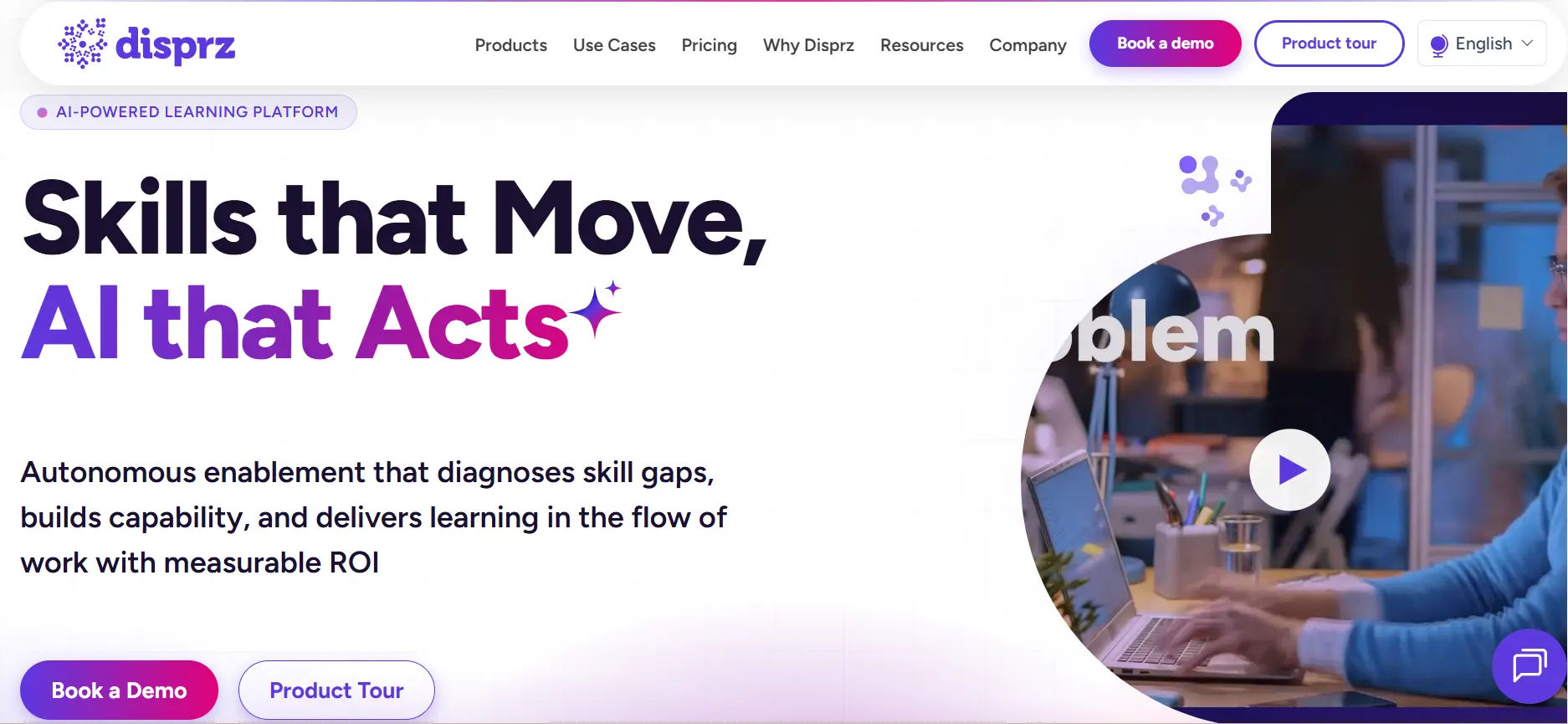
- Skills taxonomy with gap identification and development tracking
- Mobile-first design optimized for low-bandwidth and offline access
- Multilingual content support (10+ languages including Hindi, Arabic, Bahasa, and Tamil)
- Microlearning and bite-sized formats suited to shift-based workers
- Blended learning combining digital modules with in-store or floor-based sessions
- Manager dashboards showing team-level skills progress and completion
- Compliance tracking, certifications, and audit-ready reporting
- AI-powered personalized learning paths based on role and skills data
- Integration with HRMS platforms common in APAC markets
- Purpose-built for frontline and deskless workers — not an afterthought feature
- Strong multilingual capabilities cover APAC’s diverse language landscape
- Skills-first architecture connects learning directly to career progression and workforce planning
- Offline learning mode works in low-connectivity environments like warehouses and remote sites
- Microlearning formats respect the reality that frontline workers have 5 minutes, not 45
- Growing customer base in high-growth APAC markets with active product development
- Less recognized in Western markets — fewer independent reviews and case studies available outside APAC
- Integration options are more limited compared to global competitors with mature connector ecosystems
- Reporting depth varies by plan — advanced analytics require higher-tier contracts
- Smaller third-party community and plugin ecosystem than platforms like Moodle or Cornerstone
Absorb LMS Alternatives Comparison Table
Platform | Best For | Pricing Model | Microsoft 365 Integration | Open Source | Best Audience Size |
LMS 365 | Microsoft 365 orgs | Native | No | SMB to Enterprise | |
Docebo | AI-powered learning | Custom | Yes (integration) | No | Mid to Large |
TalentLMS | SMBs, fast setup | Per user/month | Yes (integration) | No | Small to Mid |
D2L Brightspace | Complex learning programs | Custom | Yes (integration) | No | Mid to Large |
LearnUpon | Multi-audience training | Per user/month | Yes (integration) | No | SMB to Enterprise |
Cornerstone Learning | Enterprise talent dev | Custom | Yes (integration) | No | Large Enterprise |
Moodle Workplace | Open-source flexibility | Hosting costs | Yes (plugin) | Yes | Any |
SAP SuccessFactors | SAP ecosystem orgs | Custom | Yes (integration) | No | Large Enterprise |
Litmos | Sales & compliance | Per user/month | Yes (integration) | No | SMB to Enterprise |
iSpring Learn | PowerPoint-heavy teams | Per user/month | Yes (integration) | No | Small to Mid |
HowNow | Continuous learning | Custom | Native (Teams) | No | SMB to Enterprise |
Disprz | Frontline workers | Custom | Limited | No | Mid to Large |
If your organization is already on Microsoft 365, LMS 365 offers something Absorb LMS fundamentally cannot learning that lives where your people already work. There’s no separate login, no new platform to adopt, and no context-switching. For Microsoft shops, this is often the single most important factor in LMS selection.
If your organization is not on Microsoft 365, or uses a mixed environment, Absorb LMS or one of the other alternatives on this list will serve you better.
LMS 365 vs Absorb LMS
This comparison deserves its own section because LMS 365 is the most distinct alternative on this list it doesn’t just compete with Absorb LMS, it approaches corporate learning from an entirely different direction.
Factor | LMS 365 | Absorb LMS |
Platform home | Microsoft Teams / SharePoint | Standalone web platform |
Login required | No (uses existing M365 login) | Yes (separate platform) |
Best for | Microsoft 365 organizations | General enterprise use |
Content formats | SCORM, xAPI, video, documents | SCORM, xAPI, video, documents |
Reporting | Power BI integration | Built-in reporting |
Pricing | Per user, transparent tiers | Custom, not publicly listed |
Mobile | Via Teams mobile app | Dedicated mobile app |
Setup complexity | Low for M365 orgs | Moderate |
If your organization is already on Microsoft 365, LMS 365 offers something Absorb LMS fundamentally cannot learning that lives where your people already work. There’s no separate login, no new platform to adopt, and no context-switching. For Microsoft shops, this is often the single most important factor in LMS selection.
If your organization is not on Microsoft 365, or uses a mixed environment, Absorb LMS or one of the other alternatives on this list will serve you better.
Which Absorb LMS Alternative Should You Choose?
Here’s a quick decision guide based on your situation:
Choose LMS 365 if your team is all-in on Microsoft 365 and you want training to happen inside Teams without any additional logins or platforms.
Choose Docebo if you’re a mid-to-large enterprise that needs AI-powered personalization and extended enterprise support for employees, partners, and customers.
Choose TalentLMS if you’re a small to mid-sized business that needs a capable, affordable LMS with minimal setup time and transparent pricing.
Choose D2L Brightspace if you need sophisticated learning design, strong accessibility compliance, and deep analytics for complex training programs.
Choose LearnUpon if you need to manage training for multiple audiences (employees, customers, partners) under one platform with excellent support.
Choose Cornerstone Learning if you’re a large enterprise that wants learning tightly integrated with broader talent management, skills frameworks, and succession planning.
Choose Moodle Workplace if budget, data sovereignty, and customization flexibility are your top priorities, and you have the technical resources to manage an open-source platform.
Choose SAP SuccessFactors Learning if your organization already runs SAP and wants learning connected directly to your HR and performance data.
Choose Litmos if you need fast deployment, built-in content, and strong Salesforce integration — particularly for sales enablement or compliance training.
Choose iSpring Learn if your team creates most of its training content in PowerPoint and wants an integrated authoring and delivery solution.
Choose HowNow if you want to shift from scheduled training to continuous, in-the-flow-of-work learning and build a stronger internal knowledge culture.
Choose Disprz if you have a large frontline or deskless workforce — especially in APAC markets — and need mobile-first, multilingual training at scale.
Conclusion
Absorb LMS is a solid platform but it’s not the right tool for every organization. The best LMS is the one that fits your team’s size, workflow, budget, and training goals.
If you’re a Microsoft 365 shop, LMS 365 removes more friction than any other option on this list. If you need AI-powered personalization at scale, Docebo is the stronger choice. If simplicity and price matter most, TalentLMS is hard to beat. And if you need total control and flexibility without per-user fees, Moodle Workplace delivers that.
The 12 platforms reviewed here cover the full spectrum from open-source and budget-friendly to enterprise-grade and feature-rich. Take the comparison table and the decision guide above, match them against your actual requirements, and you’ll have a clear path forward.
Most platforms offer free trials or demos. Use them. The best way to know if an LMS works for your team is to put it in front of your admins and a handful of learners and see what happens.
Join Our Creative Community
Frequently Asked Questions
What is the best free alternative to Absorb LMS?
Moodle (the open-source base version) is the strongest free alternative. Moodle Workplace adds enterprise features but comes with hosting costs. TalentLMS also offers a free tier for up to 5 users and 10 courses, which is useful for very small teams or for testing.
Is Absorb LMS good for small businesses?
Absorb LMS can work for small businesses, but its pricing and feature set are designed with mid to large enterprises in mind. TalentLMS or iSpring Learn are generally better fits for smaller teams that need simplicity and predictable pricing.
What LMS works best with Microsoft Teams?
LMS 365 is the only LMS built natively inside Microsoft Teams and SharePoint. HowNow also has a strong Teams integration for in-the-flow-of-work learning. Most other platforms on this list offer Teams integrations, but they remain separate platforms accessed via a link rather than embedded experiences.
Can I migrate from Absorb LMS to another platform?
Yes. Most LMS platforms support standard content formats (SCORM, xAPI) which makes content migration manageable. User data and completion records are more complex to migrate — check with your target platform about data import support before committing.
How much does Absorb LMS cost?
Absorb LMS does not publish pricing publicly. Based on user reports, costs typically start around $14,500–$16,000 per year for smaller implementations and scale up significantly from there. Most alternatives on this list offer more transparent pricing.
Which Absorb LMS alternative is best for compliance training?
Cornerstone Learning and SAP SuccessFactors Learning lead for complex, regulated compliance environments. Litmos is strong for mid-market compliance needs. LearnUpon handles compliance well with a simpler setup.


_JiluXJRGNl.svg)























