Case Study: Helpdesk Automation for Healthcare Organizations
Spotlight
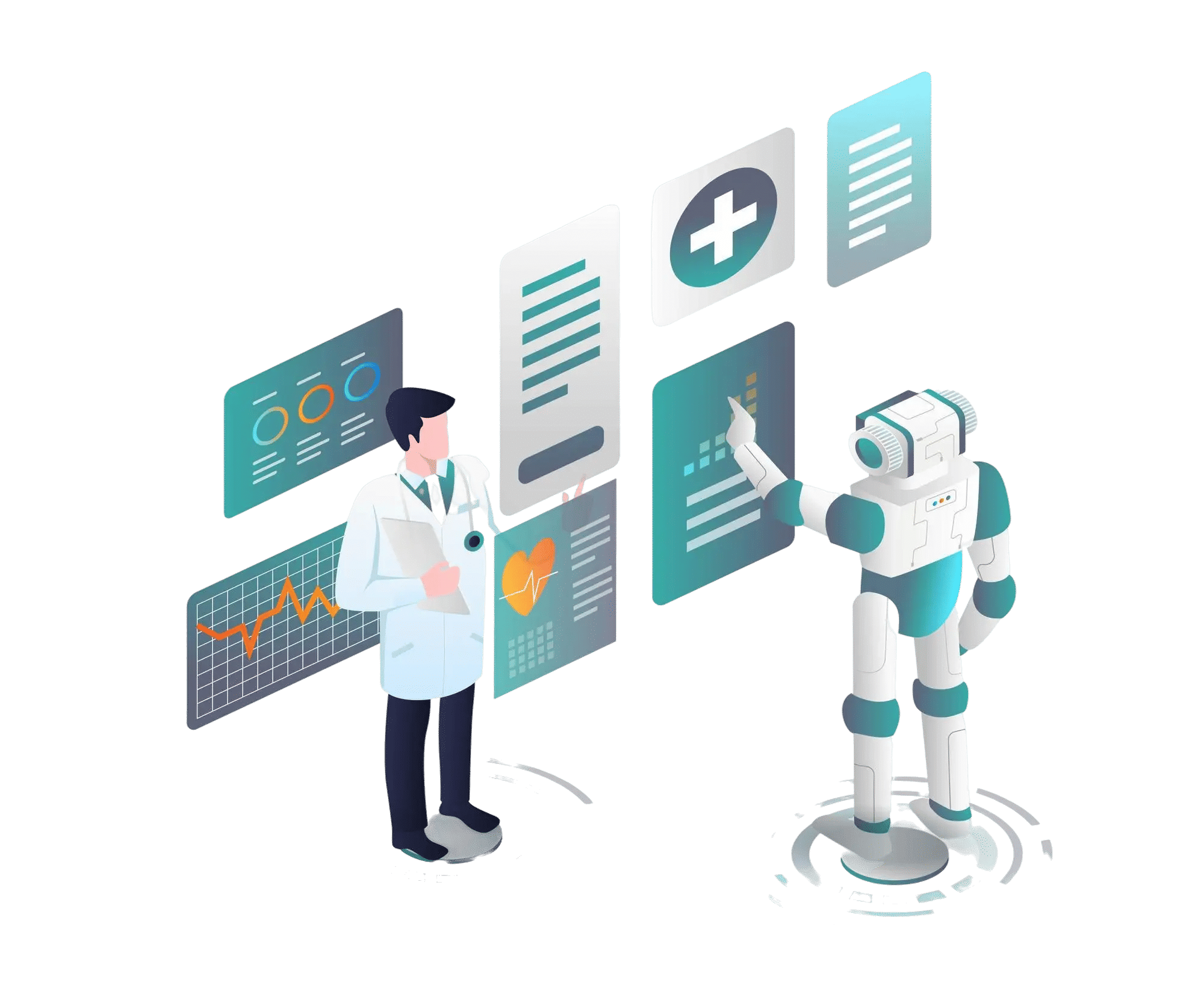
A leading healthcare provider faced significant challenges in managing patient inquiries, staff support, and administrative requests. Their traditional support methods, which relied heavily on manual processes, were causing delays, inefficiencies, and frustration for both staff and patients. To tackle these challenges, the healthcare provider implemented Helpdesk Automation—a robust system designed to streamline operations, reduce response times, and improve service quality.
Highlights
Customer’s Speak

Mike Reynolds
Legal Operations Manager
“
Managing contracts manually led to missed deadlines, compliance risks, and inefficiencies. With SharePoint Contract Management, automation streamlined workflows, reduced manual effort, and ensured compliance. Now, we focus more on clients instead of paperwork.
Challenges
The healthcare provider struggled with:
- Manual Ticket Handling – Support requests were managed manually, leading to lost tickets, missed deadlines, and disorganized workflows.
- Delayed Response Times – With high volumes of patient inquiries, administrative support, and technical issues, the provider struggled to offer timely responses.
- Overwhelming Support Channels – Emails, phone calls, and internal messages all came through different channels, making it difficult to track, prioritize, and resolve tickets effectively.
- Lack of Transparency – Healthcare staff, including support teams and medical professionals, lacked real-time visibility into the status of requests and tickets.
- Resource Overload – The manual handling of repetitive inquiries put unnecessary pressure on support staff, leading to burnout and inefficiency.
Solution: Helpdesk Automation for Healthcare
Our Helpdesk Automation System, specifically designed for healthcare environments, brought structure, efficiency, and security to support workflows. Here’s how it helped:
1. Multi-Channel Ticket Capture
Patients, staff, and healthcare providers could submit support requests via email, web forms, phone calls, or Microsoft Teams.
Each request was instantly converted into a unique ticket, which was then entered into the central support system.
2. Smart Ticket Routing and Categorization
Support tickets were automatically categorized by type (e.g., technical support, patient inquiries, administrative requests).
Auto-routing ensured that tickets were sent to the appropriate team (e.g., IT support, patient services, HR), ensuring no delays and efficient ticket handling.
3. Priority-Based SLAs & Escalations
Critical issues (such as patient safety concerns, equipment malfunctions, urgent medical inquiries) were prioritized automatically.
SLA-based reminders alerted agents when deadlines were approaching, while unresolved tickets were auto-escalated to senior staff for swift action.
4. Real-Time Monitoring & Dashboards
Managers could track the status of all tickets in real time, including open, pending, and escalated tickets.
Performance data allowed departments to measure response times, resolution efficiency, and agent productivity, enabling better resource allocation and staffing decisions.
5. Audit Trails & Compliance Logs
Every action on a ticket—from initial request submission to final resolution—was automatically logged.
This audit trail ensured transparency, meeting healthcare compliance standards such as HIPAA, and providing readily available PDF reports for audits, internal reviews, or patient inquiries.
Key Features Used:
- Ticket Management System
- Internal Communication Tools
- Time Tracking and Reporting
- Customizable Email Alerts
- Real-time Analytics
- Role-Based Access Control (RBAC)
Results & Business Impact:
The implementation of Helpdesk Automation brought significant improvements to the healthcare provider’s service delivery and internal operations:
40% Improvement in Response Time:
By automating ticket routing and providing self-service options, the healthcare provider reduced the average response time by 40%, enabling faster resolution of both patient and internal staff requests.
35% Increase in Patient Satisfaction:
With streamlined workflows, real-time updates, and transparent ticket tracking, patient satisfaction increased by 35%, boosting trust and engagement in the provider’s services.
50% Reduction in Ticket Resolution Time:
The automation system cut down the time required to resolve support tickets by 50%, increasing overall staff productivity and enhancing patient care.
90% Compliance Readiness:
With automated logging and audit-friendly features, the healthcare provider was able to meet regulatory compliance standards (HIPAA) effortlessly, ensuring full readiness for internal reviews and external audits.
Industry
Consulting and IT Services
Location
USA, Texas