

_eH2jDg7dZ.png)
If you’ve been using Zendesk for a while, chances are you’ve hit at least one of these walls — a pricing hike, a confusing setup, or a feature that’s locked behind an expensive add-on. You’re not alone. Thousands of businesses are actively looking for better options, and the good news is there are some really solid ones out there.
This guide covers the 11 best Zendesk alternatives in 2026, with honest details on features, pricing, and who each tool works best for. Whether you’re a startup just getting your support team off the ground or an established company managing thousands of tickets a month, there’s something here for you.
✨
Key Takeaways
- Zendesk alternatives offer more affordable pricing, simpler setup, and better value for growing businesses.
- AI-powered features like ticket routing, chatbots, and automated workflows are now essential capabilities.
- Different tools cater to different needs, from Microsoft 365 users and SMBs to SaaS and ecommerce businesses.
- Strong integrations with platforms like Microsoft 365, CRM systems, and collaboration tools improve productivity.
- The best alternative should balance scalability, automation, ease of use, and support channels based on business requirements.
Why Businesses Are Looking Beyond Zendesk
Zendesk has been around since 2007, and for a long time it was one of the go-to names in customer support software. But as businesses have grown and customer expectations have changed, the cracks have started to show
Complex Setup
Full deployment on Zendesk can take 3+ months for mid-sized teams. The platform has a large feature surface, custom ticket schemas, triggers, workflows, macros, SLA rules, routing logic, and most teams end up either hiring a consultant or dedicating a full-time admin to manage it. That’s not a great use of resources, especially for growing businesses.
Add-On Costs
Zendesk has a habit of putting critical features behind paid add-ons. Advanced AI, custom reporting, sandbox environments, they all cost extra. By the time you’ve added what you actually need, the monthly bill looks very different from what you budgeted.
Limited Customization for SMBs
Small and mid-sized businesses often don’t need enterprise-grade complexity. But Zendesk’s pricing and product structure is largely built around large teams. SMBs end up paying for features they’ll never use while missing out on the flexibility and simplicity they actually need.
What Growing Businesses Need in a Modern Helpdesk
The right helpdesk in 2026 should do a few things well: it should be easy to set up and manage without a dedicated admin, offer solid automation and AI features out of the box, connect with the tools your team already uses (think Microsoft 365, Slack, or your CRM), and have pricing that makes sense as you grow, not pricing that punishes you for scaling.
What to Look for in a Zendesk Alternative
Before you start comparing tools, it helps to know what features actually matter. Here’s what to look for:
Easy Ticket Management — The core of any helpdesk is how well it handles tickets. Look for clean, intuitive interfaces that your team can get up to speed on quickly without hours of training.
AI-Powered Automation — In 2026, AI isn’t a bonus feature, it’s expected. Auto-routing, suggested replies, ticket classification, and chatbots should all be part of the package.
Omnichannel Customer Support — Your customers reach out through email, chat, social media, WhatsApp, and more. Your helpdesk should bring all of that into one place.
Shared Inbox and Team Collaboration — Support is a team sport. Good tools allow internal notes, @mentions, collision detection (so two agents don’t reply to the same ticket), and assignment workflows.
Microsoft 365 and CRM Integrations — Most businesses run on Microsoft tools or have a CRM in place. Your helpdesk should plug in without headaches.
Affordable Pricing for Scaling Teams — The pricing model should scale with your team in a way that feels fair, not punitive.
Reporting and Analytics — You need visibility into what’s working. Response times, ticket volumes, agent performance, and customer satisfaction scores should all be trackable.
Self-Service and Knowledge Base Features — A good knowledge base reduces support volume by letting customers help themselves. Look for tools that make it easy to build and manage one.
Quick Comparison Table
| Platform | Best For | Starting Price | AI Features | Free Trial | Key Strength |
| Helpdesk 365 | Microsoft 365 businesses | $19.99 | Yes | Yes | Native Teams & SharePoint integration |
| Freshdesk | SMBs needing omnichannel | $0 (free plan) | Yes | Yes | Feature-rich free tier |
| Zoho Desk | Zoho ecosystem users | $14/agent/mo | Yes | 15 days | Affordable + deep Zoho integration |
| Intercom | SaaS & product-led teams | $29/seat/mo | Yes | Yes | Conversational AI & live chat |
| Help Scout | Small customer-first teams | $22/user/mo | Yes | 15 days | Clean, simple shared inbox |
| Desk365 | SMBs on Microsoft stack | $12/agent/mo | Yes | 21 days | Budget-friendly Teams support |
| DevRev | Tech & product companies | Custom pricing | Yes (AI-first) | Yes | Unifies support + product dev |
| Tidio | Ecommerce & SMBs | $0 (free plan) | Yes | Yes | Live chat + chatbot combo |
| Crisp | Startups & small teams | $0 (free plan) | Yes | Yes | Multi-channel messaging |
| BoldDesk | Growing support teams | $12/agent/mo | Yes | 15 days | Clean UI + good value |
| ProProfs Help Desk | Simple ticketing needs | $0 (free plan) | Limited | Yes | Simplicity + email ticketing |
Best 11 Zendesk Alternatives for Growing Businesses in 2026
1. Helpdesk 365 — Best Zendesk Alternative for Microsoft 365 Businesses

If your business runs on Microsoft 365, Helpdesk 365 is the most natural Zendesk alternative you’ll find. It’s built to work inside Microsoft Teams, SharePoint, and Outlook, so your support team doesn’t need to switch between a separate helpdesk platform and their everyday Microsoft tools. Everything runs inside the Microsoft environment your team already knows.
Why Businesses Choose Helpdesk 365
Most helpdesk tools treat Microsoft integrations as an afterthought, a basic connector that syncs emails or notifications. Helpdesk 365 is different. It’s built natively on the Microsoft 365 platform, which means tickets, conversations, team assignments, and knowledge base articles all live inside your existing Microsoft ecosystem. There’s no separate login, no separate app to manage, and no learning curve beyond what your team already knows.
This matters a lot for businesses that have already invested in Microsoft 365 licenses and don’t want to pay for another standalone platform on top of that.
Key Features
- Native Microsoft Teams Integration — Agents can receive, manage, and respond to support tickets directly inside Microsoft Teams without ever opening a separate tool.
- SharePoint-Powered Knowledge Base — Build and manage your help documentation on SharePoint, making it searchable and accessible across your organization.
- Outlook-Based Email Ticketing — Customer emails are automatically converted into trackable tickets, managed directly from Outlook.
- AI-Powered Automation — Auto-routing, ticket classification, and suggested replies that get smarter over time.
- Omnichannel Support — Handles email, Teams chat, and web forms from a single dashboard.
- SLA Management — Set, track, and enforce service level agreements with automated alerts before deadlines are missed.
- Custom Workflows — Build multi-step automations tailored to your support process without needing technical help.
- Reporting and Dashboards — Real-time visibility into ticket volumes, response times, agent performance, and customer satisfaction.
- Self-Service Portal — A clean, branded portal where customers can submit tickets, track their issues, and browse knowledge base articles.
Pros and Cons
Pros:
- Truly native Microsoft 365 integration — no third-party connectors needed
- Easy setup, often live within a day
- No additional licensing cost if you’re already on Microsoft 365
- Great for hybrid or remote teams that live in Microsoft Teams
- Strong SLA management and reporting
- Competitive and transparent pricing
Cons:
- Best suited for Microsoft 365 users — less relevant if your business is on Google Workspace
- May not have the same depth of ecommerce-specific features as tools like Gorgias
Best For
Helpdesk 365 is the go-to choice for businesses that are already using Microsoft 365 and want a helpdesk that fits naturally into that stack. This includes IT teams, SMBs, mid-market companies, and enterprises that want a powerful support platform without the overhead of managing a separate system.
2. Freshdesk — AI-Powered Customer Support for SMBs
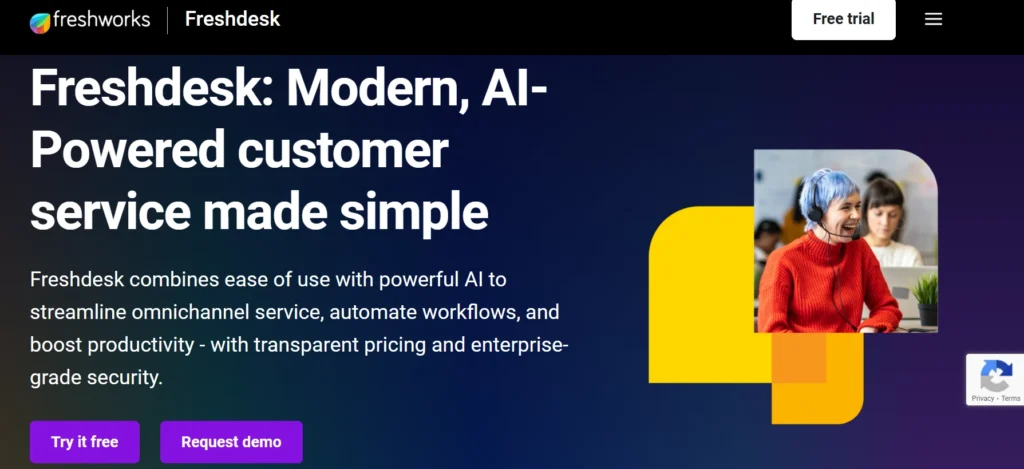
Freshdesk has been one of the most popular Zendesk alternatives for years, and it continues to earn that reputation in 2026. It offers a generous free tier, strong AI and automation features, and a clean interface that’s easy for support teams to pick up quickly.
AI-Powered Automation and Omnichannel Features
Freshdesk’s AI assistant, Freddy, handles ticket classification, suggests responses to agents, and can resolve common customer queries without human intervention. On the omnichannel side, Freshdesk brings email, phone, live chat, social media, and messaging apps together in one unified inbox.
The platform also includes strong collaboration tools, internal notes, team huddles, parent-child ticketing for complex issues, and round-robin assignment so tickets are distributed fairly across agents.
Best For: SMBs and growing teams who want strong AI features and omnichannel support at a fair price.
Ticketing systems also maintain audit trails. This means every action—like assigning, updating, or closing a ticket—is recorded with a time stamp and user name. These records help ensure accountability and allow teams to track who did what and when, in case of any disputes or reviews.
3. Zoho Desk — Best for Zoho Ecosystem Users
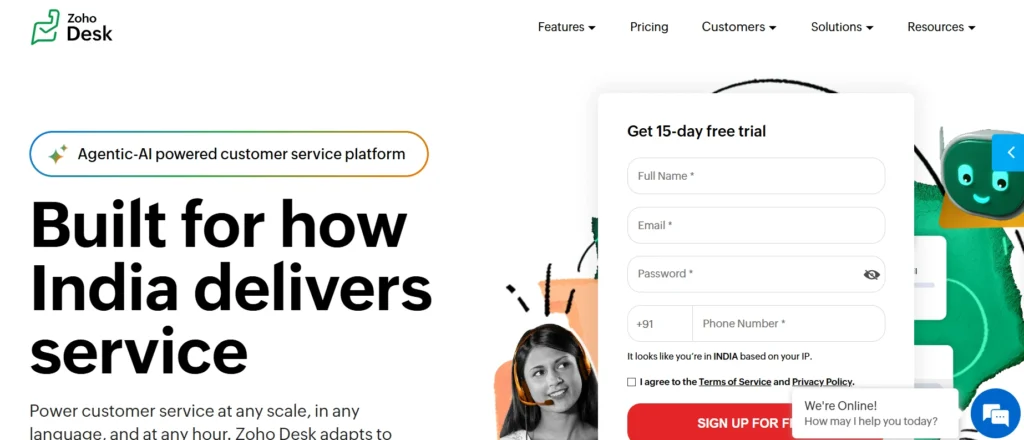
If your business already uses Zoho CRM, Zoho Analytics, or other Zoho tools, then Zoho Desk is a natural fit. It integrates deeply with the broader Zoho suite and offers strong workflow automation and ticket management at a price that won’t strain a growing team’s budget.
Workflow Automation and Ticket Management
Zoho Desk’s automation capabilities are genuinely impressive for the price. You can set up rule-based workflows that automatically assign tickets, send follow-up emails, escalate overdue tickets, and update fields based on customer actions. The platform also includes a solid knowledge base builder and a self-service portal that can be customized to match your brand.
Zia, Zoho Desk’s AI assistant, handles ticket sentiment analysis, suggests relevant knowledge base articles to agents, and can predict ticket escalation before it happens.
Best For: Businesses already using the Zoho ecosystem and teams that need solid automation without enterprise-level pricing.
4. Intercom — Conversational Customer Support Platform
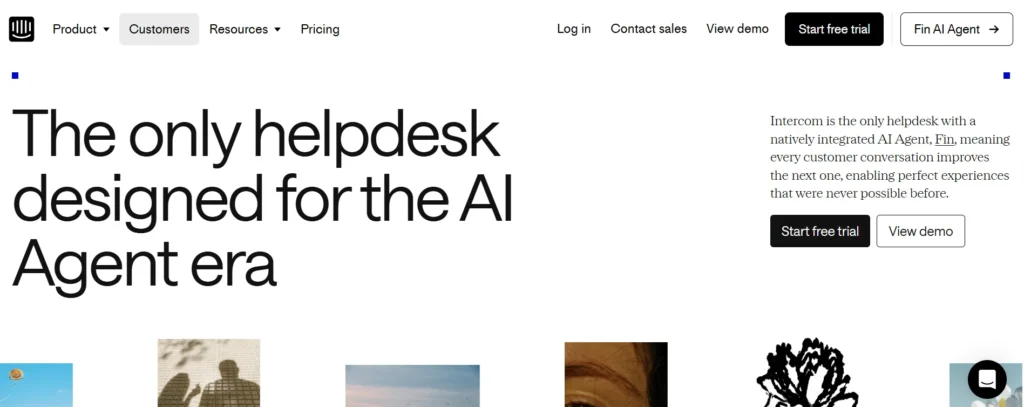
Intercom takes a different approach to customer support. Rather than ticket-first, it’s conversation-first, built around live chat, in-app messaging, and proactive customer engagement. In 2026, Intercom is leaning hard into AI, with its Fin AI agent handling a large percentage of customer queries without human involvement.
AI Chatbots and Live Chat Features
Intercom’s Fin AI is one of the most capable chatbots in the customer support space. It uses your knowledge base and support documentation to answer customer questions accurately, handles handoffs to human agents smoothly, and learns from previous conversations to improve over time.
The platform also includes email support, product tours, in-app messages, and outbound campaigns, making it more than just a helpdesk, it’s a full customer communication platform.
Best Use Cases
Intercom works best for SaaS companies, product-led growth businesses, and any organization where customer conversations happen primarily through digital channels. It’s less suited for businesses that deal with high volumes of phone or field support.
Best For: SaaS companies and digital-first businesses that want to replace traditional ticketing with conversational support.
5. Help Scout — Simple Shared Inbox for Small Teams
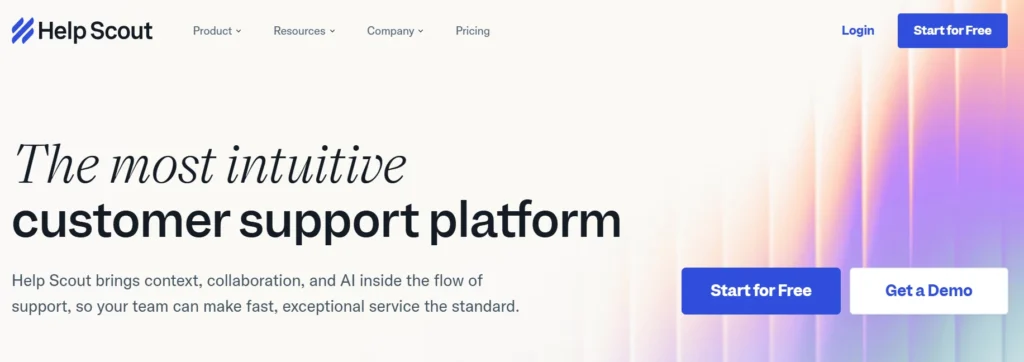
Help Scout is deliberately simple. There are no ticket numbers shown to customers, no complex workflows to set up, and no steep learning curve. It’s designed to feel like email, because that’s what your customers expect, while giving your team the tools they need to collaborate and stay organized behind the scenes.
Customer-Centric Support Features
Help Scout’s signature feature is Beacon, a help widget that you can embed on your website or in your app. It surfaces relevant knowledge base articles before a customer even submits a request, reducing ticket volume. When customers do reach out, conversations are handled in a clean shared inbox where agents can leave internal notes, tag conversations, assign to teammates, and see each other’s activity in real time.
Collaboration Tools for Small Teams
Help Scout includes collision detection (alerts when two agents are looking at the same conversation), saved replies, workflows, and solid reporting. The knowledge base builder is clean and easy to use.
Best For: Small teams and customer-focused companies that want a clean, no-fuss support tool without enterprise complexity.
6. Desk365 — Best Budget-Friendly Option for Microsoft Teams Users
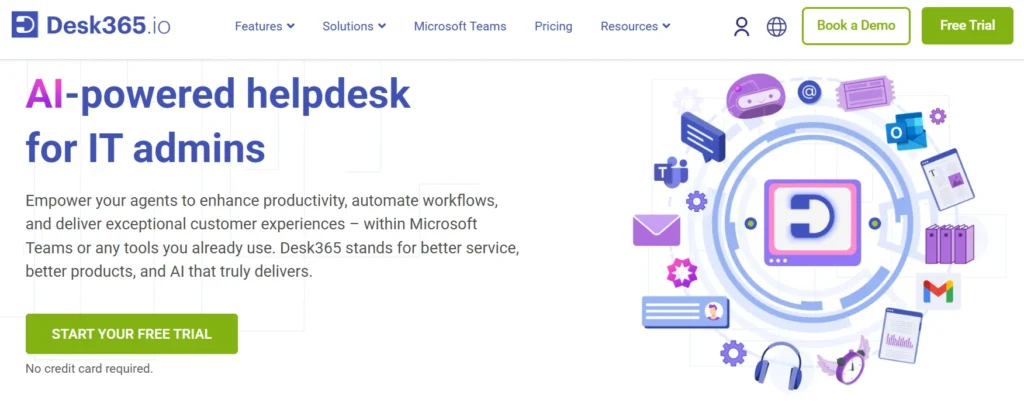
Desk365 is a cloud-based helpdesk built with Microsoft Teams in mind. It’s positioned as an affordable solution for SMBs and growing businesses that want core helpdesk functionality without paying a premium for features they don’t need.
Multi-Channel Communication Features
Desk365 handles support tickets from email, Microsoft Teams, web forms, and a self-service portal. Tickets can be created directly from Teams conversations, making it easy for teams that already run their internal communication through Microsoft’s platform.
Best For: Startups and SMBs on a budget that need Microsoft Teams integration without a steep price tag.
7. HappyFox — Smart Helpdesk Automation for Growing Support Teams
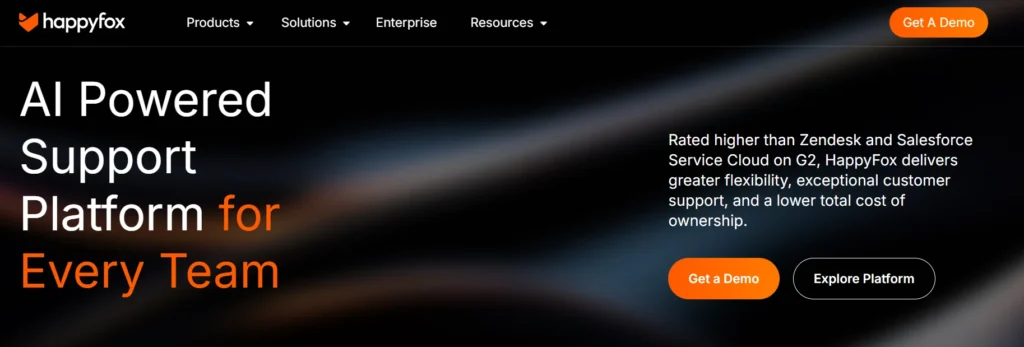
HappyFox is a powerful helpdesk platform designed to simplify customer support operations through automation, intelligent ticket management, and multi-channel communication. It helps businesses manage support requests efficiently while improving agent productivity and customer satisfaction.
Intelligent Ticket Management
HappyFox offers AI-powered ticket categorization, automated workflows, smart ticket routing, SLA management, and canned responses to reduce manual work for support teams. The platform also supports omnichannel ticketing, allowing teams to manage emails, chats, calls, and social media conversations from one centralized system.
Efficient and User-Friendly Support Experience
The platform provides a clean and intuitive interface that is easy for agents to adopt with minimal training. Advanced reporting and analytics dashboards help managers track ticket performance, response times, customer satisfaction, and agent productivity in real time. Integrations with tools like Microsoft Teams, Slack, Jira, and Salesforce further improve collaboration and workflow management.
Pricing varies based on features, number of agents, and business requirements.
Best For: Businesses and support teams looking for scalable helpdesk automation, multi-channel support, and improved customer service efficiency.
8. Tidio — Live Chat and Chatbot for Ecommerce and SMBs
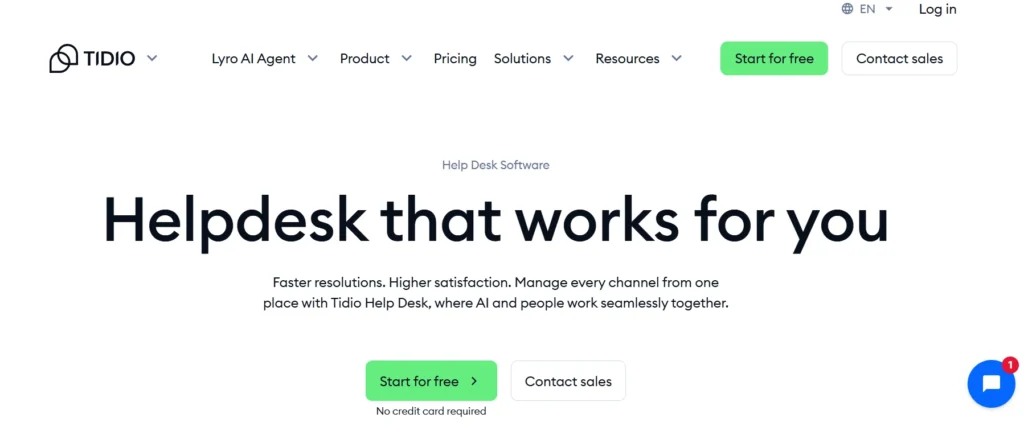
Tidio is popular with ecommerce businesses and small online companies that need live chat and chatbot capabilities at an accessible price. Its combination of live chat, an AI chatbot called Lyro, and basic helpdesk features makes it a versatile option for customer-facing teams.
Shared Inbox and Workflow Automation
Tidio brings email, live chat, Messenger, and Instagram into one inbox. The Lyro AI chatbot can handle up to 70% of customer queries automatically, using your existing FAQ content to generate accurate answers. Workflow automations can trigger responses, send follow-ups, or assign conversations based on rules you define.
Best For: Ecommerce businesses and small teams that need a strong live chat and chatbot setup without a full enterprise helpdesk.
9. Crisp — Best for Startups and Customer Messaging
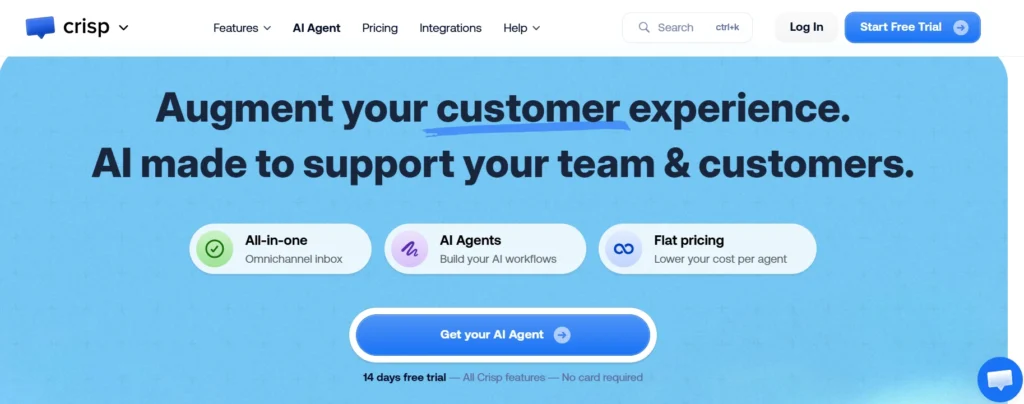
Crisp is a customer messaging platform that doubles as a lightweight helpdesk. It’s designed for simplicity and speed, making it particularly popular with startups and early-stage companies that want to be responsive to customers without the overhead of a complex support system.
Multi-Channel Communication Features
Crisp connects email, live chat, Messenger, Twitter, WhatsApp, Instagram, and more into a single shared inbox. The interface is clean and modern, and it includes features like co-browsing (where agents can see exactly what a customer sees on your website), video calls, and audio messages, features you won’t find in many helpdesks at this price point.
Crisp also includes a knowledge base, chatbot builder, and basic CRM functionality.
Best For: Startups and small businesses that want an easy, multi-channel communication tool with a modern interface and honest pricing
10. BoldDesk — Clean Modern Helpdesk for Growing Teams
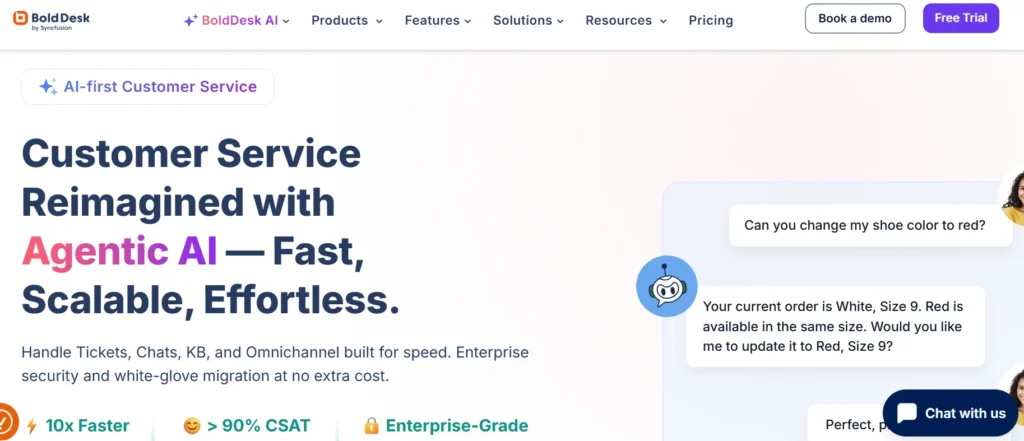
BoldDesk is a newer entrant in the helpdesk space, but it’s been making a name for itself with a clean interface, solid feature set, and pricing that growing teams find fair. It covers the core helpdesk bases — ticket management, knowledge base, automations, and reporting — without the complexity that comes with larger platforms.
Shopify and Ecommerce Integrations
BoldDesk has built out integrations with popular ecommerce and business tools, including Shopify. This makes it a reasonable option for online retailers who need support software that connects to their store data.
AI Automation for Support Teams
BoldDesk includes AI-powered suggested replies, ticket summarization, and sentiment detection. These features help agents work faster without replacing the human element of customer support.
Best For: Growing support teams that want a modern, well-designed helpdesk at a competitive price.
11. ProProfs Help Desk — Simple Ticketing for Small Teams
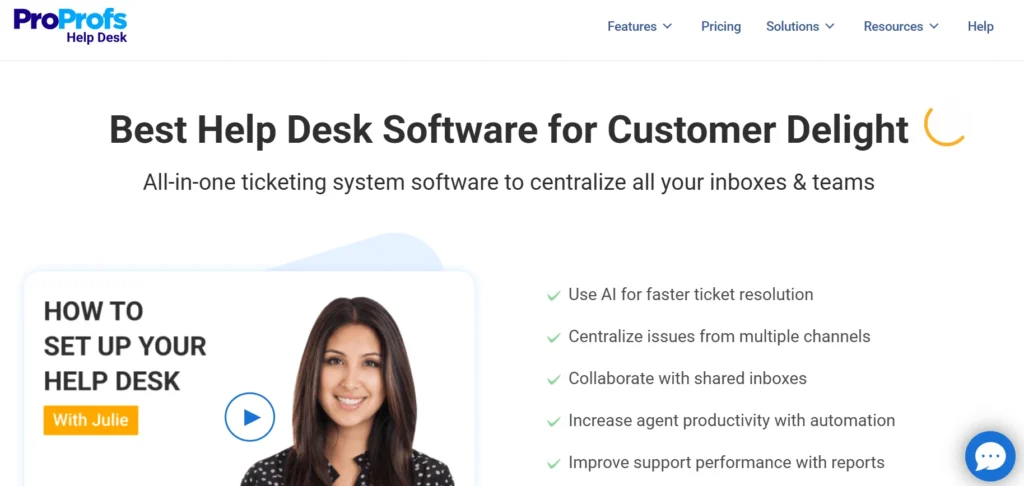
ProProfs Help Desk is for teams that need the basics done well without any unnecessary complexity. It’s built around a shared inbox for email support, with features like ticket prioritization, canned responses, collision detection, and reporting built in.
CRM and Automation Features
ProProfs includes basic automation rules, contact management, and integrations with other ProProfs tools like their knowledge base and live chat software. It’s not the most feature-rich platform on this list, but it does what it does reliably and without a steep learning curve.
Best For: Very small teams and solopreneurs who need simple, reliable email-based ticket management without bells and whistles.
Zendesk Alternatives Comparison by Business Size
Best for Startups
Crisp and Tidio are strong choices for early-stage companies. Both have free plans, quick setup, and focus on live chat and messaging — which is often where customer conversations happen first for new businesses.
Best for SMBs
Helpdesk 365, Freshdesk, and Zoho Desk are the standout picks for small and mid-sized businesses. They offer the right balance of features, ease of use, and pricing for teams of 5 to 100+ agents.
Best for Enterprises
Intercom and DevRev are worth evaluating for larger organizations with more complex support and product needs. Both scale well and offer the kind of AI and integration depth that enterprise teams require.
Best for Ecommerce Businesses
Tidio and BoldDesk have the ecommerce integrations and live chat focus that online retailers need. Tidio, in particular, is widely used by Shopify merchants.
Which Zendesk Alternative Has the Best AI Features?
AI Ticket Routing
Helpdesk 365 and DevRev both do this well, using AI to analyze incoming tickets and route them to the right agent or team automatically.
AI Chatbots
Intercom’s Fin and Tidio’s Lyro are the most capable AI chatbots on this list — both can handle a large portion of inbound queries without human intervention.
Suggested Replies
Freshdesk (Freddy AI), Zoho Desk (Zia), and BoldDesk all offer AI-generated response suggestions that help agents respond faster and more consistently.
Automation Capabilities
Freshdesk and Zoho Desk have the deepest rule-based automation builders, with support for complex multi-step workflows, SLA-based triggers, and event-driven actions.
Zendesk Alternatives for Microsoft 365 Businesses
If your business is on Microsoft 365, the helpdesk options look a bit different. Here’s what matters:
SharePoint Integration
Helpdesk 365 is built natively on SharePoint, which means your knowledge base and support documentation live inside your existing Microsoft environment — searchable across your organization without any extra setup.
Microsoft Teams Compatibility
Helpdesk 365 and Desk365 both offer genuine Microsoft Teams integration where tickets can be created, managed, and resolved directly from Teams. This is not a simple notification bot — it’s a full ticketing workflow inside your Teams interface.
Outlook-Based Ticketing
Helpdesk 365 converts customer emails into tickets directly inside Outlook, so agents who prefer to work from their email client don’t need to switch to a separate tool.
For businesses running on Microsoft 365, Helpdesk 365 stands out clearly. The native integration eliminates the cost and friction of maintaining a separate platform alongside your Microsoft stack.
How to Choose the Right Zendesk Alternative
Based on Team Size
Small teams (under 20 agents) should prioritize simplicity and affordability. Tools like Crisp, Freshdesk’s free tier, or Helpdesk 365 are good starting points. Larger teams need more robust SLA management, reporting, and role-based access controls — which Freshdesk, Zoho Desk, and Helpdesk 365 all handle well.
Based on Industry
- Ecommerce: Tidio or BoldDesk
- SaaS/Technology: DevRev or Intercom
- Professional Services / Microsoft shops: Helpdesk 365
- General SMBs: Freshdesk or Zoho Desk
Based on Support Channels
If most of your support happens over email, Help Scout and ProProfs are simple and effective. If you handle multiple channels (chat, social, email, phone), Freshdesk and Intercom are built for that. If everything runs through Microsoft Teams, Helpdesk 365 is the obvious choice.
Common Mistakes to Avoid When Switching Helpdesk Software
Ignoring Migration Planning
Switching helpdesk platforms means moving ticket history, customer data, and knowledge base content. This takes time and planning. Before you commit to a new tool, ask the vendor specifically about migration support — what data can be imported, how long it takes, and whether they help with the process.
Overlooking Integration Needs
Your helpdesk doesn’t operate in isolation. It needs to connect with your CRM, your ecommerce platform, your communication tools, and potentially your billing software. Check the integrations list carefully before signing up.
Choosing Based Only on Pricing
The cheapest option isn’t always the best value. A tool that’s $5 cheaper per agent per month but takes twice as long to configure or requires a consultant to manage will cost you more in the long run. Factor in setup time, ongoing administration, and the cost of missing features.
Not Testing Automation Features
Automation is one of the biggest differentiators between helpdesk platforms. Before committing, actually build a few automation rules during your trial. See how intuitive the workflow builder is, how reliable the triggers are, and whether the automations actually solve the problems you have.
Conclusion
Helpdesk 365 takes the top spot for most growing businesses, especially those running on Microsoft 365. It combines the familiar Microsoft ecosystem with powerful helpdesk features, solid AI automation, and pricing that makes sense at every stage of growth. The native Teams and SharePoint integration alone makes it a unique value proposition that no other tool on this list can match.
Join Our Creative Community
Frequently Asked Questions
Why are companies moving away from Zendesk?
The most common reasons are pricing, complexity, and slow customer support from Zendesk itself. Many businesses, especially SMBs, find that they’re paying a premium for features they don’t need while still having to hire or dedicate staff to manage the platform. Simpler, more affordable alternatives have become compelling enough to make the switch worthwhile.
What is the best Zendesk alternative for small businesses?
Helpdesk 365 for Microsoft 365 users, Freshdesk for teams that want a feature-rich free tier, and Help Scout for small teams that prioritize simplicity.
Which helpdesk software offers the best AI features?
Intercom’s Fin AI handles the most queries autonomously. Freshdesk’s Freddy AI and Zoho Desk’s Zia are strong for workflow automation and agent suggestions. For businesses on Microsoft 365, Helpdesk 365’s AI automation is purpose-built for the Microsoft environment and works seamlessly out of the box.
How difficult is migrating from Zendesk?
It depends on how much data you have and how complex your current setup is. Most modern helpdesk platforms offer import tools for tickets, contacts, and knowledge base articles. The tricky parts are typically custom workflows and automations — these usually need to be rebuilt from scratch in the new tool. Plan for at least 2–4 weeks for a structured migration, and always run both systems in parallel for a period before fully switching over.
Why is SLA management important in ticketing workflows?
SLA (Service Level Agreement) management ensures that tickets are resolved within agreed timeframes. It improves accountability and helps teams maintain high service standards.


_JiluXJRGNl.svg)























