

AI-Resume Parsing Software in 2026: 7 Tools Compared for Recruiters

Recruiters today receive hundreds or even thousands of resumes for a single job opening, making manual screening slow, inconsistent, and time-consuming. Resume parsing software solves this challenge by automatically extracting key candidate information, such as contact details, skills, education, work experience, and certifications, and converting it into structured, searchable data.
Language Processing (NLP), modern resume parsers help organizations reduce manual effort, improve hiring accuracy, and accelerate recruitment workflows.
In this guide, we’ll explore how resume parsing software works, its key benefits, essential features, common use cases and how it helps businesses make faster, smarter hiring decisions.
- Resume parsing software automatically extracts and organizes candidate information from resumes, eliminating manual data entry.
- AI-powered parsing quickly identifies skills, experience, education, and certifications, enabling faster and more accurate candidate screening.
- ATS integration streamlines recruitment by creating searchable candidate profiles and simplifying hiring workflows.
- Businesses benefit from reduced hiring time, improved accuracy, better candidate matching, and increased recruiter productivity.
- Choosing a solution with AI capabilities, multilingual support, seamless integrations, and robust security helps organizations build a faster, smarter, and more scalable hiring process.
What Is Resume Parsing Software?
It is a recruitment technology that reads resumes in multiple formats PDF, DOCX, DOC, RTF and extracts structured data from them automatically. Rather than requiring a recruiter to manually read and re-enter each candidate’s details into a hiring system, the parser does this work in seconds.
Modern parsers do not rely solely on keyword matching. They use natural language processing (NLP) and machine learning to recognise context, understand synonyms, and accurately extract data from non-standard resume layouts. A parser reading a resume where skills are listed under ‘Technical Competencies’ rather than ‘Skills’ still extracts them correctly.
The extracted data typically name, email, phone number, location, job titles, employers, dates of employment, educational institutions, degrees, certifications, and skills is stored in a structured candidate profile inside your ATS or recruitment database. From that point, the profile is fully searchable, filterable, and reportable.
Why this matters for recruiters
The average HR manager receives 250 resumes for a single open role. Reviewing each one manually takes 6–9 seconds per resume for initial screening — roughly 25 minutes of reading time before a single candidate is contacted. Resume parsing condenses that to seconds per file and ensures no qualified candidate is overlooked because a recruiter ran out of time.
How Resume Parsing Works — Step by Step
Understanding the parsing process helps you evaluate tools accurately and spot where parsers can fall short on complex resume formats.
Faster hiring is not just about speed. It is about creating better experience for candidates, building stronger teams, and helping your company stand out in a busy job market. With the right tools, your HR team can easily find and hire the best people every day instead of getting lost in resumes.
OCR (optical character recognition) is used for scanned or image-based PDFs. For native digital files, the parser reads the underlying text layer directly. This step determines accuracy poor OCR is the leading cause of parsing errors.
NLP models analyse the extracted text and identify data types: which text is a job title, which is an employer name, which is a date range. Context matters here the same phrase can mean different things depending on its position in the resume.
Extracted data is standardised into consistent formats: dates to DD/MM/YYYY, skills to a taxonomy, job titles to canonical labels. This is what makes the data searchable and comparable across thousands of candidates.
The normalised data is written into the candidate’s profile in your ATS or recruitment database ready to filter, search, score, and compare within seconds.
Key distinction: AI parsing vs. keyword parsing
Older resume parsers used keyword matching: they found terms that matched a predefined list and flagged them. AI-powered parsers use machine learning to understand meaning and context. A keyword parser misses ‘Python scripting’ when a job requires ‘Python development.’ An AI parser recognises them as the same skill. This difference is the single most important factor in parsing accuracy.
The 7 Best Resume Parsing Software Tools in 2026
The tools below were evaluated on parsing accuracy, file format support, ATS integration depth, multilingual capability, compliance posture, pricing transparency, and critically for Microsoft-stack organisations native Microsoft 365 compatibility.
| Tool | Best For | Parsing Accuracy | Languages | M365 Native | Free Trial | Starting Price |
| Recruitment Management 365 | Microsoft 365 native teams | High (AI) | Multi Languages supported | Yes native | Yes (14-day) | $24.99/user/mo |
| Rchilli | Affordability + API scale | High | 40+ | API only | Yes | $0.04/parse |
| HireAbility | High-accuracy multilingual parsing | Very High | 50+ | API only | Yes | Custom |
| Zoho Recruit | SMBs wanting ATS + parsing bundle | Good | 10+ | No | Yes | $30/user/mo |
| DaXtra Parser | Recruitment agencies, high volume | Very High | 25+ | API only | No | Custom |
| Textkernel | Enterprise, global compliance | Very High | 29+ | API only | No | Custom |
| hireEZ | Talent sourcing + parsing combined | Good | English-first | No | Yes | $149/user/mo |
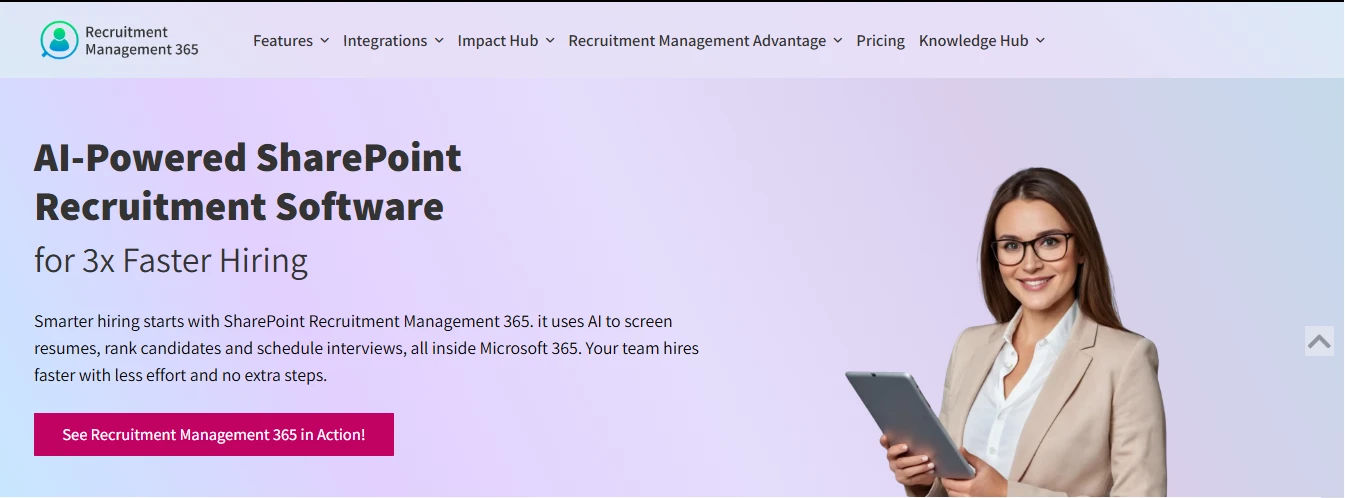
Every other parser on this list operates as a standalone API or a separate SaaS platform. Recruitment Management 365 is built natively on Microsoft SharePoint and integrates with Teams and Outlook at the infrastructure level not through a connector or webhook. For organisations already on Microsoft 365, this means no additional login, no data migration, no API project, and no separate subscription for parsing capability.
When a candidate applies to a role managed through RM365, their resume is processed by our intelligent resume parsing software, and the structured data populates directly into the candidate’s SharePoint-hosted profile. The profile is then visible across the entire hiring team in Teams, in Outlook, and in SharePoint without any manual data entry or export step.
AI-powered matching then scores each candidate against the open job’s requirements and surfaces the strongest matches first. Interview scheduling is handled directly through Outlook calendar integration, and hiring managers receive automated Teams notifications at each stage of the pipeline all without leaving the Microsoft 365 environment.
Best for: HR managers, recruiters, SMBs, and enterprise teams that run their day-to-day operations inside Microsoft 365 Outlook, Teams, and SharePoint.
Microsoft 365 compatibility: Fully native built on SharePoint, integrated with Teams, Outlook, and Power Automate. No API required.
Pricing: Starts at $24.99/user/month with a flat subscription model, making it easier to forecast recruitment software costs. Includes a 14-day free trial with access to all recruitment analytics and automation features.
G2 recognition: Apps365 has received multiple G2 badges including Best ROI, Fastest Implementation, and High Performer. Most customers are live and parsing resumes within the first week of setup.
- No API integration project: Recruitment Management 365 parsing is active from day one of your trial, not after a technical implementation phase
- No additional licensing cost: It runs on SharePoint, which is already included in Microsoft 365 Business Standard and above
- Full Microsoft compliance stack: Azure AD, SOC 2 certification, and GDPR-ready data handling are inherited from the Microsoft infrastructure
- Teams-native hiring: schedule interviews, share candidate scorecards, and communicate across the hiring team directly in Microsoft Teams
- Power BI reporting: connect RM365 data to Power BI dashboards for time-to-hire, source performance, and hiring stage analytics with no data export required
Still entering candidate data by hand?
RM365 parses every incoming resume automatically and builds structured candidate profiles inside Microsoft 365 — no manual entry, no separate system.
Best for: Recruiting teams and ATS vendors needing a cost-effective API with broad language support.
Rchilli is one of the most widely deployed resume parsing APIs on the market, used by over 1,600 clients across 50 countries. It uses deep learning algorithms to extract and analyse resume data, and supports over 40 languages making it a practical choice for organisations hiring across multiple geographies. Rchilli also offers resume enrichment, which appends missing candidate data from external sources after parsing. Pricing is usage-based, starting from approximately $0.04 per parsed resume, which makes it highly cost-effective at volume. The main limitation is that it requires API integration to connect with your existing ATS it is not a standalone hiring platform.
Microsoft 365 compatibility: API integration only, no native Microsoft 365 or SharePoint support.
Pricing: Usage-based from ~$0.04/parse.

Best for: Organisations that hire across multiple countries and need high-accuracy multilingual parsing.
HireAbility’s ALEX parser is built for accuracy above all else. It supports over 50 languages and is particularly strong on non-English resumes, including right-to-left languages. The parser handles complex resume layouts multi-column formats, tables, graphics better than most competitors. HireAbility also offers private cloud deployment for organisations with strict data residency requirements, making it suitable for regulated industries and government contractors. Like Rchilli, it operates as an API service rather than a complete ATS, so integration work is required to connect it to your hiring workflow.
Microsoft 365 compatibility: API only. No native Microsoft 365 integration.
Pricing: Custom pricing based on volume. Contact for quote.
Best for: SMBs that want an affordable, all-in-one recruiting platform without separate parsing costs.
Zoho Recruit is an applicant tracking system with resume parsing built in as a core feature not a separate purchase. The parser can process multiple resumes simultaneously, extract candidate data directly into Zoho’s candidate database, and map parsed fields to custom ATS fields. For teams that do not yet have an ATS at all, Zoho Recruit offers the lowest-friction entry point: one subscription covers both the ATS and its built-in resume parsing software. While this software provides good accuracy for standard resume formats, it can struggle with heavily formatted or design-led CV files. Additionally, Zoho does not offer native Microsoft 365 or SharePoint integration.
Microsoft 365 compatibility: No native Microsoft 365 integration. Zoho is a standalone platform.
Pricing: Starts from $30/user/month. Free plan available for up to one active job.
Best for: Staffing firms, recruitment agencies, and enterprise talent teams processing thousands of resumes monthly.
DaXtra is a UK-based parsing and search provider with a strong reputation for accuracy, multilingual support across 25+ languages, and deep integrations with major ATS and CRM platforms. It offers both cloud and on-premises deployment, which matters for organisations with data residency constraints. DaXtra’s search and match engine goes beyond parsing it can rank candidates from a database against a job description, which is particularly valuable for agencies managing large talent pools. Implementation requires dedicated technical setup; it is not a quick-start tool. Pricing is custom and negotiated based on volume and deployment type.
Microsoft 365 compatibility: API and connector-based integration. No native Microsoft 365 support.
Pricing: Custom enterprise pricing. Contact DaXtra for a quote.
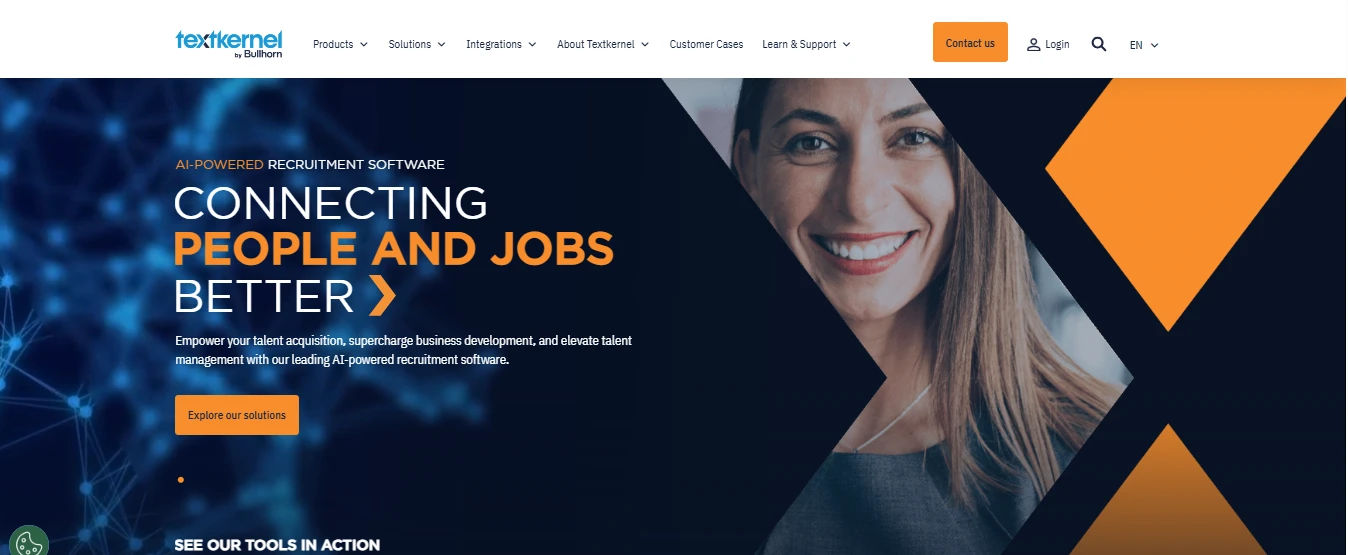
Best for: Large enterprises with global hiring programmes, particularly in regulated industries requiring GDPR and CCPA compliance.
Textkernel (formerly Sovren) is a market leader for enterprise-scale resume parsing. It supports over 29 languages, offers a comprehensive skills taxonomy mapped to multiple global frameworks, and provides detailed confidence scoring on extracted fields which means the parser flags its own uncertain extractions rather than silently producing incorrect data. This is particularly valuable for legal and compliance teams that need auditability in hiring decisions. Textkernel’s data privacy posture is strong: it is certified under multiple data protection frameworks and offers EU data residency. The platform is complex to implement and priced for enterprise budgets.
Microsoft 365 compatibility: API integration required. No native Microsoft 365 connectivity.
Pricing: Custom enterprise pricing. Typically negotiated annually at volume.
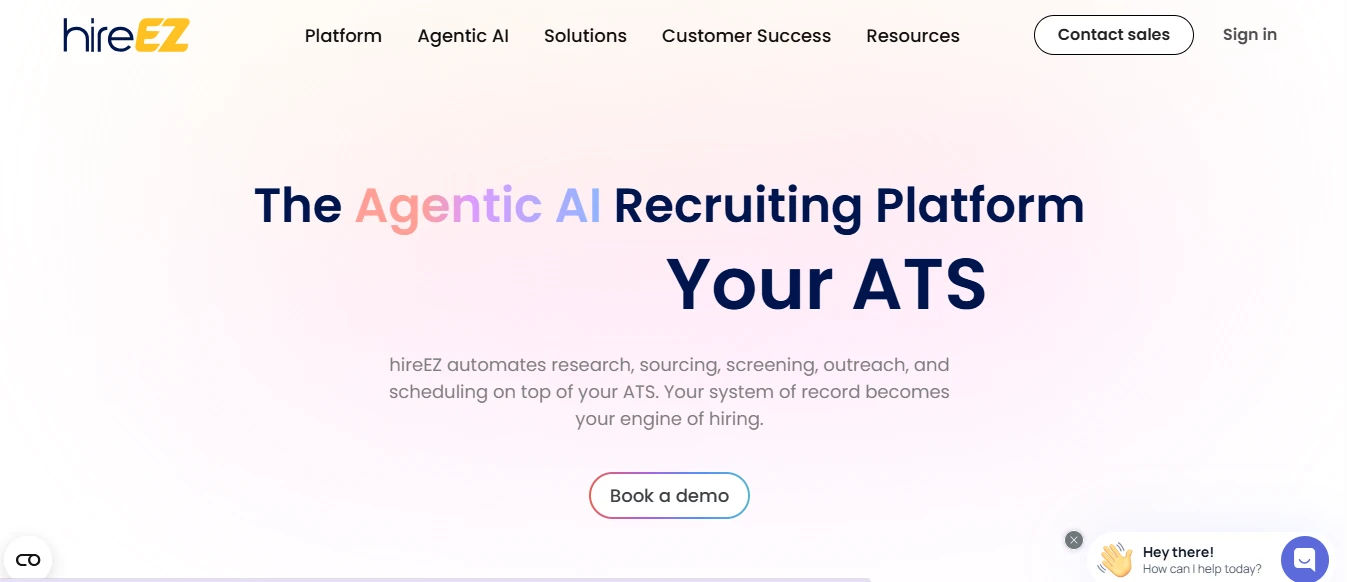
Best for: Recruiters who want to combine outbound sourcing with inbound resume parsing in one subscription.
hireEZ (previously Hiretual) is primarily an AI-powered talent sourcing platform, but its inbound parsing capability is a notable feature. When candidates apply, hireEZ parses their resumes and adds them to a talent database that can be searched alongside the platform’s sourced candidates from LinkedIn, GitHub, and other public sources. This gives recruiters a single candidate pool across active applicants and passive talent. While the platform’s resume parsing software is accurate for standard English-language resumes, it lags behind specialist tools when handling multilingual or complex format support. Furthermore, it does not integrate natively with Microsoft 365.
Microsoft 365 compatibility: No native Microsoft 365 integration.
Pricing: From $149/user/month. Annual subscription required.
How to Choose Resume Parsing Software — 6 Criteria
Not all resume parsing tools serve the same use case. Use these six criteria to filter your shortlist before booking any demo.
| Criterion | What to look for |
| Parsing accuracy | Ask vendors for precision and recall benchmarks on your specific resume formats. Test with real resumes from your candidate pool not vendor-provided samples. Even small accuracy differences compound at volume: a 5% error rate across 500 resumes means 25 incorrectly profiled candidates. |
| File format coverage | Verify support for every format your candidates use: PDF (native and scanned), DOCX, DOC, RTF, HTML, and LinkedIn profile imports. Scanned PDFs require OCR confirm whether OCR is included or an additional module. |
| ATS integration depth | A parser that requires manual field mapping each time it connects to a new system adds significant IT overhead. Look for pre-built connectors to your existing ATS, or for Microsoft 365 teams a parsing solution that runs inside the same environment, eliminating integration entirely. |
| Language support | If you hire across more than one language, confirm supported languages with a live test not just a marketing page count. Ask specifically about the languages your candidates use most, including less common ones if relevant to your hiring markets. |
| Data compliance | Confirm GDPR compliance for EU candidate data, CCPA compliance for California residents, and ask for SOC 2 certification documentation. For US federal contractors, verify EEOC data handling requirements. Data privacy obligations start at the parsing step, not the offer stage. |
| Microsoft 365 compatibility | If your team operates inside Microsoft 365, evaluate whether the parser connects natively (as Recruitment Management 365 does) or through an API. Native means active on day one, no IT project, no separate data store. API means integration project required, additional data movement, separate login for recruiters. |
Resume Parsing Inside Microsoft 365 — How RM365 Does It Differently
The tools compared above Rchilli, HireAbility, DaXtra, Textkernel, and hireEZ are all API-based parsing services. They are capable tools, but they all require one thing that Microsoft 365 organisations often struggle to justify: a separate integration project and an additional SaaS subscription.
For a recruiting team already using SharePoint for document management, Teams for communication, Outlook for scheduling, and Power Automate for workflow adding a standalone ATS with its own data silo and login creates friction at every step of the hiring process.
The integration problem
The average enterprise IT team manages 364 SaaS applications (Okta, 2024 Business at Work Report). Adding a standalone ATS with its own data infrastructure, user management, and compliance documentation means more overhead — not just a monthly fee. For SMBs, this overhead often falls on HR managers who are not technical.
Recruitment Management 365 is architected differently. It is not an ATS that integrates with Microsoft 365 — it is an ATS built inside Microsoft 365. The practical differences:
- Resume data is stored in SharePoint the same environment as your HR documents, policies, and org charts. No data export required for compliance audits.
- Hiring managers receive interview invitations through Outlook calendar not a third-party scheduling tool. Candidates get a familiar Teams or Outlook meeting invite.
- Approval workflows for job requisitions run through Power Automate the workflow engine already in your Microsoft 365 licence. No separate automation tool required.
- Candidate pipeline views are accessible inside SharePoint or through a Teams tab meaning hiring managers who never log into a separate tool still have full visibility.
- Analytics connect directly to Power BI time-to-hire, source performance, cost-per-hire without a data export or middleware layer.
For organisations that have standardised on Microsoft 365, this is not a marginal efficiency gain it is a fundamentally different deployment model that removes an entire category of integration overhead.
Common Resume Parsing Mistakes Recruiters Make
Even the best Resume parsing software produces poor results when it is set up or used incorrectly. These are the four most common mistakes recruiting teams make:
Vendors naturally provide their best-performing test resumes. Before committing to any tool, test it with real resumes from your existing candidate pool especially the messiest, most unconventionally formatted ones. A parser that handles clean PDFs well can still fail on scanned CVs with tables and graphics.
A resume parser that is not connected to your ATS or hiring workflow adds a step rather than removing one. Parsed data sitting in a separate system still needs to be moved manually. Evaluate parsers in the context of your full recruitment stack or choose a solution like RM365 where parsing and the ATS operate as a single system.
Most parsers require initial field mapping: telling the system that ‘Contact Number’ in a candidate’s resume maps to the ‘Phone’ field in your ATS. Poor field mapping means structured data ends up in the wrong place and becomes less useful for filtering. Budget time for configuration before going live.
Enterprise parsers like Textkernel provide confidence scores on each extracted field. A low confidence score on a job title or date range means the extraction is uncertain and should be human-reviewed. Ignoring these flags and treating all parsed data as accurate leads to incorrect candidate profiles that skew your hiring analytics.
Resume Parsing and GDPR / US Data Compliance — What Recruiters Must Know
Resume data is classified as personal data under GDPR and US state privacy laws, including the CCPA, CPRA, VCDPA, and a growing body of state-level legislation. Because candidate data first enters your systems the moment it is processed by your resume parsing software, compliance obligations begin at this initial parsing step, not at the offer stage.
- Under GDPR, you must have a lawful basis for processing candidate data. For most recruiting contexts, this is legitimate interest or consent. Your parsing tool must support configurable data retention automatically deleting or anonymising candidate profiles after a defined period.
- In the United States, 13 states now have active comprehensive privacy laws (as of mid-2026). California (CCPA/CPRA), Colorado, Connecticut, Virginia, Texas, and others require that candidate data be handled with consent disclosure and subject-access rights honoured on request.
- EEOC recordkeeping requirements in the United States mandate that recruiting records including applications and screening outcomes be retained for one year after the hiring decision. Your parsing software must support audit-trail documentation to meet this standard.
- If you use AI-powered parsing for candidate scoring, New York City Local Law 144 (effective 2023) and similar emerging regulations in Illinois and Maryland require bias audits on automated hiring tools. Confirm your parser vendor’s compliance posture for AI decision-making.
Recruitment Management 365 compliance posture
Recruitment Management 365 is built on Microsoft Azure infrastructure, which is SOC 2 certified, ISO 27001 certified, and GDPR-ready. SharePoint’s built-in data retention policies allow HR teams to configure automatic candidate data deletion without manual intervention. Azure AD handles access control — only authorised users can view candidate profiles. For US federal contractors, Microsoft’s FedRAMP authorised cloud services provide additional compliance coverage.
Conclusion: Choosing the Right Resume Parsing Software
All seven tools reviewed can eliminate manual resume data entry. The key difference is how well they fit into your existing hiring workflow and technology ecosystem.
For multilingual and global hiring needs, Textkernel and HireAbility stand out. RChilli is a strong choice for API-driven, high-volume recruiting, while DaXtra is built for agencies processing large volumes of resumes. Zoho Recruit offers an affordable all-in-one ATS and parsing solution for growing businesses.
For organizations already using Microsoft 365, Recruitment Management 365 (RM365) offers a unique advantage: resume parsing and applicant tracking directly within SharePoint, Teams, Outlook, and the broader Microsoft ecosystem. There are no additional platforms to manage, no separate data silos, and no complex integrations.
The goal of resume parsing is not just to save time it is to help recruiters move faster without adding complexity. The right solution should streamline hiring while fitting naturally into the tools your team already uses.
Ready to see RM365 in action?
Book a 30-minute demo or start your 14-day free trial. Most teams are live and parsing resumes within their first week no IT project, no data migration, no additional.
Frequently Asked Questions
What is resume parsing software?
It automatically reads resumes and extracts structured data — name, contact information, skills, work history, education, and certifications — from the document and stores it in a searchable candidate profile inside an ATS or recruiting database. This replaces manual data entry and reduces screening time by up to 50%.
How accurate is AI-powered resume parsing?
AI resume parsers using natural language processing typically achieve 90–95% field extraction accuracy on standard digital resume formats. Accuracy can drop to 70–85% on scanned documents with complex layouts. Testing parsers on your own candidate resumes — rather than vendor-provided samples — is the best way to assess real-world accuracy for your specific use case.
What file formats does resume parsing software support?
Most AI resume parsers support PDF (both native digital and scanned via OCR), DOCX, DOC, RTF, and HTML formats. Some also parse LinkedIn profiles and plain-text files. Always verify support for scanned PDFs specifically — OCR capability varies significantly between tools and is essential if your candidates submit photographed or scanned resumes.
How does resume parsing software integrate with an ATS?
Most standalone parsers connect to an ATS via API, requiring a technical integration project. Once connected, parsed data flows automatically into the ATS candidate profile. RM365 by Apps365 works differently — it is built natively on Microsoft SharePoint and does not require a separate API integration for Microsoft 365 users. Parsing and the ATS operate as a single system.
Is resume parsing software GDPR compliant?
GDPR compliance depends on the specific platform. Look for: configurable data retention periods that automatically delete or anonymise candidate data, documented lawful basis for processing, Subject Access Request support, and data processing agreements (DPA) from the vendor. RM365 runs on Microsoft Azure infrastructure which is GDPR-ready and SOC 2 certified. Standalone parsers like Rchilli and Textkernel also offer GDPR compliance documentation on request.
Is it worth the cost?
Yes! Time saved, faster hiring, improved candidate experience, and reduced turnover often cover the investment quickly. Plus, faster, smarter hiring gives your company a competitive edge in the job market.
What is the best resume parsing software for Microsoft 365 users?
For organisations already on Microsoft 365, Recruitment Management 365 (RM365) by Apps365 is the only natively integrated option. Every other parser on this list — Rchilli, HireAbility, DaXtra, Textkernel, Zoho Recruit, hireEZ — requires a separate API integration or SaaS subscription that runs outside the Microsoft 365 environment. RM365 parsing is active from day one of your trial, with no integration project required.


_JiluXJRGNl.svg)























