


Current teams are fast, and deadlines become tight, work gets shared in different places, and the demand is high. In this scenario, the old-fashioned way of monitoring tasks through emails, spreadsheets, or multiple apps is not going to work anymore. Teams need clear communication, speed, and organization. That is why choosing the best Microsoft task management system matters.
Old methods like emails and spreadsheets slow teams down and create confusion. A Microsoft Task Management System organizes work, assigns tasks, tracks progress, and integrates with Microsoft 365 apps, letting teams focus on important work instead of routine tasks.
Top tools like Task Management 365, Planner, ClickUp, Asana, and Monday.com offer automation, reporting, and customizable workflows. Upgrading now boosts productivity, improves collaboration, reduces stress, and helps teams achieve goals efficiently.
A Microsoft Task Management System allows teams to effectively plan their work, assign responsibilities, monitor developments, and consequently, deliver on time. The system minimizes misunderstandings, gets rid of manual work and provides the management with clear insights. Above all, the system less daily task confusion allows people to concentrate on valuable work.
Why Modern Teams Need Better Task Management
A Microsoft task management system is a digital platform that is a part of the Microsoft ecosystem and that helps the teams to organize, assign, and track work. These systems are compatible with the tools such as Microsoft 365, Teams, Outlook, and SharePoint. A modern task management system allows the teams not only to create the above-mentioned basic functionalities but also to:
- Tasks get lost in emails
- Deadlines are unclear
- Team members duplicate work
- Managers spend time chasing updates
A modern task management software solves these problems by creating one trusted source of truth.
Key Insight:
Industry studies show that teams using structured task systems improve productivity by 25–30%, while reducing missed deadlines by nearly 40%.
Why Microsoft Leads Task Management in 2026
Microsoft has become the backbone of modern business operations. From email to collaboration to document storage, Microsoft tools are already part of daily work. That is why Microsoft-based task management stands out.
What Makes Microsoft Different?
- Deep integration with everyday work tools
- Enterprise-grade security
- Flexible customization
- Scalable for teams of any size
When task management lives inside Microsoft tools, adoption becomes easier and results come faster.
SharePoint Task Management: The Core Advantage
One of the most powerful bases for the systems of tasks based on Microsoft task management. It permits organizations to create personalized task solutions and at the same time be completely integrated with Microsoft 365.
What SharePoint Task Management Offers?
- Central task lists for teams and projects
- Custom workflows based on business needs
- File sharing and task updates in one place
- Real-time collaboration through Teams and Outlook
SharePoint is highly flexible so that businesses can align their task management system with the workflow, not the other way around.
Key Features of the Microsoft Task Management System
A truly effective system goes beyond basic task lists. The best Microsoft task management solutions include:
- Smart Task Assignment: Tasks are given to specific individuals, with the corresponding deadlines and priority levels, that are very clear. It is absolutely clear who is accountable for what is important.
- Automation and Workflows: The set of activities, such as routine tasks, approvals, and reminders, are executed automatically. As a result, the amount of manual work is less and human error is less likely to occur.
- Real-Time Visibility: Managers can quickly see task status, problems, and team progress
- Collaboration Built-In: There are no extra tools involved because comments, file sharing, and updates are done directly through the tasks.
- Reporting and Insights: The use of dashboards and analytics allows the leaders to make decisions based on data.
Best Microsoft Task Management Systems for Modern Teams
Here are the top Microsoft task management systems businesses trust in 2026:
1. Task Management 365 – Best for Microsoft integration: Built specifically for Microsoft 365 and SharePoint, Task Management 365 delivers a seamless experience.
Why teams love it:
- Native SharePoint task management
- Automated workflows and notifications
- Dashboards with up-to-date information
- Easy adoption for Microsoft users
Ideal for: Large companies and expanding groups who have the Microsoft 365 platform already in place
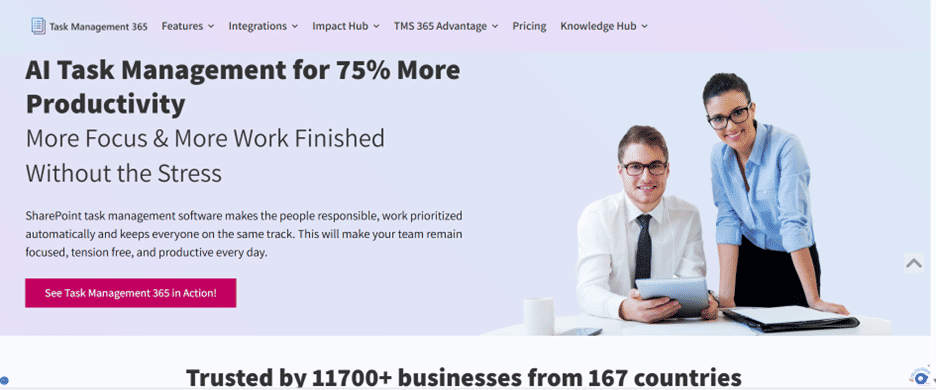
2. Microsoft Planner + To Do – Best for simple task tracking: These applications are perfect for simple task requirements and individual productivity.
Strengths:
- Simple interface
- Works inside Teams
- Good for lightweight planning
Limitations: Not ideal for complex workflows or reporting.
3. ClickUp – Best for flexibility ClickUp integrates with Microsoft tools while offering strong customization.
Strengths:
- Flexible task views
- Custom dashboards
- Works for mixed tech environments
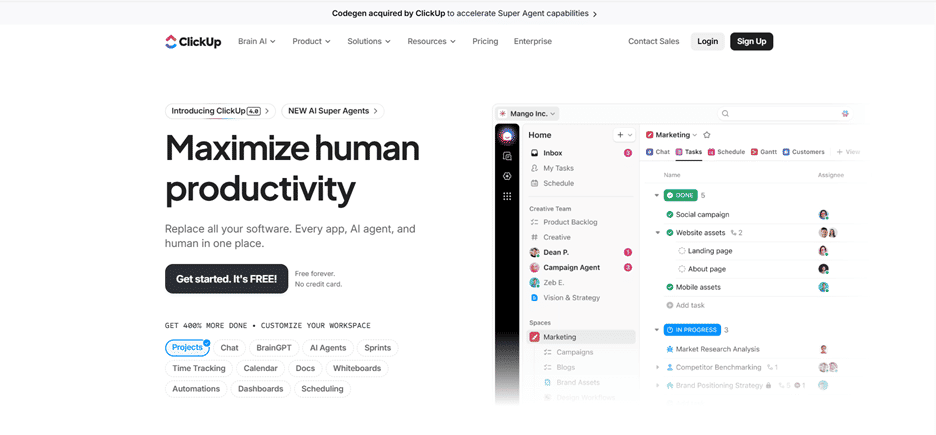
4. Asana – Best for structured planning: Asana supports timelines and goal tracking with Microsoft integrations.
Strengths:
- Visual project tracking
- Strong planning tools
- Reliable integrations
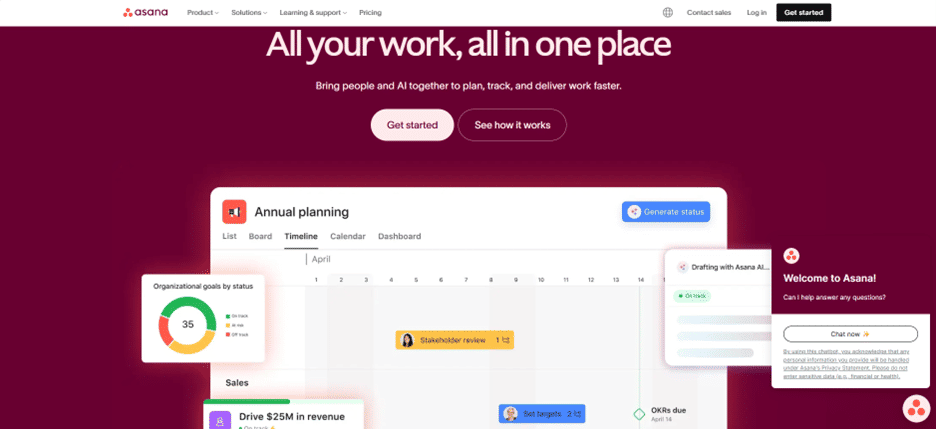
5. Monday.com – Best for workflow customization: Monday.com works well with Microsoft 365 while offering strong automation.
Strengths:
- Custom workflows
- Real-time updates
- Scales across departments
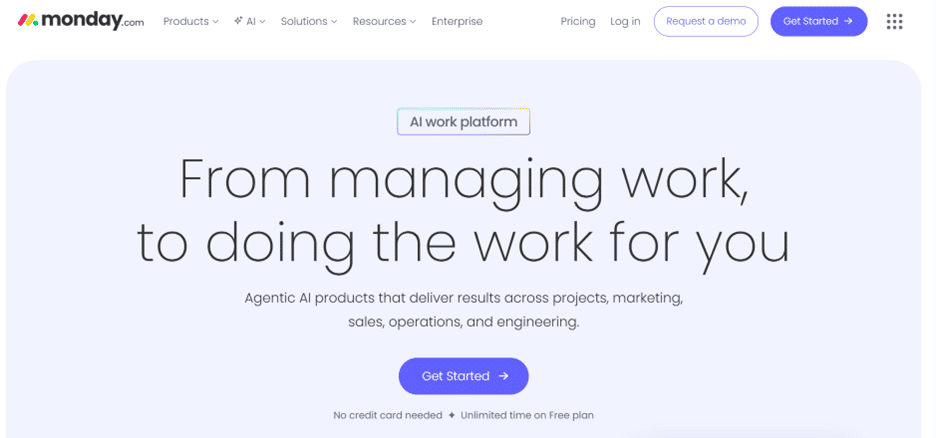
Microsoft Task Management vs Other Task Software
| Feature | Microsoft Task Management | Other Tools |
| Microsoft 365 Integration | Full | Limited |
| Data Security | Enterprise-grade | Varies |
| Custom Workflows | Highly Flexible | Often Limited |
| Scalability | Excellent | Medium |
| User Adoption | Fast | Slower |
Benefits of a Microsoft Task Management System
Investing in the best Microsoft task management system is not just about tracking tasks, it transforms the way your team works. Here is why modern businesses love it:
- Faster Project Completion: Through the utilization of automated task assignments, clear deadlines, and real-time tracking, projects move faster than ever before. The teams can deliver even 30% sooner and therefore the satisfaction of clients and reaching of the business goals is guaranteed on time.
- Fewer Missed Deadlines: The problem of lost emails and forgotten tasks is over. A reminder is sent and priorities are organized by the system, resulting in a 40% cut in the number of missed deadlines. Everybody is aware of the what and the when, which ensures that the workflow is not interrupted.
- Improved Team Focus: The employees are given the opportunity to concentrate on the very important work instead of daily confusion, thanks to the elimination of confusion and unnecessary manual labor. Research indicates an increase of 25% in focus and productivity in teams that operate under a structured task system.
- Lower Employee Stress: Setting clear expectations, automating workflows, and having central visibility of tasks are some of the ways that stress is relieved from employees. Besides, teams are not really spending their time chasing for updates, they are more or less doing the same amount of work but it is the kind of work that is meaningful, thus, the creation of a happy and motivated workforce.
- Better Accountability and Transparency: The managers can see very quickly who is responsible for each task, monitor the progress and identify any bottlenecks. Through the use of built-in reporting and analytics, accountability is raised naturally and this helps the leaders to make smarter, data-driven decisions.
- Streamlined Collaboration: Team members are able to comment, ones can share files and mark progress all in the same system. Consequently, communication has been centralized, thus, everyone being on the same page and the projects are being executed as planned.
- Data-Driven Insights: the use of dashboards and analytics provides management with insight into employee performance, distribution of workload, and the project trends that are waiting to be followed. In this way, decision-makers are equipped to map out their strategies, allocate their resources wisely, and streamline their operations.
A Microsoft task management system is more than just a means of organizing work; it is a way of empowering your team, lessening the pressure, and producing results that can be measured. The combination of clarity, automation, and real-time visibility, your team can perform at its absolute best, every day.
How to Implement a Microsoft Task Management System
Step 1: Define Your Process
The first step in any project is to break it down into small, clear tasks. Each task should then have an owner and a deadline.
Step 2: Choose the Right Tool
The next step is to select a system that would work best for your team, considering factors like size and complexity.
Step 3: Integrate Microsoft Apps
The third step would be to connect Teams, Outlook, and SharePoint so that there will be a seamless workflow among the apps.
Step 4: Automate What You Can
Get rid of repeating processes by making use of workflows and reminders.
Step 5: Train and Optimize
The last step is to give basic training and improve processes by utilizing reports.
Who Should Use a Microsoft Task Management System?
A Microsoft Task Management System is not only for large corporations but also for any group that would like to work smarter, remain organized, and get results efficiently. The teams that will experience the most significant impact are:
IT Teams: Supervise multiple projects, monitor several tasks at once, and keep programing phases on schedule without losing any detail.
Marketing Teams: Organize promotions, set targets, and liaise between the design, content, and social media teams to deliver on time.
HR Teams: Monitor recruitment, staff training, and employee tasks with great efficiency, thus making sure nothing is overlooked.
Operations Teams: Manage daily workflows effectively, keep operations neat, and minimize misunderstandings between staff.
Leadership Teams: Get instant access to the current situation of the team in terms of progress, workload, and project status, thus aiding in the making of smarter, data-driven decisions.
Should your team already be utilizing Microsoft tools such as Teams, Outlook, or SharePoint, this system will be a perfect fit for your workflow. It makes handling tasks easier, less tension, and allows each employee to concentrate on the job that is most important, thus making your organization more productive and effective.
Why Now Is the Right Time to Upgrade
- The use of manual task tracking and unfocused tools is a big obstacle for your team. Deadlines are missed, updates are drowned out, and employees are performing more of the task management than actual completion. In the world of business, a team requires a system that cooperates with them, not one that fights them.
- A Microsoft Task Management System is that structure. It repositories tasks, automates reminders, and keeps everyone informed. Teams can get faster, be aligned and work on high-value tasks rather than chasing for updates or dealing with disorganized processes.
- By upgrading now, your team can lower the tension, gain trustworthiness and produce results. It is not only about task management but also about enabling your workforce, increasing their output, and providing managers with real-time data to make informed decisions.
- Your future workflow begins here. The right Microsoft task management system will allow your team to do more, work more efficiently, and hit the targets sooner.
Conclusion
A Microsoft Task Management System is not just a simple tracking tool. It also serves as a source of power for your team, a workflow optimizer, and a results driver. The system helps by unifying the tasks, eliminating the repetitive actions, and giving the team members real-time data so that they can work smarter, concentrate on the right things and reach their objectives quicker.
The companies that utilize the task management system find that their delays are reduced, and their communications are clearer, and their collaboration becomes stronger. This way team members spend less time on routine tasks and more on actual work. The managers are able to see what is happening at any moment in the project, quickly identify the areas causing delays, and then make their decisions confidently based on data. Get your workflow upgraded today and release your team’s real potential for winning over success
Schedule a demo now and find out how the Microsoft task management system can be of great assistance in your productivity, efficiency, and overall impact.
Join Our Creative Community
Frequently Asked Questions
Can Microsoft task management replace other tools?
Yes! For many teams, a Microsoft task management system can fully replace standalone task software. Unlike separate tools, it integrates easily with Microsoft 365 apps like Teams, Outlook, and SharePoint. This means all your tasks, files, and communications stay in one place, reducing confusion and saving time.
Is it easy for non-technical users?
Absolutely. Microsoft task management tools are designed with simplicity in mind. If your team already uses Microsoft apps, the interface will feel familiar and easy to navigate. With intuitive dashboards, drag-and-drop task management, and automated reminders, even non-technical users can quickly adopt the system without frustration.
Can it scale for large organizations?
Yes. Microsoft task management systems are built for enterprise-level growth. Whether you have a small team or thousands of employees across departments, the system can handle complex workflows, large projects, and multiple teams without slowing down.
Is my data secure?
Microsoft takes security seriously. Their task management tools use enterprise-grade security protocols, including encryption and compliance with global standards like ISO and GDPR. Your sensitive business data stays protected while teams collaborate efficiently.


_JiluXJRGNl.svg)























