


You just got off a call with your Docebo account manager. The renewal quote landed in your inbox. Your eyes went straight to the number and you closed the tab.
You are not alone. Thousands of L&D managers, HR leads, and IT teams run this same search every year. Not because Docebo is a terrible product. But because enterprise needs change, budgets tighten, and sometimes a platform that made sense three years ago no longer fits the way your team actually works.
✨
Key Takeaways
- Docebo is a capable LMS, but many enterprise teams explore alternatives to reduce costs, simplify administration, or improve integration with existing workplace tools.
- The right LMS should align with your learning goals, compliance requirements, reporting needs, and technology ecosystem.
- Microsoft 365-based organizations often benefit from platforms that deliver learning directly within Teams and SharePoint, helping increase adoption and reduce friction.
- Always test your top LMS choices with a real-world pilot before committing to ensure they meet both employee and business expectations.
This guide is for teams who need real answers not a fluffy list of “top 10 tools you’ve never heard of.” We will walk you through 12 solid Docebo alternatives, what each one does well, who it works for, and where it falls short. We will also show you where LMS 365 stands in this list and why it keeps coming up in conversations about Microsoft-integrated enterprise learning.
Let’s get into it.
Why Teams Start Looking for Docebo Alternatives
Before we name, it helps to understand why people leave or at least consider leaving.
Cost. Docebo’s pricing is not publicly listed, but enterprise contracts regularly run $25,000+ per year. For mid-size companies, that is hard to justify when half the features go unused.
Complexity. The platform has a lot of features. That sounds good until your L&D team spends three months in implementation, and your employees still do not know how to log in.
Microsoft 365 integration. If your company runs on Teams, SharePoint, and Outlook, a standalone LMS creates friction. Employees switch apps, skip training, and engagement drops.
Support. Several G2 and Capterra reviews mention slow ticket resolution and a support model that favors larger accounts.
Flexibility. Enterprise teams often need custom workflows, complex reporting, and integration with HR systems like Workday or SAP. Getting those working in Docebo can require developer hours and expensive add-ons.
If any of these sound familiar, you are in the right place.
What to Look for in a Docebo Alternative
Not every LMS will fit your situation. Before you evaluate any platform, get clear on these six things:
- User count and pricing model — Per-user, per-active-user, or flat fee? It matters at scale.
- Microsoft 365 compatibility — Do your employees live in Teams? Your LMS should too.
- Content formats supported — SCORM, xAPI, video, PDF, live sessions?
- Reporting depth — Can you pull completion rates, quiz scores, and compliance status without calling support?
- Admin workload — How many clicks does it take to enroll a new hire?
- Vendor support model — Do you get a dedicated CSM or a helpdesk ticket number?
Keep these in mind as you read through the alternatives below.
12 Best Docebo Alternatives for Enterprise Teams in 2026
1.LMS
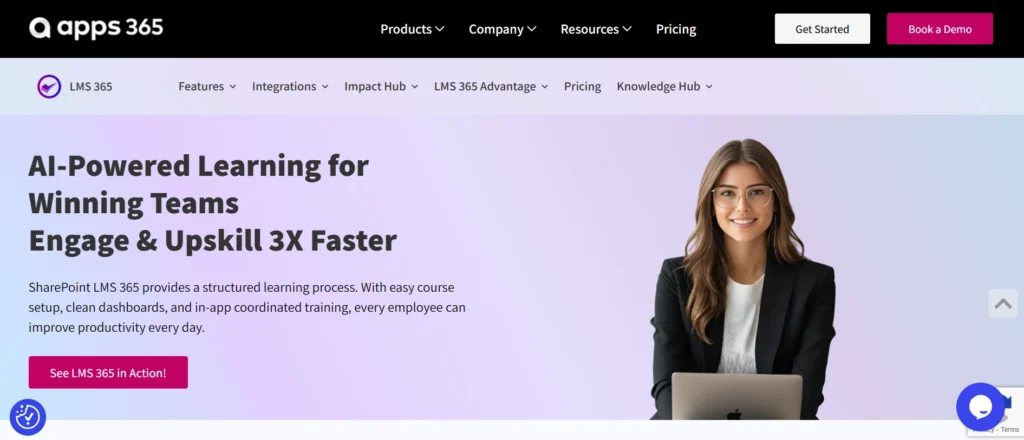
Best for: Mid-size and enterprise organizations already using Microsoft 365 and Microsoft Teams for daily work.
LMS 365 is built directly into Microsoft 365. It runs inside Teams, SharePoint, and the Microsoft ecosystem not alongside it. If your company already pays for Microsoft licenses, LMS 365 does not ask employees to open another browser tab or remember another password.
Strengths: Native Microsoft integration, strong compliance management, automated learning paths, and Power BI reporting. It supports SCORM, xAPI, video learning, and instructor-led training.
Limitations: Delivers the most value for Microsoft-centric organizations. Advanced reporting may require Power BI knowledge, and content libraries may require third-party providers.
Pricing: Custom enterprise pricing based on users and licensing requirements.
Good fit if: You already use Microsoft 365 and want an LMS that simplifies user management, improves adoption, and keeps learning within the Microsoft ecosystem.
💼 Ready to Transform Workplace Learning with LMS 365?
2.TalentLMS
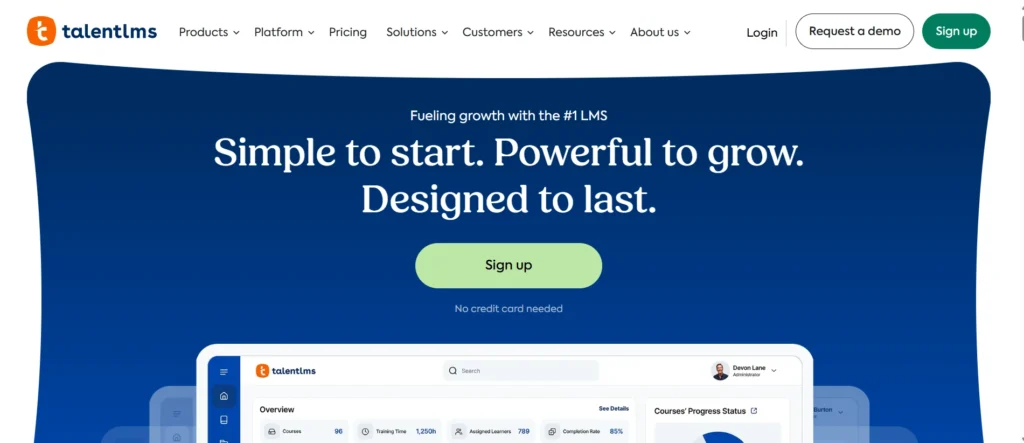
Best for: Mid-size teams that need a clean, easy-to-deploy platform
TalentLMS is one of the most widely used LMS platforms in the mid-market. Setup is fast, the interface is clean, and you do not need a developer to get it running. It supports SCORM, video, quizzes, and live training sessions via Zoom or Teams integration.
Strengths: Fast deployment, good mobile experience, branch management for multi-entity organizations, affordable pricing tiers.
Limitations: Reporting is basic compared to enterprise-grade tools. Customization has a ceiling. Large catalogs can feel slow.
Pricing: Starts around $69/month for up to 40 users. Enterprise plans are custom.
Good fit if: You need something running in under two weeks and your team is under 1,000 employees.
3.Cornerstone OnDemand
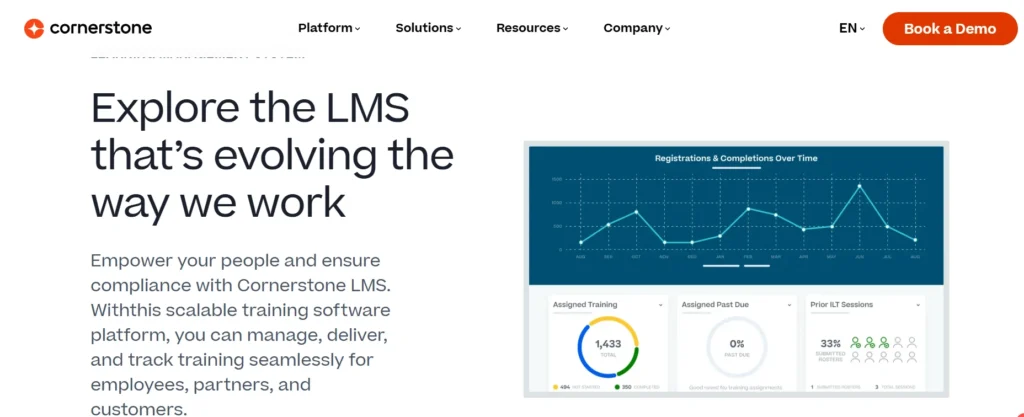
Best for: Large enterprises with complex compliance and talent management needs
Cornerstone is one of the original enterprise LMS platforms. It handles compliance training, performance management, succession planning, and learning all in one suite. It integrates with most major HRIS platforms.
Strengths: Deep compliance workflows, strong HR integration, large partner ecosystem, extensive reporting.
Limitations: Heavy implementation timeline (3–6 months is common). UI feels dated compared to newer tools. Support responsiveness varies.
Pricing: Enterprise only. Custom quotes typically start around $5–8 per user per month at scale.
Good fit if: You are a 5,000+ employee organization with a dedicated HR tech team and you need talent management tied to learning.
4.SAP Litmos
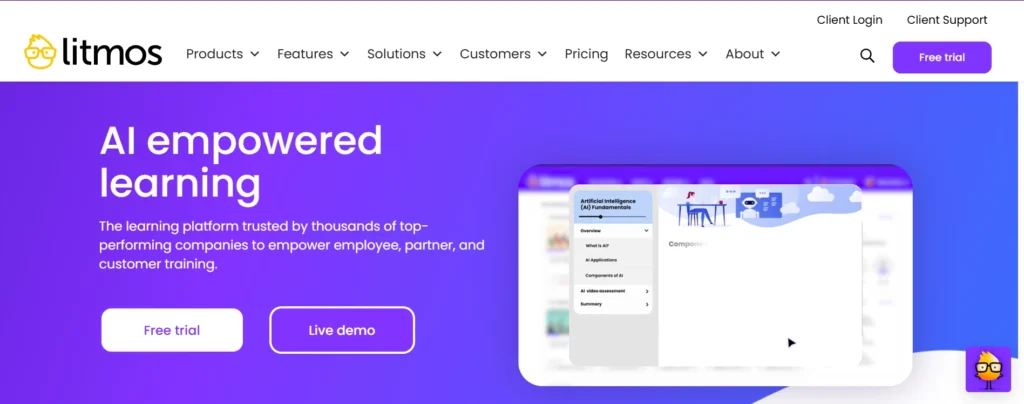
Best for: Teams that need fast content delivery with existing SAP infrastructure
SAP Litmos focuses on speed fast course creation, fast deployment, fast reporting. It comes with a large pre-built content library and works well for compliance, sales enablement, and customer training.
Strengths: Quick setup, solid content library, good mobile experience, integrates with Salesforce and SAP systems.
Limitations: Less flexible for highly custom learning paths. Support quality has been inconsistent in recent reviews.
Pricing: Custom enterprise pricing.
Good fit if: You already use SAP or Salesforce and want learning tightly connected to those systems.
5.Absorb LMS
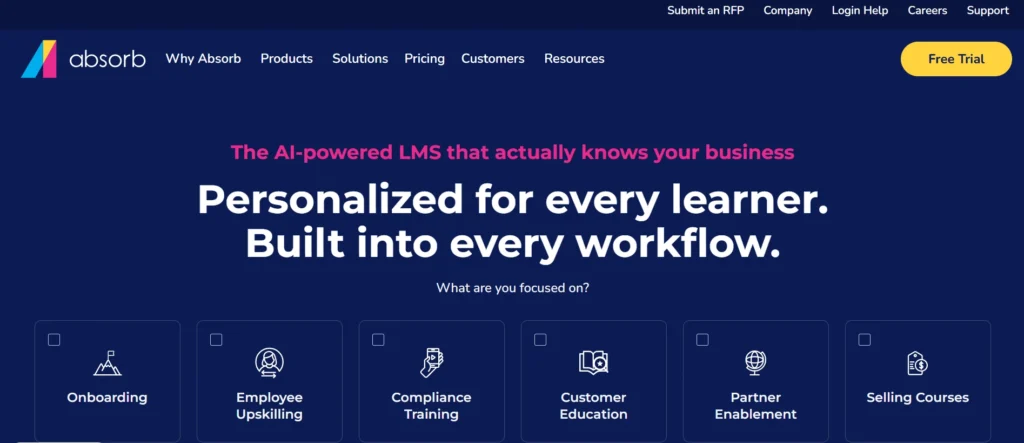
Best for: Enterprise teams that need an intuitive admin experience
Absorb has a strong reputation for usability both for learners and admins. The interface is modern, the mobile app works well, and creating courses does not require a manual. It also has a decent eCommerce layer if you sell training externally.
Strengths: Clean UI, strong customer support, good analytics, solid SCORM compliance.
Limitations: Pricing can climb quickly at scale. Some advanced features are locked behind higher tiers.
Pricing: Custom pricing based on user count.
Good fit if: Admin experience matters to you and you want a platform that L&D teams actually enjoy using day to day.
6.Kallidus(Sapling LMS)
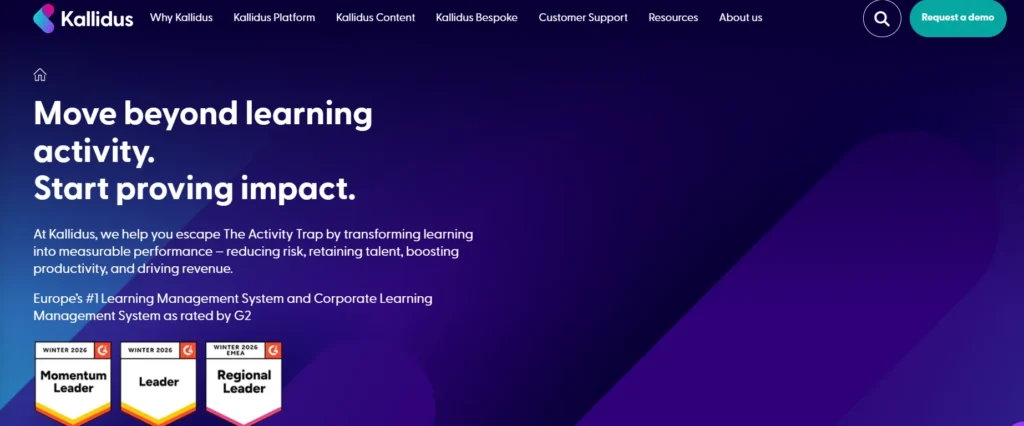
Best for: HR-led teams focused on employee development and onboarding
Kallidus connects learning with onboarding, performance, and talent development. It works well for companies that want a unified HR and learning experience without deploying two separate platforms.
Strengths: Smooth onboarding workflows, strong UK and European support, performance review integration.
Limitations: Less known in North America. Reporting depth is moderate.
Pricing: Custom enterprise pricing.
Good fit if: You are a European-headquartered enterprise or a company where HR owns the learning function.
7.iSpringLearn
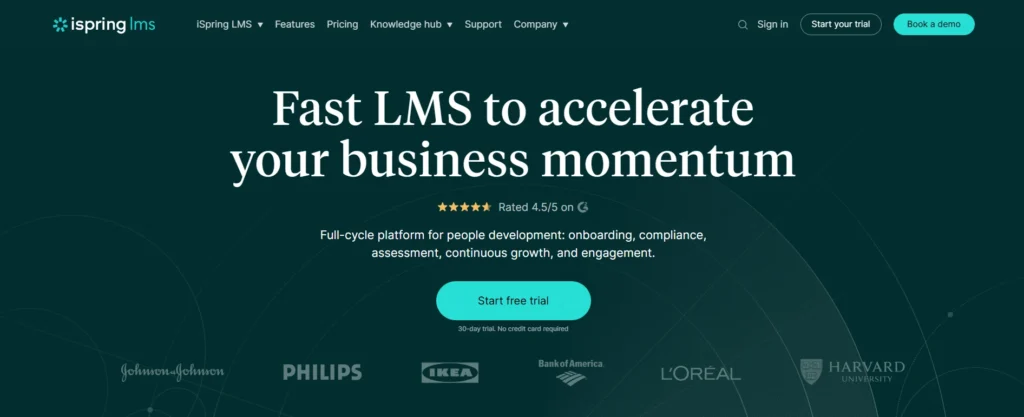
Best for: Teams that create a lot of custom content using PowerPoint
iSpring Learn pairs well with iSpring Suite, a PowerPoint-based course authoring tool. If your subject matter experts build training in PowerPoint, iSpring converts that content into SCORM-compliant e-learning without extra tools.
Strengths: Easy content creation from PowerPoint, clean learner experience, good mobile support, affordable for mid-market.
Limitations: Less suited for complex enterprise workflows. Reporting is functional but not deep.
Pricing: Starts around $2.29 per user per month.
Good fit if: Your team creates most of its own content and you want to simplify the authoring process.
8.Moodle
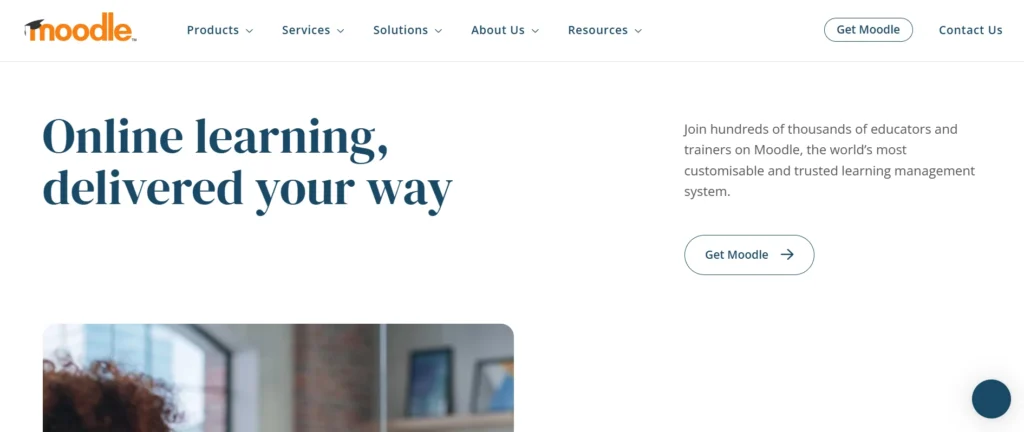
Best for: Organizations that want full control and have internal IT resources
Moodle is open source. That means no licensing fees — but it also means you are responsible for hosting, maintenance, updates, and customization. When paired with a managed hosting provider like Moodlerooms or Moonami, it becomes a viable enterprise option.
Strengths: Fully customizable, no licensing cost, massive plugin library, strong community support.
Limitations: Implementation requires technical resources. Out-of-the-box UI is dated. Support depends on your hosting partner.
Pricing: Free (open source) + hosting and implementation costs.
Good fit if: You have internal dev resources and want maximum flexibility without recurring license fees.
9.TovutiLMS
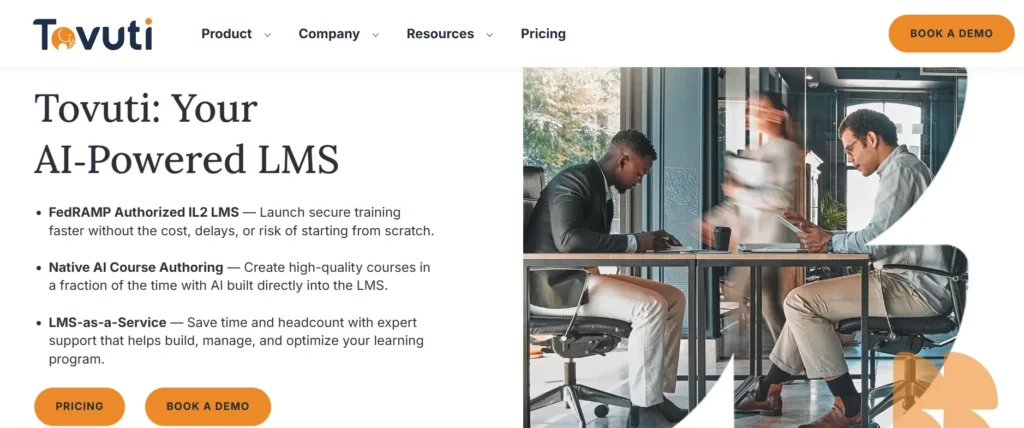
Best for: Teams that want interactive content and social learning features
Tovuti focuses on learner engagement. It has built-in tools for interactive content, gamification, virtual classrooms, and social collaboration. It is a solid option if engagement and completion rates are your biggest problems.
Strengths: Strong engagement features, built-in authoring tools, good customer support, competitive pricing.
Limitations: Reporting could be more robust. Less suited for large-scale compliance tracking.
Pricing: Custom pricing based on user count and features.
Good fit if: You have low learner engagement and want an LMS that makes training feel less like a chore.
10.CYPHER Learning
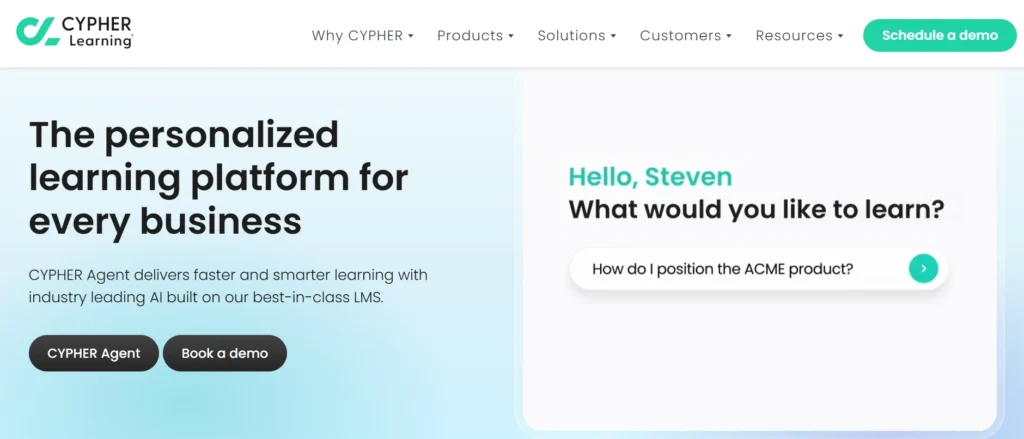
Best for: Organizations building personalized learning journeys
CYPHER Learning uses AI-driven personalization to adapt learning paths based on how each person learns. It works well for skill-gap-based training programs and upskilling initiatives.
Strengths: Adaptive learning paths, strong competency framework, good for skills-based organizations.
Limitations: Less established in the compliance-heavy enterprise space. Some integrations require custom work.
Pricing: Custom enterprise pricing.
Good fit if: Skills development and personalized paths are more important to you than compliance tracking.
11.Workday Learning
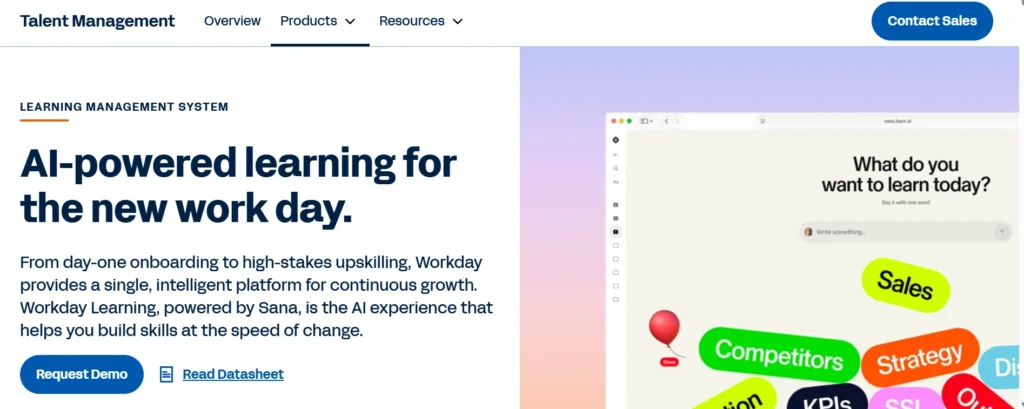
Best for: Companies that already run Workday for HR
Workday Learning is a natural fit if your organization already uses Workday for HR, payroll, and performance. Learning data sits in the same system as employee records, which simplifies reporting and eliminates manual data syncing between platforms.
Strengths: Deep Workday integration, unified employee data, strong reporting within the Workday ecosystem.
Limitations: Expensive if you do not already use Workday. The learning module is not as feature-rich as standalone LMS tools.
Pricing: Add-on to existing Workday contracts. Enterprise pricing only.
Good fit if: You are a Workday shop and want to reduce the number of platforms your HR team manages.
12.360Learning
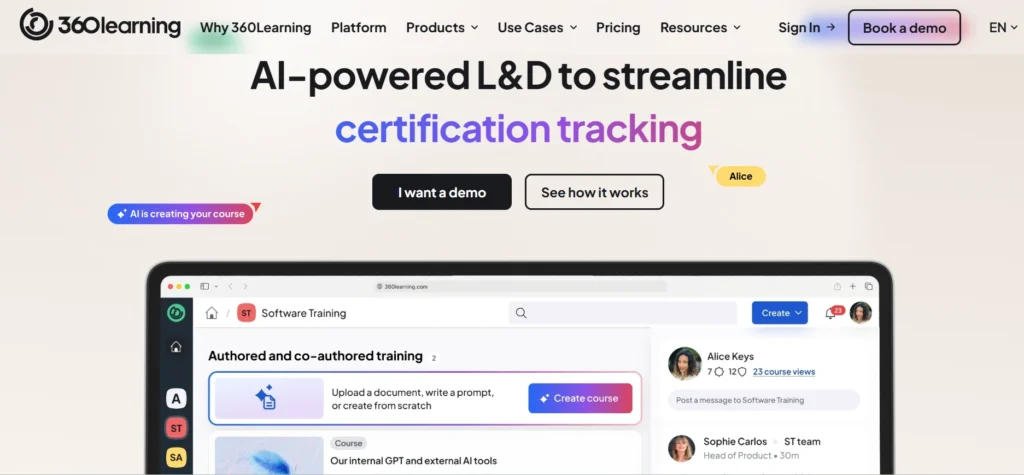
Best for: Teams that want employees to create and share training with each other
360Learning is built around collaborative learning. Instead of L&D building every course, it gives subject matter experts inside your company the tools to create and share training quickly. This works especially well for fast-moving teams where knowledge changes often.
Strengths: Fast course creation by internal experts, strong collaboration features, good engagement tools, solid analytics.
Limitations: Not the strongest fit for traditional top-down compliance training. Takes cultural buy-in to work well.
Pricing: Starts at $8 per user per month. Enterprise plans are custom.
Good fit if: Your L&D team is small and you want employees themselves to drive knowledge sharing across the organization.
Side-by-Side Comparison: Key Factors
Platform | Microsoft 365 Integration | Compliance Tracking | Ease of Use | Best For |
LMS 365 | Native (built-in) | Strong | High | Microsoft enterprises |
TalentLMS | Basic (Teams add-in) | Moderate | Very High | Mid-market |
Cornerstone | API-based | Very Strong | Moderate | Large enterprise |
SAP Litmos | API-based | Strong | High | SAP/Salesforce shops |
Absorb LMS | API-based | Strong | High | Admin-focused teams |
Kallidus | Moderate | Moderate | High | HR-led orgs |
iSpring Learn | Basic | Moderate | High | Content creators |
Moodle | Plugin-based | Customizable | Low | Tech-savvy teams |
Tovuti LMS | API-based | Moderate | High | Engagement-focused |
CYPHER Learning | Moderate | Moderate | High | Skills-based orgs |
Workday Learning | Good | Good | Moderate | Workday customers |
360Learning | Basic | Moderate | High | Collaborative teams |
How to Make the Final Decision
Here is a simple framework to narrow your list to two or three platforms worth demoing.
Step 1: Confirm your ecosystem. If 80%+ of your employees work in Microsoft 365 every day, that should heavily influence your decision. A native Microsoft integration like LMS 365 eliminates adoption friction from day one.
Step 2: Define your primary use case. Are you solving for compliance? Onboarding? Sales training? Skills development? Different platforms are built around different core use cases.
Step 3: Map your integrations. List every system your LMS needs to talk to — HRIS, CRM, identity management, reporting tools. Ask vendors specifically how those integrations work and what they cost.
Step 4: Calculate total cost of ownership. Licensing is only one piece. Add implementation, training, ongoing admin hours, and integration costs. A cheaper per-seat price can easily flip when you factor in everything else.
Step 5: Run a pilot. Most enterprise LMS vendors offer a paid or free pilot period. Use it. Put 50 real employees through real training content and measure completion rates, helpdesk tickets, and admin time.
Questions to Ask Every Vendor
When you get on a demo call, these questions will separate the honest vendors from the ones reading from a pitch deck:
- “What does a typical implementation look like for a company our size, and how long does it take?”
- “What happens when we need custom reporting that your standard dashboards do not cover?”
- “How is support handled for enterprise accounts — dedicated CSM, ticket queue, or something else?”
- “What does the renewal process look like, and how have prices changed for customers over the past three years?”
- “Can you show us the Microsoft Teams integration in a live environment, not a screenshot?”
These questions are not gotchas. Good vendors will answer them clearly. Ones who deflect or get vague should raise a flag.
Why LMS 365 Keeps Coming Up in Enterprise Conversations
We mentioned LMS 365 at the top of this list for a reason. When enterprise L&D teams evaluate Docebo alternatives especially teams inside Microsoft 365 environments LMS 365 consistently surfaces as a strong fit.
Here is the core argument: Most enterprise employees already spend their day in Teams, Outlook, and SharePoint. When training lives inside those tools, adoption rates go up. When employees have to log into a separate portal, complete a course, and log back out they skip it.
LMS 365 removes that friction entirely. Training shows up where work happens. Notifications go through Teams. Reporting flows into Power BI. And because LMS 365 is built on Microsoft’s infrastructure, your IT and security teams are not reviewing a new vendor’s data policies from scratch it already meets the compliance standards your organization has accepted for the rest of the Microsoft stack.
For regulated industries in particular healthcare, financial services, manufacturing, government this matters. Compliance training needs to be completed on time, documented precisely, and auditable on demand. LMS 365 reporting layer makes that straightforward.
It is also worth noting the commercial angle. Companies that already pay for Microsoft 365 licenses are not adding a major new vendor relationship. They are extending a platform they already trust. That simplifies procurement, legal review, and long-term vendor management.
Conclusion
Docebo is not going anywhere, and for some organizations it is still a good fit. But if your contract renewal is coming up, your employees are not engaging with training, or your Microsoft 365 environment is creating friction it is worth spending 60 days doing a real evaluation.
The 12 platforms in this list cover a wide range of sizes, use cases, and budgets. Not all of them will fit your situation. But one or two probably will and the time you spend evaluating now is a fraction of the time you will waste in year three of the wrong platform.
Start with your must-haves. Be honest about what is not working today. And make vendors prove their claims in a live environment not just on a slide deck.
If you are a Microsoft 365 shop, LMS 365 is worth putting on your shortlist. Request a demo and ask them to show you exactly what the Teams and SharePoint experience looks like for a real employee on day one. That 30-minute call will tell you more than any comparison article.
Join Our Creative Community
Frequently Asked Questions
What is the main reason enterprise teams switch from Docebo?
Most teams leave because of three things high renewal costs, slow implementation, and weak Microsoft 365 integration. When employees have to log into a separate platform just to complete training, engagement drops and completion rates suffer.
Which Docebo alternative works best for Microsoft 365 companies?
LMS 365 is the strongest fit. It runs natively inside Microsoft Teams and SharePoint no separate login, no extra app. Employees find their training where they already work, which directly improves adoption and completion rates.
Can we move our existing SCORM content to a new LMS without rebuilding everything?
Yes. SCORM content is portable. Most platforms including LMS 365, Absorb, TalentLMS, and Cornerstone import existing SCORM packages without rebuilding. Always test a content sample during your pilot before full migration.
How long does it take to deploy an enterprise LMS for a 1,000-plus person team?
It varies by platform. LMS 365 and TalentLMS typically go live within a few weeks. Cornerstone OnDemand and Workday Learning usually require three to six months with full implementation support. Factor this into your timeline before signing
What hidden costs should we watch for in LMS contracts?
Look beyond the per-seat price. Implementation fees, content migration charges, API access costs, premium support tiers, and integration fees can add up fast. Always ask vendors for an all-in quote and request a three-year price history from existing customers.
How do we track compliance training and pull audit reports easily?
Choose a platform with dedicated compliance reporting. LMS 365 connects directly to Power BI for custom audit dashboards. Cornerstone and SAP Litmos also have strong built-in compliance tracking useful for regulated industries like healthcare, finance, and manufacturing.
We have a small L&D team. Which platform is easiest to manage day to day?
Absorb LMS and TalentLMS are known for low admin overhead. LMS 365 is also a strong choice if your company uses Microsoft 365 admins manage everything inside the same environment they already use, which cuts down on daily tool switching significantly.
Table of Contents
- Side-by-Side Comparison: Key Factors


_JiluXJRGNl.svg)























