Timeline View
Timeline View That Brings Order to Your Work
See all your tasks and project milestones with gantt chart task management and a clear task gantt view. Move tasks around, adjust dates, and track dependencies easily with the task timeline view. Keep your projects organized and make sure nothing is missed.
A Simple Timeline for Smarter Tracking and Planning
Task Management 365 lets you manage your task management timeline and task gantt view easily, with clear visuals for every project stage. Track milestones with SharePoint task timeline and get AI-powered insights through AI task timeline to stay ahead. With reliable timeline view SLA, your schedules stay on time and nothing is missed.

Timeline View (Gantt Chart)
Manage your projects easily with Timeline View, moving tasks with drag and drop and syncing dates using calendar sync. Get smart insights with Timeline View Copilot. Built with SOC2 timeline view standards, your schedules stay secure and on track.
Activity Log
Track every action with activity log task management and see updates in the task activity log or task audit log. Check team changes easily with Microsoft task activity log. Stay confident knowing every step is recorded and clear.
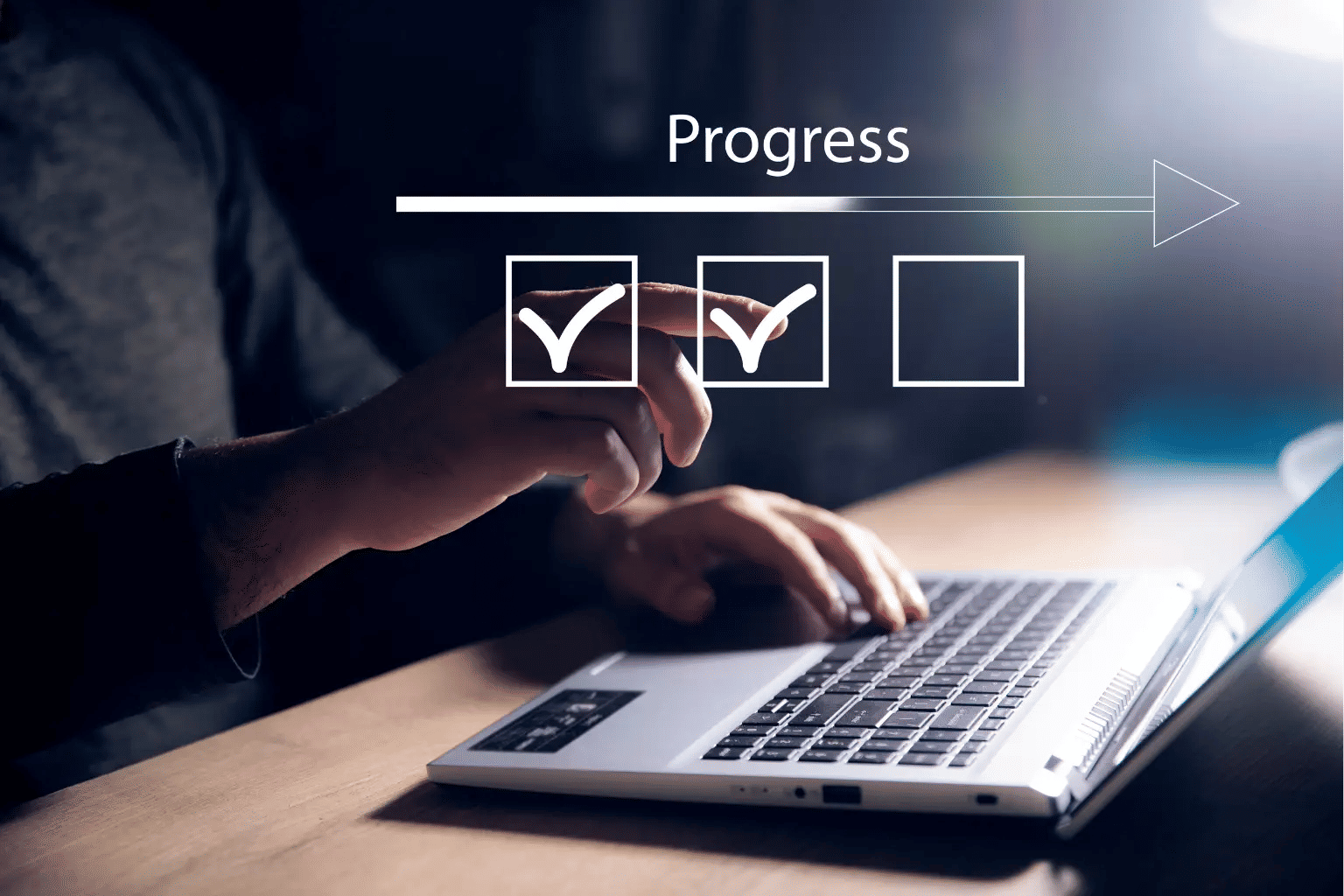
Timeline View Support That Keeps Projects Clear
With AI insights, you can quickly spot delays and adjust plans. Track progress across your Timeline View team with every change logged in the task activity log, Microsoft task activity log, or task audit log. Built with reliable Timeline View SLA, your projects stay organized, transparent, and on schedule.
Manage Every Project with Confidence
Monitor your team and get real-time Timeline View AI insights to spot progress or delays. All updates are recorded in the task activity log, Microsoft task activity log, and task audit log, so nothing is overlooked. With reliable Timeline View SLA, your projects remain organized, clear, and on schedule.
Stay on Top of Every Task
Every change is tracked in real time, with the task dependency log showing how tasks connect and progress. View updates effortlessly in the SharePoint task log and Outlook task log, while the task log dashboard gives you a clear snapshot of your project. Manage tasks efficiently, stay on top of progress, and catch every detail.
Where Activity Logs Keep Everything Clear
With the Activity Log and Timeline View (Gantt Chart), you can see every task and update in one place. They are most helpful when you need to check progress, track dependencies, or view team updates quickly. Stay organized and confident with every step of your project.

Easier Project Management
With Timeline View(Gantt Chart) and Activity Log, unity can be maintained with team members who are wild together, allowing the scheduling of tasks faster
Better Productivity
Set priorities, follow task dependencies, and view progress in real time so nothing gets delayed.
.webp)
Smooth Collaboration
Share updates, add comments, so everyone stays informed.

Clear Progress Tracking
Keep track of deadlines, tasks and the team workload without difficulty by using the Activity Log

Total Security
Relax knowing your project data is safe with strong security and clear logs.

Get More Done
Eliminate routine tasks, make missed deadlines a thing of the past, and gain a smoother project management experience
Quick updates from Timeline View and detailed insights in the Activity Log.
Frequently Asked Questions
It is a feature that enables you to see at a glance all your activities, due dates, and all project phases in a single, easy-to-understand timeline. It is a superb tool for the organization of your tasks and for a clearer understanding of their relationships.
Combining the task starting and ending dates, their duration, and dependency into one location is what it does. Therefore, it will be extremely easy for you to see the task order, the next activities, and the relation of each task to the entire project.
Absolutely. Task dependencies can be of different types like finish-to-start and start-to-start that will let you always have a clear idea of which task needs to be completed before another gets going.
Absolutely. The marking of key checkpoints, milestones, and phases is done in such a manner that the significant moments in your project are tremendously highlighted.
Definitely! The tasks can be filtered, sorted, searched, or grouped by their status, team, dates, custom fields, and so on, thus giving you the ability to be very specific in your attention to what you want.
Absolutely! With real-time sync, everyone on the team is always connected to the most recent timeline because every change is synchronized with instant sync.
Absolutely! The movement of tasks, stretching of timelines, and altering of dates can be handled in a very easy and intuitive manner.
Absolutely. The complete timeline functionality available on your iOS and Android smartphones lets you be updated with the project progress all the time and everywhere.
Absolutely. Your timeline data is secured with encryption, which is also the standard for compliance with SOC 2, GDPR, and Microsoft security standards during transmission and when stored.