Analytics
Tips That Can Help You Work Smarter Everyday
Easily view your team’s performance with clear reports and real-time analytics. Identify key focus areas, spot improvements, and track progress at a glance. Simple dashboards turn data into insights, helping you make smarter decisions and keep projects on track
Analytics That Help You Work Smarter
Task Management 365 provides the transparent overview of the team activity in terms of task, productivity, Teams and project analytics that are easily readable. Instant view of what is on track, what is required attention and performance in general without checking a spreadsheet. Smarter graphics make you clear enough to plan better, establish better work patterns and drive projects.

Visual Boards
Visual Boards give you a clean snapshot of your work, showing real-time task insights without any confusion. You can track progress, spot delays, and understand team performance with easy task management analytics.
Reports
With data-driven analytics, you can see strengths, spot gaps, and understand progress at a glance. This transparency helps you plan next steps, make confident decisions, and keep every project on track.
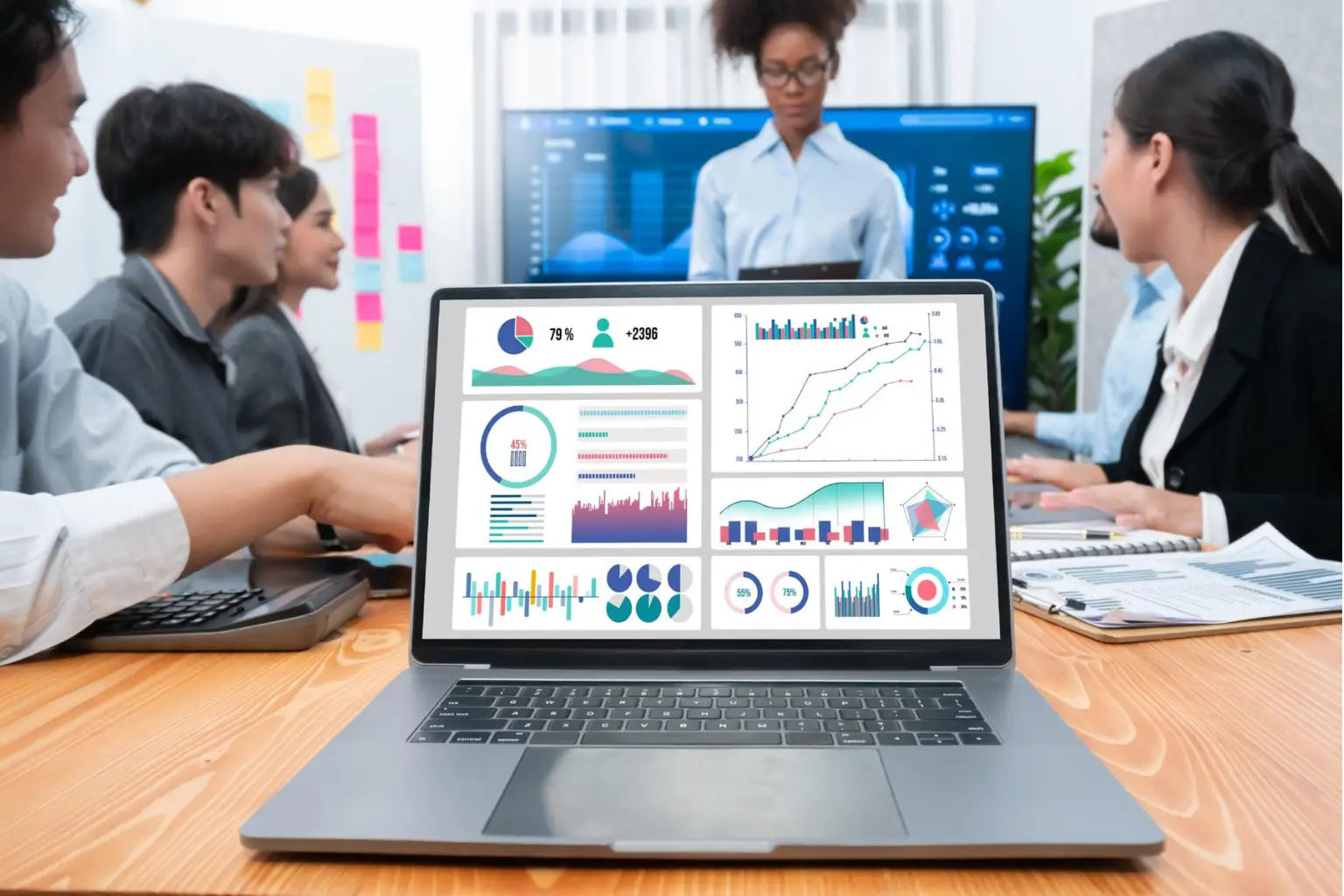
Visual Boards & Reports - Clear View of Tasks and Team Performance
Visual Boards & Reports keep your team on track. Visualize all tasks, monitor the progress, and see what requires attention. Gain a clear understanding of what is working and what needs attention and be able to plan better and be ahead.
Visual Boards to Keep Work Organized
View every task and project together in one clear spot. Visual Boards allow moving tasks, monitor progress, and get an immediate idea of what is already done and what is to be addressed. It is all apparent at a glance, hence your team remains on track and work continues to take place.
Reports to Know How Your Team is Doing
Receive reports that are easy to read and see what is and is not working. Reports provide you with the complete image of the accomplishments of your team and assist you in making wise decisions and arranging the further actions.
Where Visual Boards and Reports Can Have the Biggest Impact
See all tasks and progress at a glance and stay on top of everything. This is when they make the biggest impact:

Top of Every Task
Visual Boards enable you to have all your work in one place and hence you can always be aware of what requires attention all the time, therefore keeping projects running at a good pace.

Intelligences to Accurate Decisions
Reports provide the clear picture of the progress and the outcomes in real-time and allows you to identify the problems on time and continue to plan further actions with certainty.

Everything is kept straight and in view with Visual Boards and Reports.
Frequently Asked Questions
What are the functions of analytics in Task Management 365 and their benefits for my team?
Analytics give a clear picture of your team’s performance, tasks, and projects. Real-time insights will keep you informed of everything that was planned, everything that needs attention, and you will be able to make more accurate decisions without checking out a spreadsheet.
How are Visual Boards beneficial to a group's efficiency?
Visual Boards display all the tasks and projects in a very simple view. You are able to manage the progress, identify the delays, and have a good understanding of your team’s workload thus making it easier to stay organized and keep the work moving forward.
Will Reports contribute to the improvement of my project planning?
Definitely! Reports present data that is easy to understand giving you the opportunity to see what is effective and what is not. They point out the strengths of the team as well as the weak spots and that is why you can plan your next steps with assurance and make decisions that will keep the projects on time.
Will my team’s performance be reported to me in real-time?
For sure! Task Management 365 delivers instantaneous visibility into the working condition of tasks, output and progress of the project. You will be kept in the loop regarding the status of your and your colleagues’ work and will not be depending on daily reports anymore.
How user-friendly are Analytics, Dashboards and Reports displayed here?
The level of difficulty is very low and the system is very friendly to the user. The dashboards make it so that data is presented in a very easy-to-read visual format thus allowing you to track tasks easily, monitor team performance, and spot problems quickly, no advanced training is required.
In what ways can these features assist me in making better business decisions?
Analytics, Visual Boards, and Reports not only give the support to you by turning your attention to the most important issues but also by providing data-driven insights. You can then plan, prioritize, and act with confidence.