
Automation and Workflow
Full Workflow Control for
Every New Hire
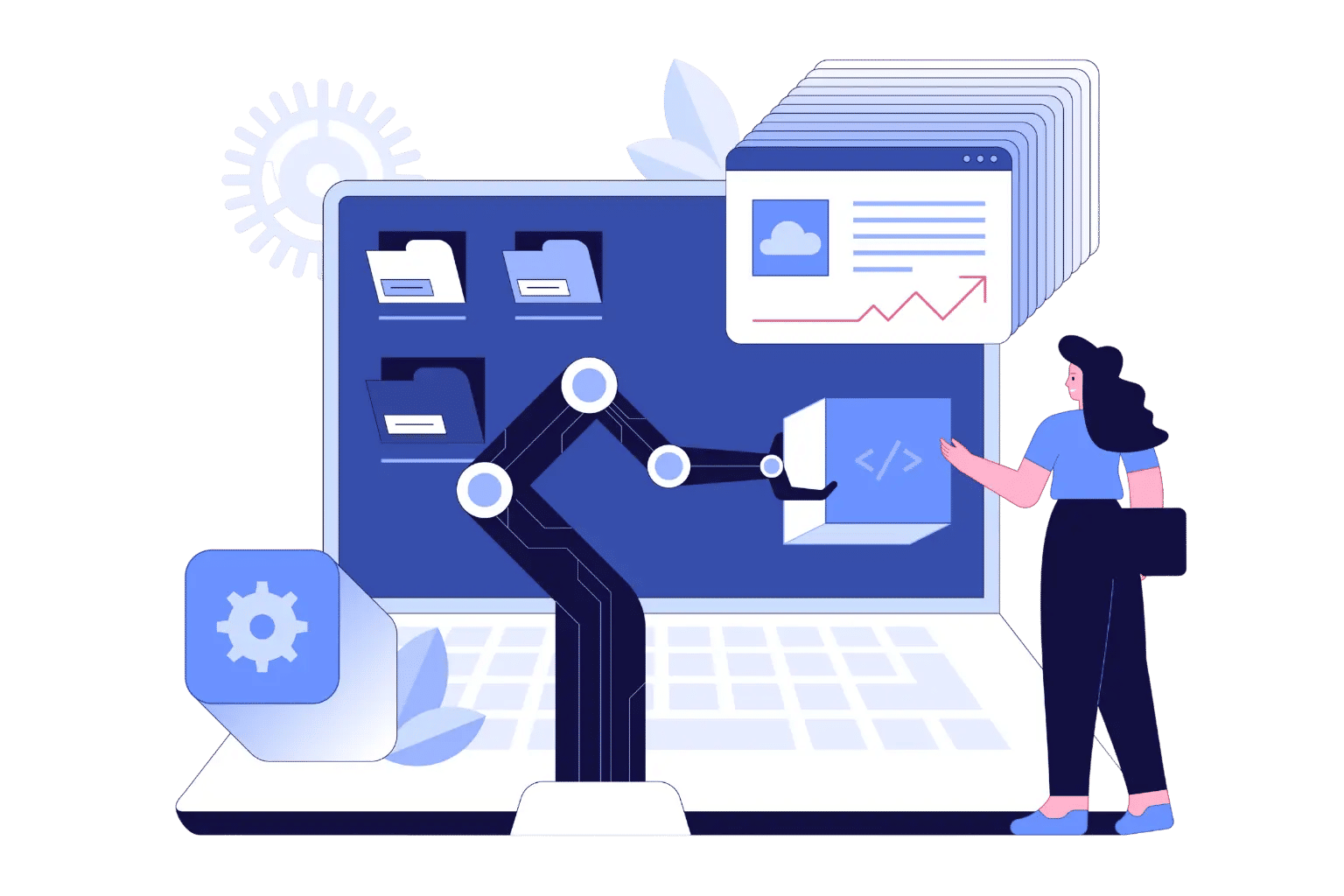
Automation allows managing assignments, deadlines and approvals easily and ensures that onboarding activities are organized and timely.
Where Every Onboarding Task Finds Its Path
Employee Onboarding 365 ensures that tasks, forms, and training are organized, visible, and easy to track from start to finish—helping HR, managers, and new employees stay on track, with nothing missed.

Smart Workflow
Automates role-based onboarding processes of all new employees.

Task Automation
Automatically gives out tasks and reminders to the appropriate individuals.

Progress Tracking
Monitor onboarding progress in real time.
Role Assignment
Assign tasks to the right individual to get onboard faster.

Smarter Onboarding with Employee Onboarding 365
Employee Onboarding 365 organizes all activities, makes work easier and helps HR, managers and new employees stay on track for a smooth onboarding process.
Preboarding Automation
Prepare the new employees by doing tasks, reading materials, and welcome information prior to Day 1 to ensure a smooth start.
Approval Routing
Automatically submit forms and requests to the appropriate approver, which will speed up and eliminate errors.
Reminder Alerts
Automate the process of sending timely notifications to ensure new employees and managers are on track without the need to make manual follow-ups.
Integrated Task Dashboard
See all onboarding activities, due dates and completions in a single centralized dashboard to view them all.
Where Automation Transforms Onboarding the Most
Employee Onboarding 365 delivers unmatched efficiency in environments that require speed, accuracy, and a smooth new-hire experience. Here are the key areas where employee onboarding software makes the biggest impact.

Automated Onboarding Paths
New employees are taken through tasks, documents and training according to the role and department through predefined workflows.

Task Automation
HR, managers or new hires are automatically assigned tasks, forms and reminders at the appropriate time.

Progress Tracking
Keep track of the progress of every onboarding activity in real-time to see it clearly.

Conditional Approvals
Forms, requests and approvals are automatically routed by role, department or location.

Simplify onboarding, delight employees
Frequently Asked Questions
Onboarding automation helps ensure a seamless, effortless onboarding process by eliminating repetitive tasks and processing forms and approvals.
It does everything from automatically assigning tasks, to reminders and routing approvals so HR can focus on the new hires.
Yes, Employee Onboarding 365 has a onepane, realtime view for all tasks, deadlines and approvals throughout the onboarding process.
Its automated work, training, and approval workflows automatically organize and assign everything so everyone is aligned and on schedule.
Absolutely! Role- or department-specific, or location-specific workflows can be customized to provide relevant and efficient onboarding for all new hires.
It reduces manual steps by automatically assigning onboarding tasks, tracking progress, and sending timely alerts so nothing is missed.
Yes, you can create role-based and department-specific automation and workflow paths for tailored onboarding experiences.
Yes — you get a clear view of all tasks, deadlines, and approvals in real time through centralized dashboards.
Yes, approvals and form submissions are automatically routed to the right approvers based on workflow rules.























