




Feature Hub

Different features,
one unified experience

Everything in Asset Management works together in one system, keeping assets in order from beginning to end and making daily work easier for your team.

helpdesk features

What Asset Management Brings Together

Asset Management keeps all your tools, devices, and software in one organized place, helping your team see what they have, where it is, and what needs attention.

ai helpdesk

Asset Tracking

Keep a clear record of each asset, where it is right now, and who is using it, so nothing goes missing or forgotten.

ticket management

Maintenance & Lifecycle

Follow an asset through repairs, routine checks, and retirement, making sure every step is handled on time.

sla helpdesk

Roles & Permissions

Let each person do only what fits their role, keeping sensitive updates limited to the right people.

helpdesk rules automation

Quick Actions (Assign/Update)

Assign or update items in moments, helping teams keep everything up to date without slowing down their day.

ticket auto assign

Audit Logs & Activity Tracking

See every change made in the system and who made it, giving you a clear record of actions and movement.

custom form and approval workflow

Depreciation

Track how an asset’s value changes over time to support budgeting and audits.

helpdesk reporting and analysis

Software Assets

Keep license details, renewal dates, and usage limits in one place, so nothing is missed when renewals come up.
helpdesk data privacy

Inventory (Fixed Assets)

Maintain an organized list of all fixed assets across departments and locations, making them easy to find and manage.

custom form and approval workflow

Booking Asset

Let teams reserve shared equipment in advance to avoid mix-ups or unavailable items.

helpdesk reporting and analysis

Asset Acknowledgement

Record a simple confirmation when an item is handed over or returned, keeping responsibility clear.

knowledge base

Reports & Analytics

View simple, useful reports that show how assets are being used and what your team may need next.


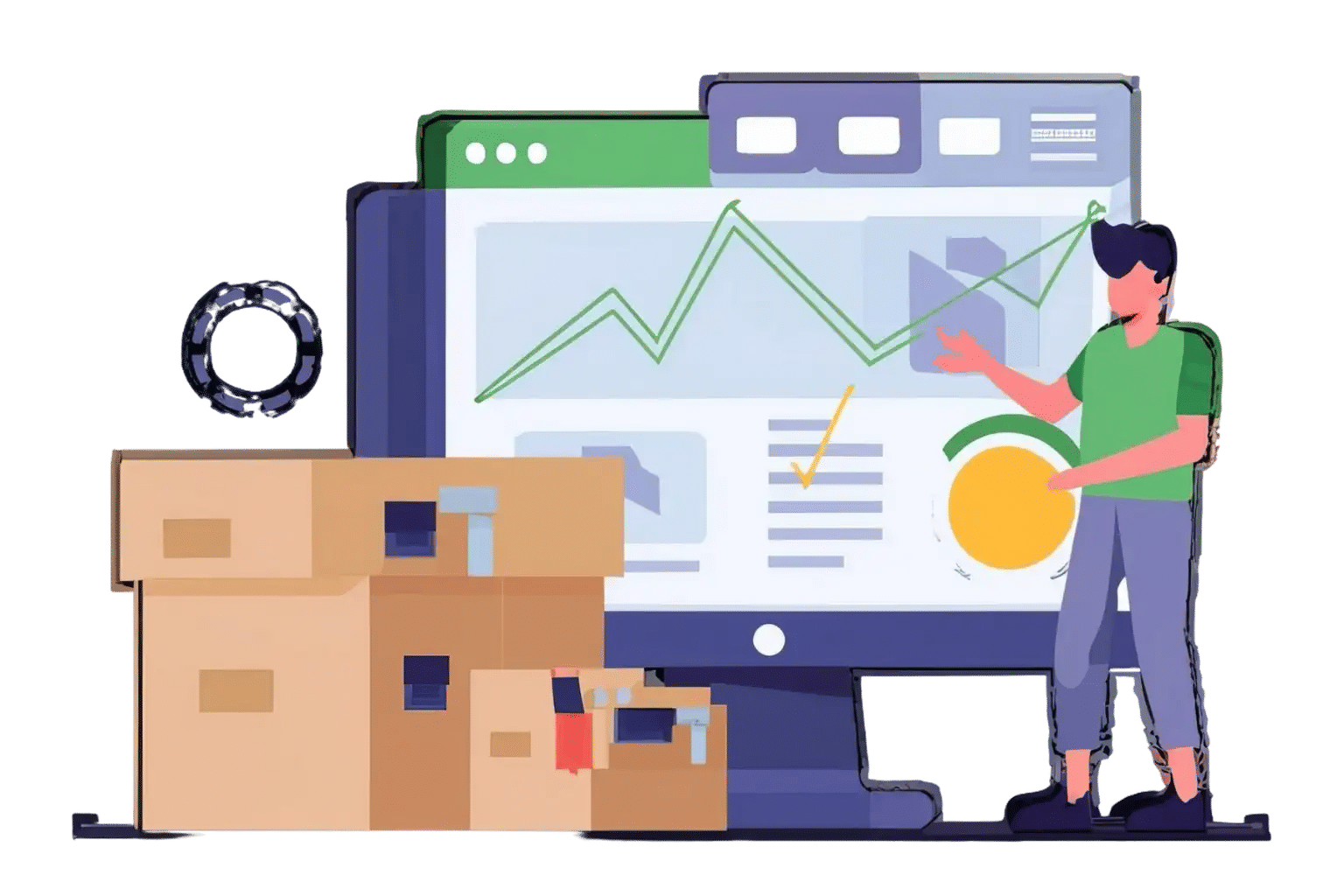
A Connected Workspace for All Your Assets

Track items, follow updates, and keep everything organized with one clear view of your entire asset list. Enquire here to see how it works. 

integrations

Frequently Asked Questions

You can manage devices, tools, software, licenses, fixed assets, and shared equipment in one organized place, along with all their details and history. 

Yes. You can quickly check who has an item, when they received it, and its current location across departments, floors, or rooms.

Yes. You can log repairs, service dates, condition updates, and end-of-life stages, helping you stay on top of items that need attention. 

Yes. You can set different permission levels for teams, view upcoming warranty or license dates, and see a full activity log of who made changes and when.

Yes. You can bulk-import your existing assets and use barcodes to check items in and out quickly, making daily work easier for all teams. 

Schedule a free personalized 1:1 demo

By proceeding, you accept Cubic Logics’s terms and conditions and privacy policy

"Outstanding product that combines ease of use, robust security, and cut Expenses."
Try It Free, No Obligation
By proceeding, you accept Cubic Logics’s terms and conditions and privacy policy
"Exceptional tool that delivers seamless integration, powerful features, and unmatched reliability."

Don't leave yet,
get up to 30% special offer until 31st December 2025,

Enter your business email ID and we will send a personalized coupon code straight to your inbox.

Please provide your contact details, we will connect with you soon!

Please provide your contact details, we will connect with you soon!

Request for the custom price​

By proceeding, you accept Cubic Logics Terms and Conditions and Privacy Policy

Schedule a free personalized 1:1 demo

By proceeding, you accept Cubic Logics’s terms and conditions and privacy policy

"Outstanding product that combines ease of use, robust security, and cut Expenses."

Request of the Free License

By proceeding, you accept Cubic Logics Terms and Conditions and Privacy Policy





















